Share on media



Creating a multilingual WordPress site is often a great idea but, at times, can get complicated if you install heavy plugins, if the site’s speed suffers, the translations are not accurate and/or there are SEO-related problems. Using the right translation plugin is what will help you significantly simplify managing multilingual websites, improving the user experience and reaching a wider audience, all without the technical headaches.
The following post will show a detailed review of 10 best WordPress translation plugins in terms of how user-friendly they are, quality of translations, loading time, price, and multilingual SEO features, which will make it easier for you to pick the right tool regardless of your blog, business website, WooCommerce store, or booking platform.
What Is the Best WordPress Translation Plugin?
A top WordPress translation plugin is not necessarily the same one for all types of users. It all depends on your site size, your budget, if you require WooCommerce support and the amount of control you wish to have over the translation process. Certain plugins can automatically translate on the fly using AI and machine translation tools such as Google Translate or DeepL. Others provide you with a manual, visual editor so that any word is examined prior to going live. A good WordPress translation plugin should be able to do the following:
- Translate individual posts, pages, menus, widgets and custom post types.
- Handle SEO friendly URLs for each language (e.g. /fr/about for French).
- Use appropriate hreflang tags to ensure Google displays the correct language version to the correct users.
- Integrate seamlessly with the theme, page builder, and existing plugins.
- Provide a simple, and easy-to-use interface, so you don’t get lost in settings.
List of 10: Best WordPress Translation Plugins for Multilingual Websites
Let’s take a look at 10 top WordPress translation plugins for making sites in more than one language. The above plugins have been chosen by taking into consideration translation quality, ease of use, SEO features, performance, and pricing.
| Translation Plugin | Ideal Use Case | Pricing |
| Weglot | Multiple team members + cloud-based workflow | $17/month |
| Multilanguage Translation | RTL languages + affordability | $39/year |
| Universally | Automatic translation + no site slowdown | $7.50/month (1 language + 10,000 words) |
| WPML | Manual translation + automation + large online businesses | $45/year |
| Loco Translate | Translating themes + plugins | $5.95/month (5,000 translations) |
| MultilingualPress | WordPress multisite + enterprises | $99/year/site |
| Translate WordPress with GTranslate | Automation + more than 100 supported languages | $9.99/month |
| TranslatePress | Visual front-end editor + beginner-friendly | $115/year |
| SeedProd | Page builder + built-in AI translation | $39.50/year |
| Polylang | Simple blogs + single-page sites | $115/year/site |
10 Best All-in-One WordPress Translation Plugins
Here’s a detailed breakdown of the 10 best WordPress translation plugins mentioned above, in terms of their features, advantages, pricing, and best use cases.
1. Weglot
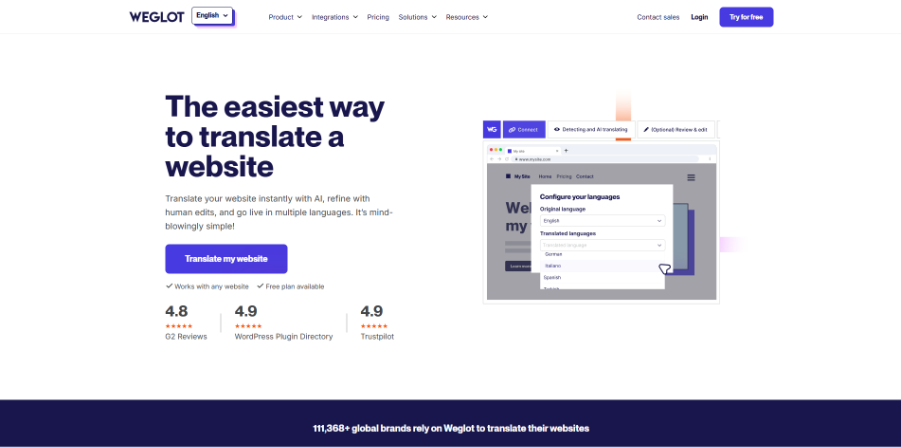
Weglot is a cloud-based WordPress translation plugin designed to help businesses start multilingual websites swiftly and automatically translate content. Optimizes site performance with cloud-based hosting and allows for support of pages, menus, widgets, and third-party plugin text. It also supports multilingual SEO including translated URLs, hreflang support, image alt text, and metadata support, making it a great option for the growing business and WooCommerce stores. Weglot’s paid plans begin at $17/month with 1 language and 10,000 translated words. Weglot has a free trial period of 10 days, and its free version allows for writing 2,000 words and includes some premium features. It has a very popular Pro plan, which is $87 per month and supports 5 languages and 200,000 words.
| Pros | Cons |
| Easy team collaboration | Expensive for large sites |
| Fast automatic translations | External server dependency |
| Beginner-friendly visual editor | Limited free plan |
| Strong multilingual SEO support | Higher plans needed for teams |
| Automatic language redirection | Subscription-based pricing |
2. Multilanguage Translation
Multilanguage Translation is a WordPress translation plugin, which is cost effective and comes with a strong emphasis on right-to-left (RTL) language support. Manual translation of pages, posts, widgets, menus and other website content is possible with the plugin. It has several pre-installed languages, and allows the addition of custom languages when desired. Also, a modern language switcher can be configured with language flag icons for a better user experience. The plugin has a free and premium version, that starts at $39 per year, including all features and one year of support. For a lifetime there is also a plan for $380.
| Pros | Cons |
| Strong RTL support | Limited advanced features |
| Modern language switcher | Basic translation management |
| Pre-installed languages | Fewer integrations |
| Affordable pricing | Limited customization |
| Easy setup process | Less scalable for large sites |
3. Universally
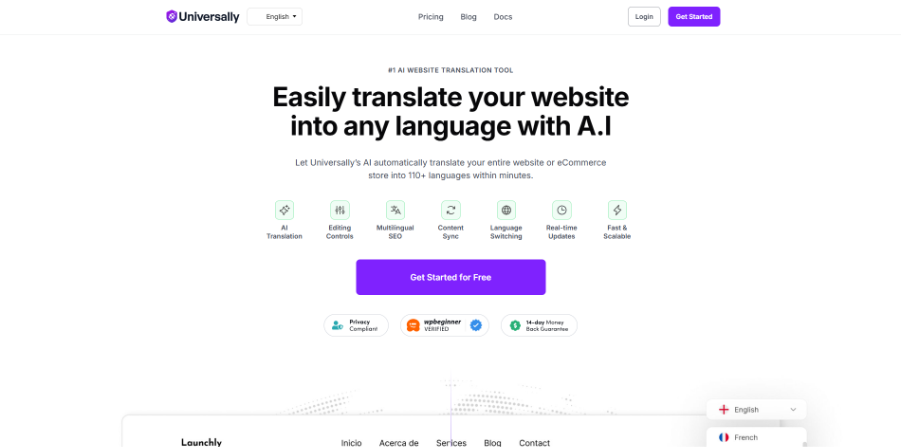
Universally is an AI-driven WordPress translation plugin that can help to set up a multilingual website quickly and automatically without compromising on performance. It supports multi-lingual content and automatically syncs updated product, menu and form content between languages, plus supports multi-lingual pages, image alt text and more.
Multilingual SEO is also supported by the plugin, as it provides translated metadata, hreflang tags, XML sitemaps, and localized internal links. It has an AI Glossary to ensure uniformity of brand and product terms through translations. With automatic RTL support and an easy setup, Universally is a great choice for businesses who are seeking an inexpensive and low-maintenance multilingual solution. Universally is a free plan that allows for support of 1 website, 1 language, and 2,000 translated words per month (no credit card required). Premium plans are priced at $7.50 per month, billed annually, and have 10,000 words of translation per website.
| Pros | Cons |
| Fast automatic translations | Limited free plan |
| Built-in multilingual SEO | Newer platform |
| No site speed impact | Smaller ecosystem |
| Works across multiple platforms | Fewer long-term reviews |
| Affordable AI pricing |
4. WPML
WPML is a strong multilingual plugin for big enterprise websites and WooCommerce stores. It is capable of translation for content, themes, plugins, custom fields and multilingual eCommerce options. The plugin supports Google Translate, DeepL, and third-party translation services, and includes functionalities such as editing in parallel, translation memory, and support for glossaries. WPML is also compatible with page builders and SEO plugins, providing a seamless multilingual website management experience for complex sites. The costs for the Multilingual Blog and Multilingual CMS plans are $45 and $115 per year, respectively.
| Pros | Cons |
| Enterprise-level features | No free version |
| Side-by-side editing | Steeper learning curve |
| Translation memory support | Advanced features need higher plans |
| Strong WooCommerce support | Initial setup can be complex |
| Professional translation integrations |
5. Loco Translate
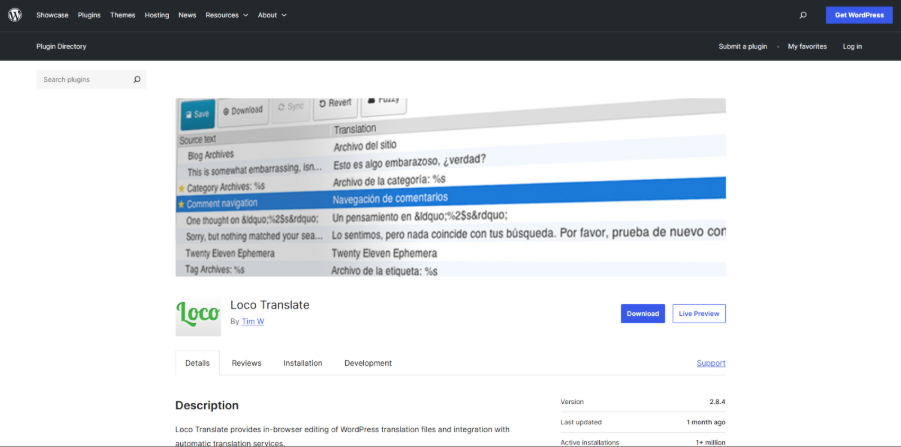
Loco Translate is a WordPress translation plugin that lets you translate your WordPress theme and plugins right from the WordPress admin panel. It provides a user-friendly side by side interface to edit the original text strings and translated strings as well, thereby streamlining the localization process for developers and site owners. The plugin does not require external tools, and is compatible with translation-ready themes and plugins. Its pricing has a free plan, and a paid one starts from $5.95/month for Loco Pro.
| Pros | Cons |
| Great for theme/plugin translation | Not for content translation |
| Simple interface | Limited automation |
| Dashboard-based editing | Requires technical knowledge |
| Translation file management | Fewer multilingual features |
Want to get your website on top of the rankings? Also, read our guide on the Best SEO Plugins for WordPress to optimize your multilingual site for better search visibility.
6. MultilingualPress
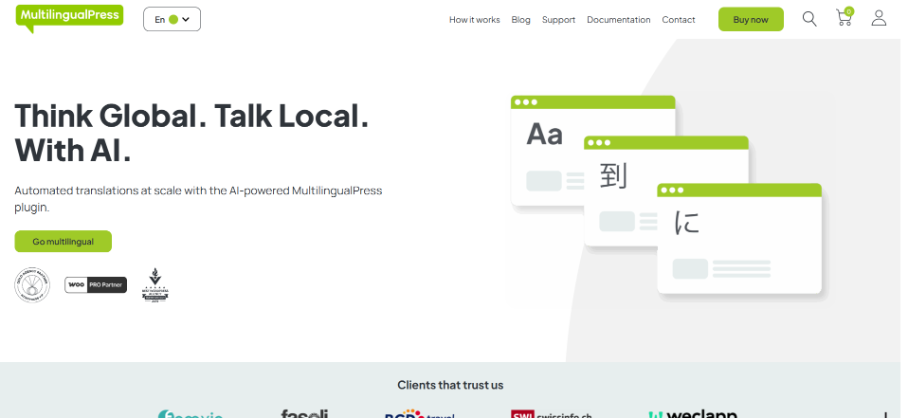
MultilingualPress is a great option for enterprise level projects, being built using WordPress Multisite architecture for creating multilingual websites. It stores multiple languages in separate sites which helps to enhance the performance and content management. The plugin works for posts, pages, custom post types, taxonomies, and flexible language structures (subdomains, directories, and/or custom domains). It also has a centralized dashboard that helps in multilingual management without affecting each language version. Prices begin at $99 yearly for a single multisite license.
| Pros | Cons |
| Better performance with multisite setup | Requires WordPress Multisite |
| Separate domains/subdomains support | Higher technical complexity |
| Clean language separation | Expensive for multiple sites |
| Enterprise-level scalability | Limited base plan features |
| Centralized translation management |
7. Translate WordPress with GTranslate
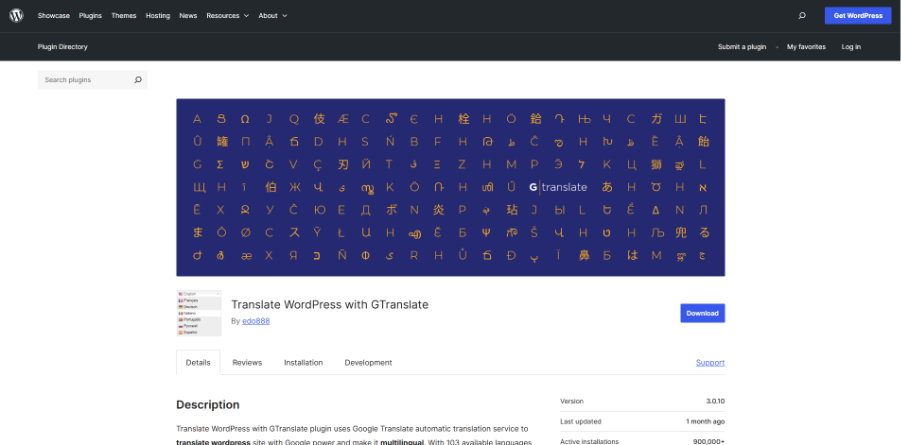
Translate WordPress with GTranslate is an automatic translation plugin with Google Translate that supports over 100 languages. It has little set up and can translate content automatically according to the user’s browsers. The plugin also features a language switcher for intuitive navigation. The premium plans include the ability to have SEO friendly URLs and searchable translated pages, so it is a good choice for websites that wish to have quick multilingual visibility with little work. GTranslate offers a free plan, with paid plans starting at $9.99/month.
| Pros | Cons |
| Supports 100+ languages | Limited translation control |
| Quick automatic setup | SEO features require a paid plan |
| Browser language detection | No manual editing in free plan |
| Easy language switcher | Machine translations may vary |
| Beginner-friendly |
8. TranslatePress
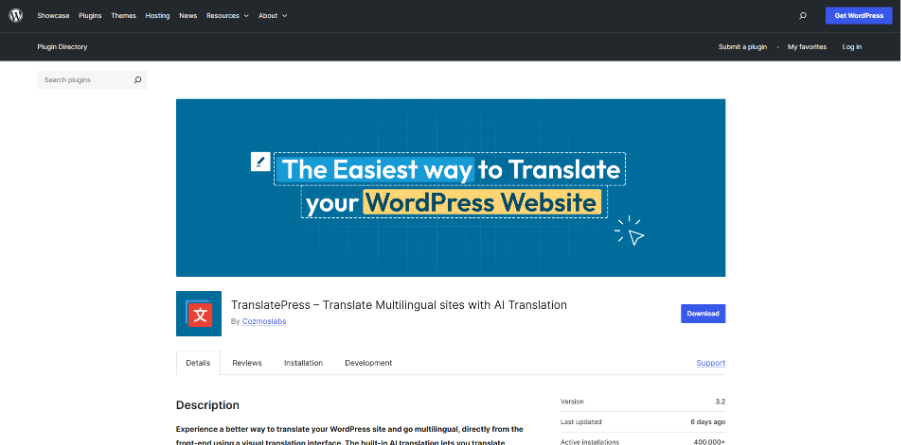
TranslatePress is a WordPress translation plugin which supports both manual and automatic translation and has a graphical front-end editor, making it easy to use for beginners. It has the capability to translate pages, menus, forms, WooCommerce products, and metadata directly from the live website preview. Additionally, the plugin offers SEO-friendly multilingual URLs and integrates with Google Translate for AI-powered translations. The custom translator role makes it easier to collaborate as a team and the visual editor makes it easy to manage multilingual websites without being a coder. The price is from $115 per year for a personal license.
| Pros | Cons |
| Visual live translation editor | Premium features require paid plans |
| Supports manual + AI translation | Can use more server resources |
| Translates forms and WooCommerce | Free version has limited languages |
| SEO-friendly multilingual URLs | Some features need add-ons |
| Custom translator roles |
9. SeedProd
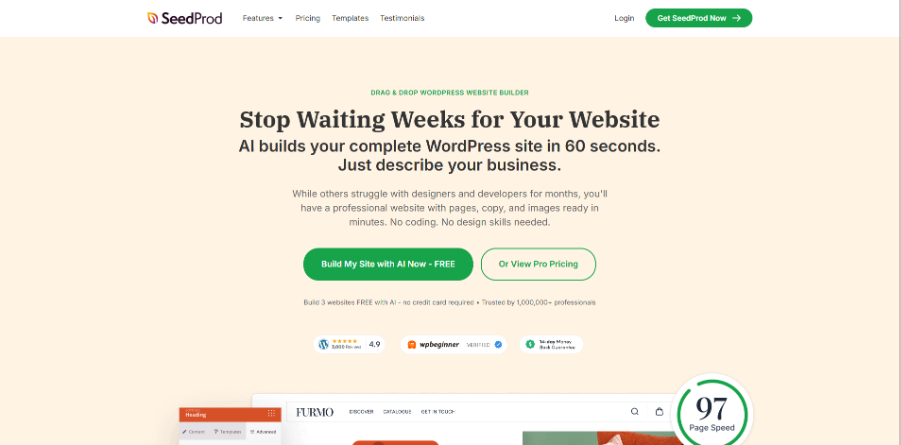
SeedProd is a drag and drop WordPress page builder that has AI translation capabilities for multilingual landing pages and website designs. It has an AI Assistant that can create and translate content into 50+ languages within the editor, with a single click. It is not a full-fledged multilingual management plugin such as Weglot or WPML, but it is a useful content translation plugin for visually translating content on a page level without coding. The AI Assistant addon is available for $39, and the price of the pricing starts from $39.50 per year.
| Pros | Cons |
| One-click AI translations | AI Assistant sold separately |
| Drag-and-drop builder | Only translates page content |
| Built-in AI content generation | Not a full multilingual solution |
| Real-time visual editing | Limited SEO translation features |
| Works with any theme |
10. Polylang
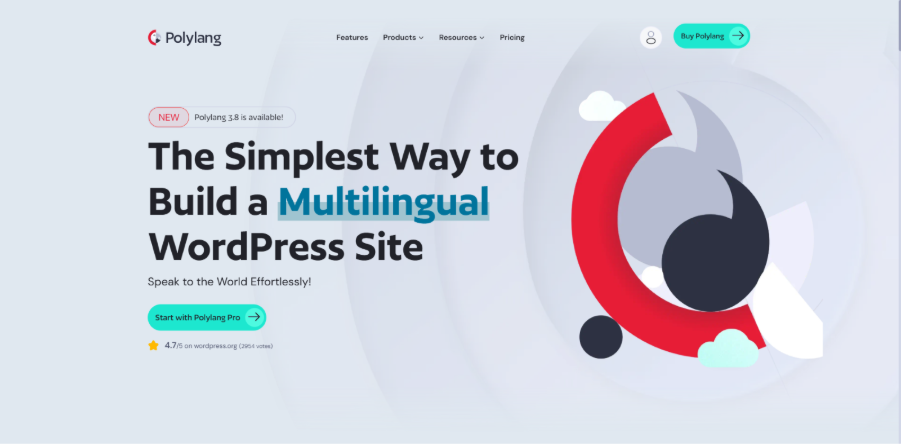
Polylang is a light-weight WordPress translation plugin perfect for easy translation of simple WordPress blogs and small sites. It enables users to translate posts, pages, widgets, custom post types, and menus using its simple interface. It’s compatible with popular SEO plugins and has a language switcher widget for improved usability. Theme and plugin translations are limited, though, and WooCommerce support has to be purchased separately. The main plugin is free, but for multi-site licenses, Polylang Pro costs $115.
| Pros | Cons |
| Beginner-friendly interface | Limited theme/plugin translation |
| Good for blogs and small sites | WooCommerce requires paid addon |
| SEO plugin compatibility | Fewer advanced features |
| Easy language switcher | Limited customization options |
| Useful free version |
Conclusion
Choosing the right WordPress translation plugin can make a huge difference in how effectively your website reaches global audiences. From automatic AI translations to visual editing tools, multilingual SEO features, WooCommerce integration to enterprise-level scalability, there’s a solution that suits various website needs and budgets. Also, there are different plugins for different purposes such as Weglot, WPML, TranslatePress and Polylang that are strong in different aspects of their scope. Choosing a plugin that aligns with your website objectives, technical needs, and translation process can help you craft a more efficient, user-friendly, and SEO-optimized multilingual website without the extra complexity.
If your site is also running tools like a WordPress Booking Plugin or a Drop Down Info Plugin for WordPress, make sure the translation plugin supports dynamic plugin-generated text.