Share on media
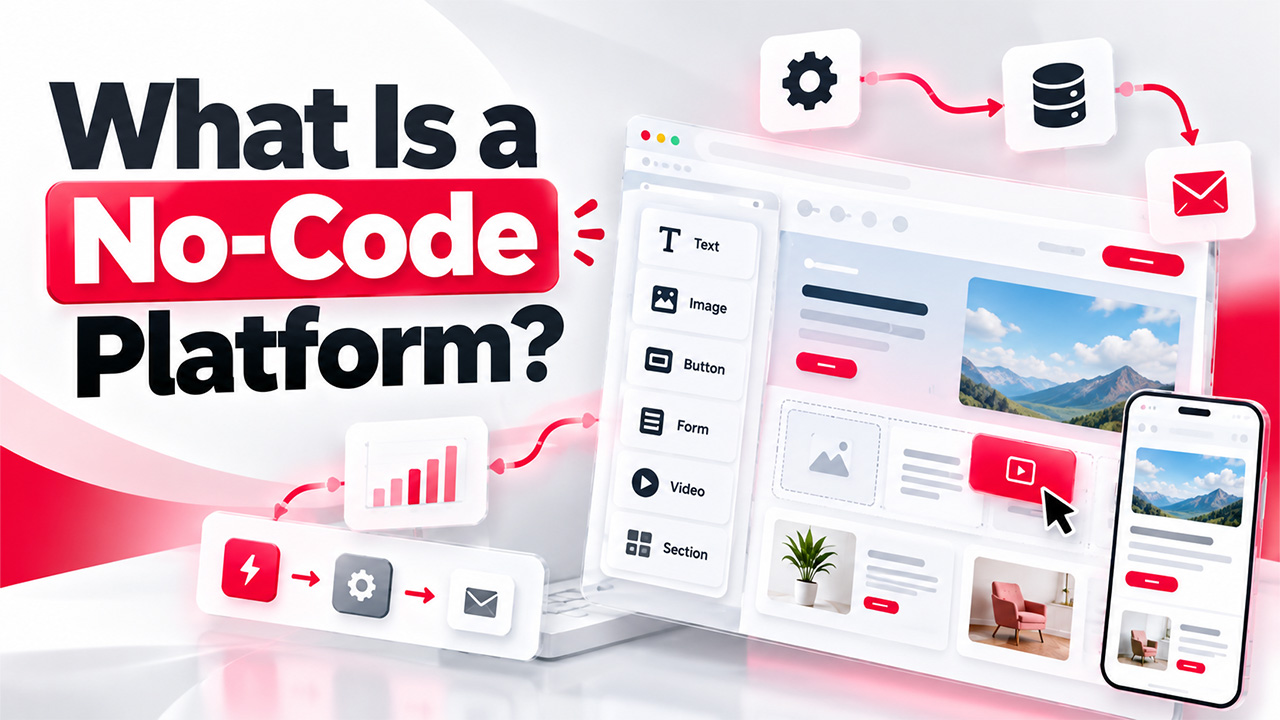


What is a no-code platform, and why are so many businesses adopting it? No-code development platforms and automation tools are here to stay. Digital tools and workflows are essential for businesses to operate more efficiently, gain more control, and get closer to the customer. These require software code, programming talent, software tools, and time. Low or zero coding can be achieved by using no-code platforms and automation tools to develop solutions and automate workflows. Visual design, drag-and-drop tools, embedded system modules, and integrated back-end systems make development solutions simple and effective. As more business users are looking for faster, more affordable, and easier ways to develop digital tools, no-code platforms are becoming more mainstream.
What Is a No-Code Platform?
A no-code platform is software for the development of applications, WordPress websites and automations without having to code by creating functionality and visual editing, drag-and-drop, templates, settings and user interface elements instead of coding the logic manually. No-code platforms enable everyone to build apps, no matter how much programming experience they have.
A no-code platform enables business owners, marketers, project managers, and everyone else who isn’t tech-savvy but needs a solution to be created to make it themselves. No-code platforms can extend to other business applications, third-party tools and services, and data sources. This helps to enable organizations to extend it to workflow integration.
How Does a No-Code Platform Work?
To understand what is a no-code platform in practice, it helps to look at how it works. This no-code approach is used to facilitate and democratize the process of software development by reducing or removing the need for users to write code.
In general, the development process goes through the following stages:
- Visual Development Interface: You drop buttons, forms, menus, images, and other visual elements of the application rather than writing the code.
- Workflow Automation: Rules and actions can be created by the users to define the response of an application to a specific event.
- Data Management: Some sites possess their own internal database or may be connected to a third-party data location for storing and managing application data.
- Employ and View: Users evaluate the ease of use and convenience in the application. They appropriate the configuration errors, complete the application, and publish the entire product utilizing the deployment technology chosen by the platform.
The process does much of the heavy lifting under the hood. This allows your team to develop a concept into a working app more quickly.
What Are the Uses of No-Code Platforms?
Once you know what is a no-code platform, its flexibility becomes clear. With them, your organization can build tools for your various teams and functions all without having to develop them one by one.
- Website and Landing Pages: Websites, campaign landing pages and product pages are created in a visual editor and customizable templates so that marketing teams can update content without developer intervention. A short code can also add a form, button, or image gallery to a page without custom coding.
- Business App Development: Enterprise builds apps internally for stock management, new employee onboarding, project management, and expenses.
- Automate Processes and Workflows: Build rules to perform time-consuming tasks automatically. For example, you can assign a task to someone, update logs, send notifications, and route customer questions to the appropriate team.
- Forms and Data Collection: This sector develops registration forms, questionnaires, feedback forms, and application forms which collect information from users and convert this data into databases or other industry tools.
Use case complexity, data volumes, and an organization’s security and integration requirements will all influence whether a no-code platform makes sense or not.
Advantages of No-Code Development Platforms
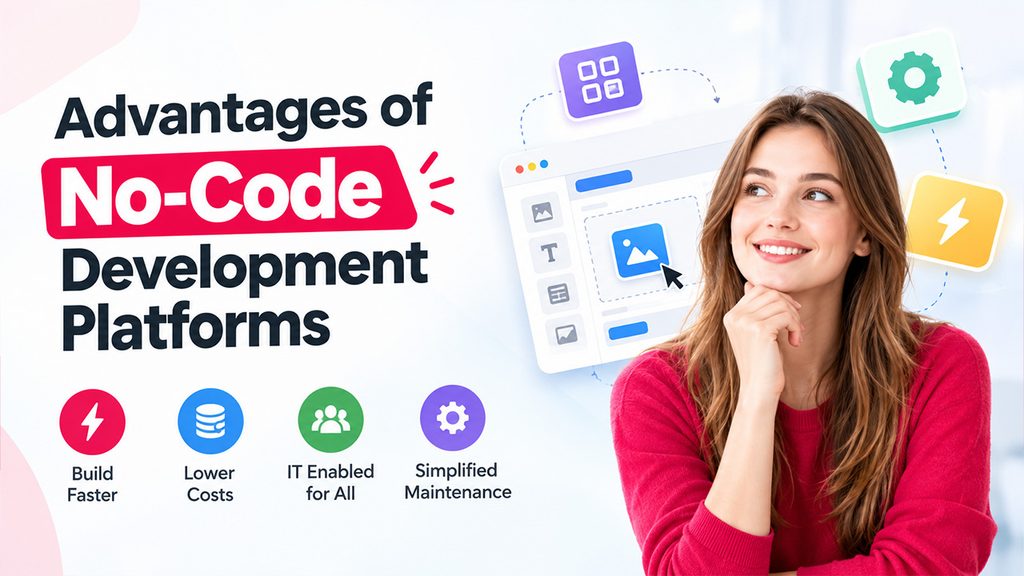
Knowing what is a no-code platform also means knowing its advantages, along with the limitations you should check before using one.
- Quick to Build: Visual tools and components let you put things together more quickly. So, teams can quickly build prototypes, try things out, and get the best results.
- Lower Development Costs: This may be an option for businesses to cut back on their costly development services for even simpler projects. This could be an option that is invaluable for small businesses and startups operating on a budget.
- IT Enabled for All: Non-coders can create apps & workarounds. This is a gift for teams looking for solutions to challenges they face every day.
- Simplified Maintenance: They have managed hosting and updates, and they are intricately woven into a maintenance service. They are offloading some of the technical work in development, but you will still be maintaining the app and setup.
How Do You Choose the Right No-Code Platform?
You now have a clearer picture of your requirements as a business or team, your target use case and the resources you have at hand. You are ready to select a no-code platform. A platform that is ideal for creating a website may not support the development of a complex internal business app.
Keep the following in mind while comparing alternatives:
- Define your Requirements: Identify the issue you’re trying to solve and the requirements of your application. Do you need a website, an internal tool, a customer portal, or an automation?
- Pricing Comparison: Check what are the subscription prices, number of users, amount of storage, charges for integrations and deployment. Find out how your costs will increase as your usage increases.
- Confirm Integrations: Ensure the service you choose can integrate with your current business applications, databases, communication tools, and any other software or service that you may require.
- Assess Security Measures: Review authentication mechanisms, roles for users, backup procedures, data security, and specific compliance requirements that may be applicable.
- Scalability and Customization: Confirm the platform is able to cope with demand and has the flexibility to adapt to future requirements.
Once you understand what is a no-code platform and what you need from it, the right choice is the one that balances ease, features, costs, and reliability. An objective evaluation aids organizations in avoiding overspending on technology and unnecessary new systems.
Conclusion
After knowing what is a no-code platform. Zero-code development tools extend how quickly teams can create, liberate software projects, and increase team efficiency. No-code has limits to their customization, scale, integrations and lock-in risk, and therefore it’s critical to compare platforms on their technical and operational capabilities. Companies need to identify their needs and define the features, security and budget, so they can choose the tool that minimizes new project complexity, supports new pilots, and offers cost-effective business outcomes without too much over-production.
Frequently Asked Questions :
What is a no-code platform used for?
A no-code platform allows users to develop websites, business applications, forms, dashboards, and automate workflows without writing any code.
Are coding skills required for a no-code platform?
No. No-code development platforms typically rely on visual editors, drag-and-drop tools and ready-made components. But more complex projects might need some tech skills.
Are no-code platforms suitable for businesses?
Yes. Companies employ no-code solutions to automate their procedures, build their websites, and create internal tools.
Are no-code platform tools free?
There are free plans or trials on some platforms and paid versions on others. Cost is based on the plan features, number of accounts, integrations and business needs.