Share on media


Podcasting from a WordPress website directly has become one of the most efficient ways to create a highly engaged audience. However, raw audio recordings rarely come in the ready-to-publish format out of the box. This is where Audacity plugins prove to be useful. Irrespective of whether you are recording your first episode or handling a high-volume podcast, the right Audacity tools for podcasters can make a major difference in editing efficiency, sound quality, and listener experience. In this guide, you explore the best Audacity plugins available in 2026, what their task is, and how to select the ones that align with your podcasting objectives.
TL;DR :
- Audacity is an open-source and free DAW utilized by roughly 1 in 4 podcasters for editing as well as production.
- Audacity plugins extend its in-built capabilities with features such as dynamic EQ, multiband compression, and noise gating.
- The 6 best Audacity plugins for WordPress podcasters in 2026 are: MuseFX Noise Gate, OTT Compressor, MEqualizer, TDR Nova, Valhalla Super Massive Reverb, and FFmpeg.
- Most of these plugins are completely free and support both macOS and Windows.
- For clean podcast audio, prioritize a noise gate → compression → EQ workflow.
What Are Audacity Plugins?
Audacity is an open-source and free Digital Audio Workstation (DAW) that has been adopted widely by podcasters for more than two decades. As per the 2024 podcaster survey by The Podcast Host, approximately 1 in every 4 podcasters utilize Audacity particularly for editing and production.
Audacity plugins are add-ons which are options that extend the in-built capabilities of the software. They can be accessed via the Effects Menu available in Plugin Manager. While Audacity ships with numerous default effects, third-party audacity plugins unlock sophisticated audio processing features that are not natively available like dynamic EQ, multiband compression, and precision noise gating.
Plugins are compatible with numerous formats, including LV2, VST, and Nyquist. Audacity has also incorporated MuseHub, a dedicated platform for audio producers that ensures a growing library of tools, effects, and improvements.
Best Audacity Plugins for WordPress Podcasters in 2026
Let us see the best Audacity tools for podcasters to install as well as use this year.
1. OTT Compressor :
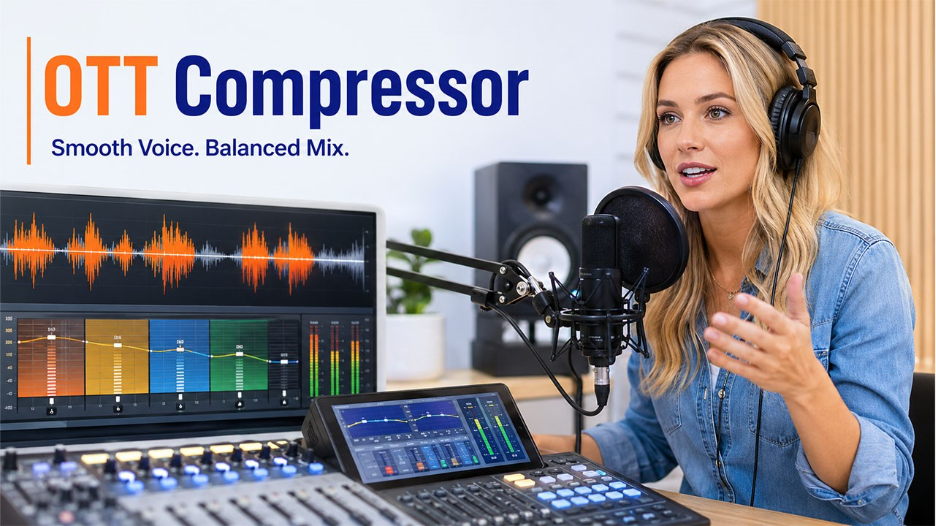
The OTT (Over-the-Top) Compressor refers to a multiband compressor that processes audio in both downward and upward directions. For podcasters, this gives you a more balanced vocal output with lesser manual volume adjustments.
Important features :
- Visual gain display with multiband compression.
- Suitable for macOS and Windows.
- Adjustment that is easy-to-ready.
- Fast processing and lightweight.
This plugin specifically works well when you want your product voice to consistently sit in the mix without sounding over-compressed.
2. MuseFX Noise Gate :
Background noise is one of the most prevalent issues that podcasters face, specifically when recording from home studios. The MuseFX Noise Gate is one of the most effecient audacity plugins for addressing this issue.
Important features :
- Builds a threshold below which the background noise is muted.
- Operates as an amplifier to enhance overall quality of signal.
- Enables clean before-and-after audio clips.
- Accurately captures audio signals.
A noise gate makes sure that only your voice and not the hiss of the idle mic or air conditioner, makes it in the final episode.
3. TDR Nova – Dynamic Equalizer :
For podcasters who require accurate control over audio frequency, TDR Noda is a standout plugin among the best audacity plugins available in 2026.
Important features :
- Dynamic equalization with frequency-specific compression.
- Free and open-source.
- Track separation and manage volume adjustment.
- Personalizable controls with a simple interface.
Contrary to static EQ plugins, TDR Nova easily responds to real-time audio. This implies that it can minimize harshness automatically or muddiness in your voice only when such frequencies become an issue.
4. MEqualizer EQ Plugin :
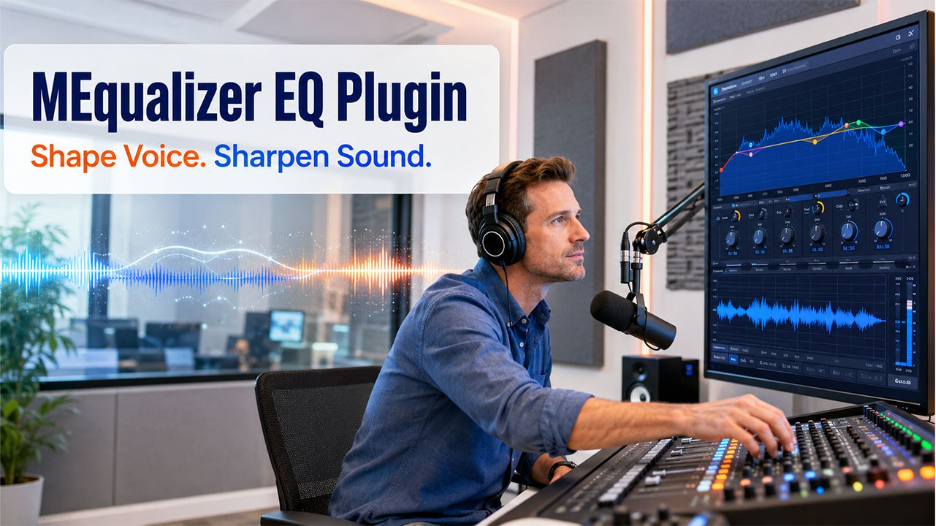
The MEqualizer from MeldaProduction brings professional-level equalization to Audacity. It is rightly suited for podcasters who might have some familiarity with audio production and need to extend what Audacity can natively do.
Important features:
- Sophisticated in-built tools and effects.
- Visual frequency analyzer for accurate adjustments.
- Extends simple audacity performance.
- Effective for understanding spoken-word audio.
This is one of the most feature-packed Audacity tools for podcasters in this list and specifically valuable for the ones creating interview-style and top-quality content.
5. Valhalla Super Massive Reverb :
While reverb is not the most common component for editing podcasts, WordPress podcasters creating audio dramas, narrative storytelling, or ambient-style episodes consider it to be among the best Audacity plugins for creating production.
Important Features:
- Pre-documented interface for simple use.
- Suitable for creative audio design and echo editing.
- Straightforward process of installation.
- User-convenient controls.
You get thorough documentation from the developer, which improves accessibility without in-depth knowledge of audio engineering.
6. FFmpeg – Import/Export Format Extension :
One possible limitation that podcasters generally run into with Audacity is compatibility with format. The FFmpeg plugin fixes this by widening the range of audio file types that the software can import-export as well.
Important Features :
- Provides a broad range of video and audio container formats.
- Allows extraction of audio from video files.
- Does not interfere with the core functionality of Audacity.
- Enable output in numerous audio formats.
This is a vital audacity plugin for podcasters who get recordings in distinct formats from co-hosts or remote guests.
How to Install Audacity Plugins?
Installing audacity plugins follows a consistent process irrespective of which plugin you are choosing :
- Proceed to download the plugin file to your computer.
- Open Audacity and go to Tools > Nyquist Plugin Installer (for Nyquist plugins) or move the plugin file in the Audacity plugins folder for VST/LV2 formats.
- Select “Browse,” choose the “downloaded file,” and select “Open.”
- Select the button “Apply” to confirm that the installation is complete.
- Restart Audacity to make the plugin activated.
Once installation is done, plugins show up under Effects in the main menu. Choose the plugin name and apply it to your chosen audio track as required.
Common Mistakes to Avoid When Using Audacity Plugins
Installing several plugins can improve your editing workflow, but using too many at once often creates the opposite effect. Applying multiple noise reduction or compression effects to the same audio can make voices sound unnatural and reduce overall clarity. A better approach is to process recordings step by step and preview every change before exporting the final version.
It’s also important to download plugins only from trusted sources. Outdated or modified plugin files may cause compatibility issues or introduce security risks. Before installing any third-party extension, understand the importance of a Nonce in Security strategy when managing WordPress resources and plugin downloads. Following basic security practices helps protect both your website and your production workflow.
Another common mistake is ignoring version compatibility. Always check whether a plugin supports your current version of Audacity before installing it to avoid crashes or missing features.
Audacity Plugin Tips for WordPress Podcasters
Getting the best out of Audacity tools for podcasters also needs a few workflow considerations:
- Check the compatibility version before completing the download of any plugin. Not all plugins prove to be compatible with each Audacity version.
- Utilize noise reduction first and then apply “compression”. The effects order is important in audio production.
- Ensure that your WordPress website remains secure while handling your podcast workflow. Consistent backups are vital. Refer to our blog on best WordPress backup plugins to secure your website data along with your audio content.
- If you publish in different languages, combining your podcast content strategy with WordPress translation plugins can enable you to reach a wider global audience.
How to Build an Efficient Podcast Editing Workflow with Audacity
The best podcast editors don’t rely on plugins alone—they build a repeatable workflow that saves time while maintaining consistent audio quality. Start by recording in a quiet environment, remove background noise, normalize audio levels, and then apply EQ and compression only where needed. Finally, export your episodes using the bitrate that matches your publishing platform.
If you’re managing a podcast website alongside your audio production, keeping your online tools organized is equally important. Whether you’re publishing episodes, updating show notes, or maintaining your website, having quick access to platforms through your Weebly Login or other website management tools can simplify your publishing process and reduce unnecessary delays.
A structured editing workflow ensures every episode sounds professional while allowing you to spend more time creating content instead of fixing avoidable audio problems.
Conclusion
The right audacity plugins can greatly upgrade the podcast quality without increasing complexity to your process of editing. From the multiband control of OTT Compressor to the accuracy EQ of MEqualizer and TDR Nova, the best Audacity plugins in 2026 cover every core requirement a WordPress podcaster has compression, noise reduction, equalization, and format flexibility. Begin with one or two plugins as per the instant audio challenges and create your toolkit as your production requirements grow. Clean audio is one of the most significant factors in listener retention, and the best Audacity tools for podcasters make it far simpler to achieve.
Frequently Asked Questions :
Q1. Are Audacity plugins free?
Most of the audacity plugins are available at no additional cost, including all six plugins mentioned in this guide. However, a few sophisticated third-party plugins from professional developers may have premium tiers with additional characteristics.
Q2. Can Audacity utilize third-party plugins?
Yes. Audacity provides support to third-party plugins in LV2, VST, and Nyquist formats. They can be manually installed through the Nyquist Plugin Installer or Plugin Manager within the software.
Q3. What is the best Audacity plugin for noise removal?
The MuseFX Noise Gate is one of the most efficient audacity plugins for removing background noise during recordings of podcasts. Audacity also involves an in-built Noise Reduction tool that works effectively with consistent background hiss.
Q4. Are Audacity plugins effective on both Mac and Windows?
Most Audacity tools for podcasters provide support to both macOS and Windows. However, it is advisable always to check the system requirements of the plugin before downloading, specifically for VST plugins.
Q5. How many plugins should I use at once in Audacity?
There is no set limit. However, utilizing way too many effects at the same time can slow down processing. For creating podcast, EQ, a noise gate, and compressor are generally sufficient to create professional-quality audio.