Share on media


The article explores the top 11 internal links plugins for WordPress. It also explains the meaning and benefits of internal linking plugins, and how to choose an ideal plugin for your business.
In managing a website in WordPress, internal linking remains one of the most powerful and underutilized SEO strategies. Many websites mainly focus on backlinks and keyword optimization, while internal links play a crucial role in helping search engines understand the structure of the site, distribute link equity, and enhance user navigation.
With the growth of a website, managing internal links has become increasingly difficult. This is where the internal linking plugins for WordPress come into play. The plugins automate link suggestions, along with identifying orphan pages, and help create a stronger content architecture, which helps boost ranking and user engagement.
What are Internal Linking Plugins?
On a website, internal linking plays a crucial role in SEO, as it helps search engines discover and understand the content, while guiding visitors towards related pages. A strong internal linking strategy also helps in significantly improving crawlability, distributing page authority across your website, and increasing user engagement.
Internal linking plugins are a type of specialized WordPress tool that is designed to help website owners efficiently create, manage, and optimize links between pages and posts within the same website. The plugin helps eliminate manual effort by adding links to related content. These plugins can also identify linking opportunities, suggest relevant pages, automate internal link placement, and monitor the linking structure of the website.
Key Features:
The internal linking plugins for WordPress offer various key features, such as:
- Automatic internal link creation based on keywords.
- AI-powered recommendations.
- Orphan page detection.
- Anchor text management.
- Link performance tracking.
- Related content suggestion.
Benefits of Internal Linking Plugins
The internal linking plugins for WordPress offer a wide range of SEO and user experience benefits. The plugin simplifies the entire process of connecting related content across the website.
Some of the key benefits of internal linking plugins for WordPress are as follows:
- Improves Search Engine Crawling and Indexing: The plugin helps ensure that important pages are connected throughout the website. It also makes it easier for search engines to locate and index the content.
Internal linking works even better when paired with performance optimization tools. Many website owners also use WordPress CDN plugins to improve page loading speed and ensure search engines can crawl content efficiently.
- Distribute Link Authority: The plugin helps create strategic connections between content, ensuring link equity is distributed more effectively throughout the site.
- Identifies Orphan Pages: The internal linking plugin for WordPress helps in quickly identifying orphan content and recommends linking opportunities.
- Strengthens Topical Authority: The plugin helps build a content cluster as it connects related pages around a specific topic. This signals expertise and relevance to search engines, improving the ranking of the website.
For example, a website publishing content around customer feedback or a WordPress survey plugin can use internal linking to connect related guides, tutorials, and plugin reviews, helping search engines better understand topical relevance.
Top 11 Internal Linking Plugins for WordPress
Choosing the right internal linking plugin offers significant benefits in improving the SEO performance and content management workflow of the website. The ideal plugin helps discover linking opportunities, identify orphan pages, and improves the overall structure of the website.
The top 11 internal linking plugins for WordPress are listed below:
1. Link Whisper
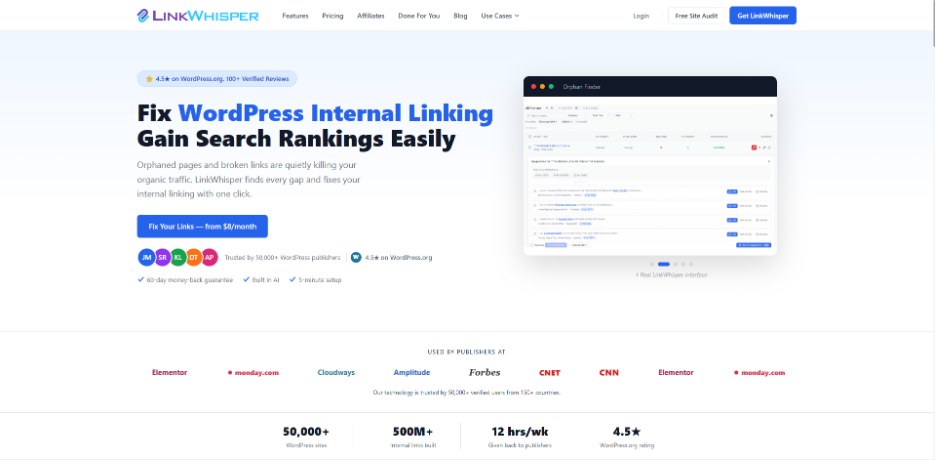
Link Whisper is among the most powerful internal linking plugins for WordPress, which features AI-powered capabilities designed specifically to automate and optimize internal linking.
Key Features
- AI-based internal linking
- Automatic internal link insertion
- Orphan page detection
Limitations
- Limited free access
- Focused only on internal linking
2. All in One SEO
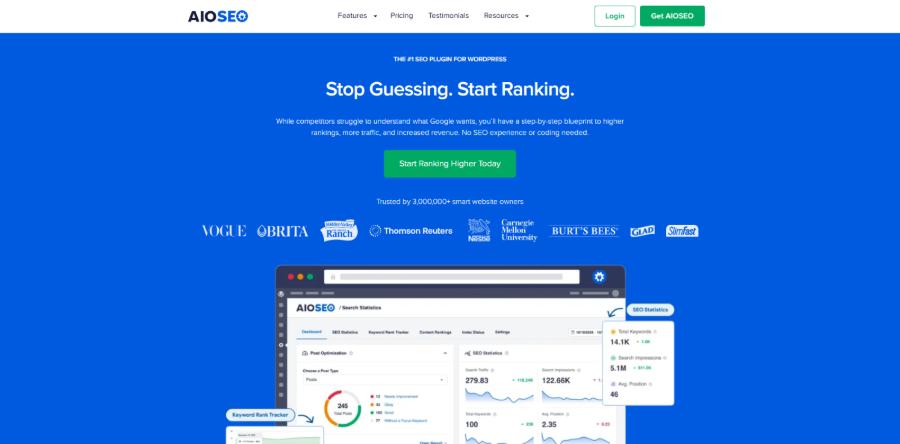
All in One SEO (AIOSEO) is a complete SEO plugin for WordPress that features advanced internal linking tools in its SEO toolkit.
Key Features
- Link assistant for internal linking
- On-page SEO controls
- Orphan page detection
Limitations
- Paid plans for advanced internal linking features
- Heavy for small website
Website owners looking to strengthen their overall SEO strategy may also combine internal linking tools with structured data solutions such as the SchemaWriter WordPress Plugin, which helps improve content visibility and search engine understanding.
3. MonsterInsights
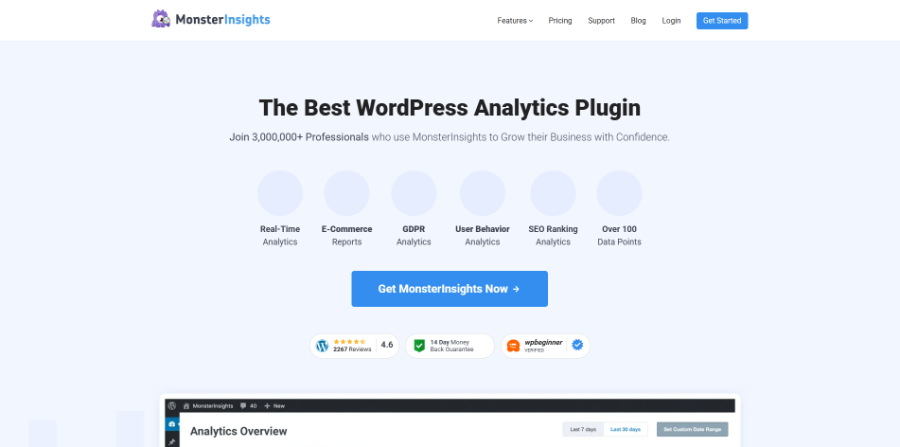
The platform is a Google Analytics integration plugin that offers deep insights into website traffic and user behavior.
Key Features
- Traffic and engagement tracking
- Top-performing content reports
- Conversion tracking
Limitations
- No automation for internal linking
- Does not provide internal linking suggestions
4. WP Tasty Roundups
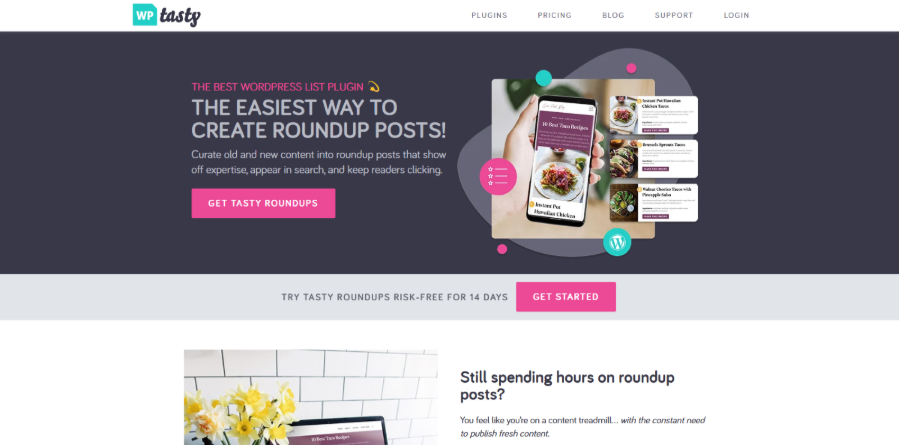
WP Tasty Roundups is a content creation plugin that is mainly used for building curated roundup posts.
Key Features
- Easy creation of roundup-style posts
- Content and product aggregation
- Improves internal content exposure
Limitations
- Not a dedicated internal linking plugin
- Limited SEO-specific features
5. Yoast SEO
It is among the most popular SEO plugins, which includes basic internal linking suggestions in its premium version.
Key Features
- On-page SEO analysis
- Readability and keyword optimization
- Cornerstone content feature
Limitations
- Minimal automation
- Requires premium version for advanced features
6. Internal Link Juicer
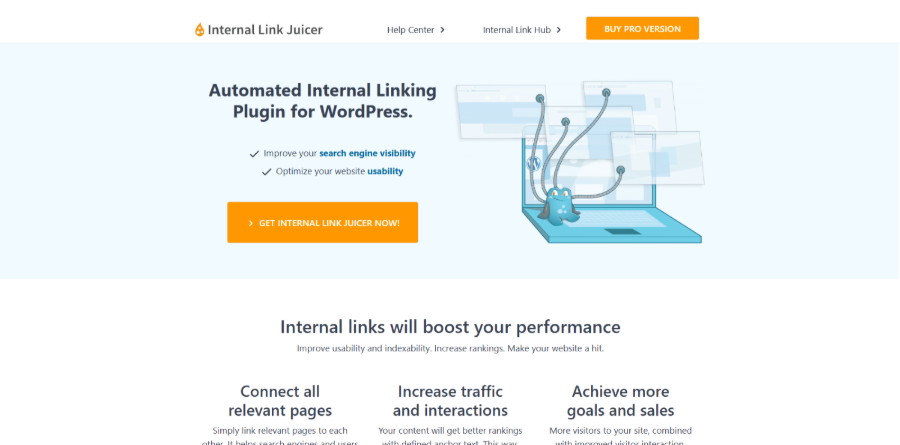
Internal Link juicer is a rule-based plugin that automatically creates internal links using predefined keywords.
Key Features
- Automation keyword-based internal linking
- Link frequency setting
- Category and post filtering
Limitations
- No AI-based contextual understanding
- Limited analytics features
7. YARPP
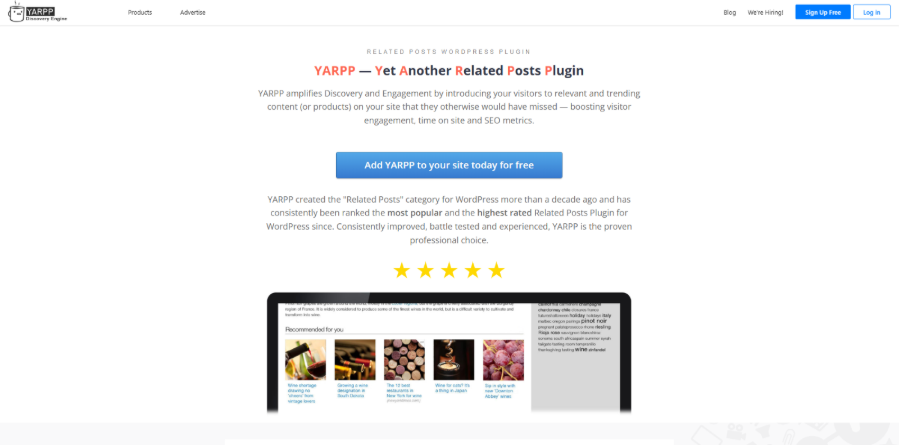
YARPP (Yet Another Related Posts Plugin) is a related content plugin that helps improve internal linking through post recommendations.
Key Features
- Display related posts automatically
- Custom display templates
- Boost page views
Limitations
- Does not create in-content internal links
- Limited SEO control over link placement
8. Rank Math
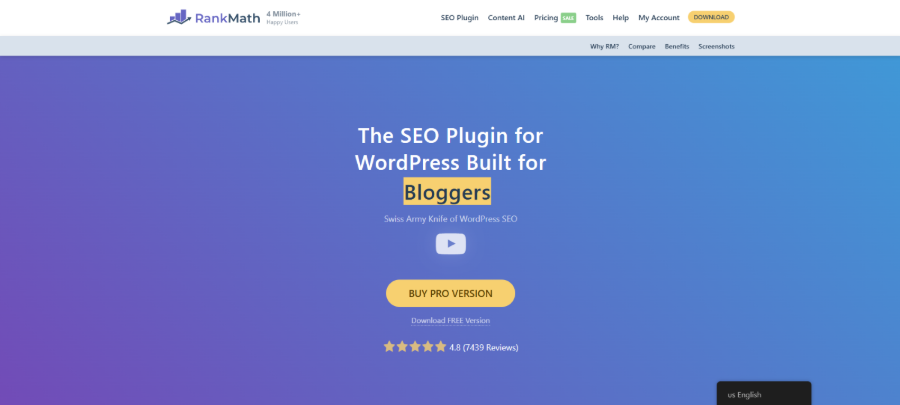
Rank Math is a complete SEO plugin that includes smart internal linking suggestions as its core optimization system.
Key Features
- AI-based internal linking suggestion
- SEO content scoring
- Advanced SEO analytics
Limitations
- Complex interface for beginners
- Not primarily focused on internal linking
9. Interlinks Manager
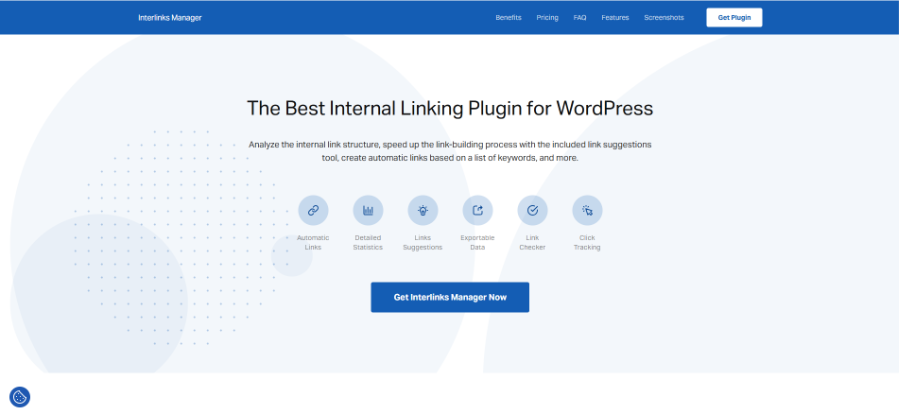
Interlinks Manager is an advanced internal linking plugin for WordPress, which primarily focuses on tracking and analyzing the performance of links.
Key Features
- Internal link tracking and analytics
- SEO reporting tools
- Click monitoring
Limitations
- No AI-based suggestions
- Requires SEO knowledge
10. SEO Audit Links and Related Posts
It is a lightweight internal linking plugin for WordPress that automatically builds internal links based on keywords.
Key Features
- Automatic keyword-to-link matching
- Bulk linking options
- Simple configuration
Limitations
- Limited reporting and analytics
- No contextual AI understanding
11. SmartCrawl
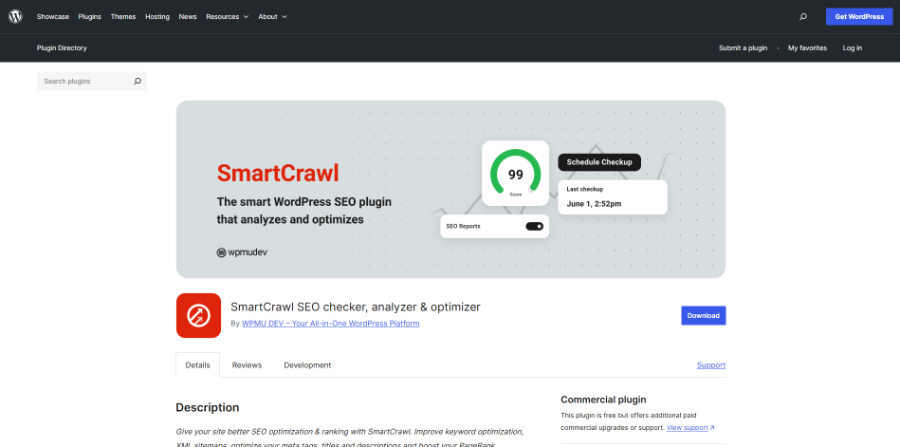
SmartCrawl is an SEO plugin that offers general optimization tools, including internal linking suggestions.
Key Features
- SEO audits and optimization tools
- On-page SEO controls
- Sitemap generation
- Internal linking recommendations
Limitations
- Limited linking features
- limited automation
Quick Comparison of Top 11 Internal Linking Plugins
The quick comparison table compares the purpose, linking suggestions, and ideal user base of the top 11 internal linking plugins for WordPress.
| Internal Linking Plugins | Primary Purpose | Internal Link Suggestions | Ideal For |
| Link Whisper | Internal link optimization and automation | AI-powered suggestions | Bloggers, SEO professionals, Agencies |
| All in One SEO | Complete SEO management and optimization | Yes | Businesses, Marketers, Website Owners |
| MonsterInsights | Website analytics and user behavior | No | Website Owners focused on traffic analysis |
| WP Tasty Roubdups | Creating product roundups and affiliated content | No | Affiliate marketers, Review websites |
| Yoast SEO | On-page SEO optimization | Yes (Premium Only) | Content creators, Bloggers, Small businesses |
| Internal Link Juicer | Automated internal linking | Rule-based suggestion | Content-heavy websites, Publishers |
| YARPP | Related content recommendations | No | Bloggers, Publishers |
| Rank Math | Comprehensive SEO optimization suite | Yes | Bloggers, Businesses, Agencies |
| Interlinks Manager | Internal link monitoring and analysis | No | Enterprise website, Consultants |
| SEO Auto Linker | Automatic keyword-based internal linking | Keyword-based suggestion | Bloggers, Small businesses |
| SmartCrawl | SEO optimization and website health management | Yes | WordPress users |
Which Internal Linking Plugins Suit Your Business?
Choosing the right internal linking plugin for WordPress mainly depends on various factors, like website size, content strategy, technical skill level, and SEO goals. Some plugins focus on automation, while others offer advanced analytics and reporting. Understanding which categories fit the website can help avoid unnecessary complexity.
For Blogger and Content Creators
The main aim of bloggers and content creators is to improve visibility while keeping readers engaged.
Best Plugin:
- Link Whisper
- Rank Math
- Yoast SEO
These tools help users quickly add internal links while writing and suggest relevant content automatically.
For Large Content Websites and Publishers
Websites with multiple pages require strong automation and structured management.
Best Plugin:
- Link Whisper
- Internal Link Juicer
- Interlinks Manager
These plugins focus on automation and scalability. They also help in managing a large internal linking structure.
For SEO Agencies and Professionals
For users managing multiple client websites, they require advanced reporting, control, and performance tracking.
Best Plugin:
- Link Whisper
- Interlinks Manager
- Rank Math
These tools offer deep insights into link structure, anchor text distribution, and SEO performance.
For Small Business Websites
Small business websites generally require simple and reliable SEO tools without complexity.
Best Plugin:
- AIOSEO
- Rank Math
- SmartCrawl
These plugins offer internal linking suggestions, making it easier for beginners.
Before installing any SEO plugin, website owners should verify compatibility with their existing setup. If a plugin is not working, troubleshooting conflicts early can prevent indexing issues and disruptions to site performance.
Conclusion
For websites, internal linking is no longer just a task that could be handled manually. It is a crucial aspect of SEO performance and search engine rankings. With increasing emphasis on site structure, content relationships, and user experiences by search engines, investing in a quality internal linking plugin for WordPress becomes more essential.
Alongside internal linking optimization, website owners should also invest in the best WordPress backup plugin to protect valuable content, SEO settings, and site data from unexpected issues or accidental loss.
From a personal blog or enterprise publication, selecting the right internal linking plugin can help users significantly improve crawling, along with increasing engagement and strengthening overall search visibility.