Share on media
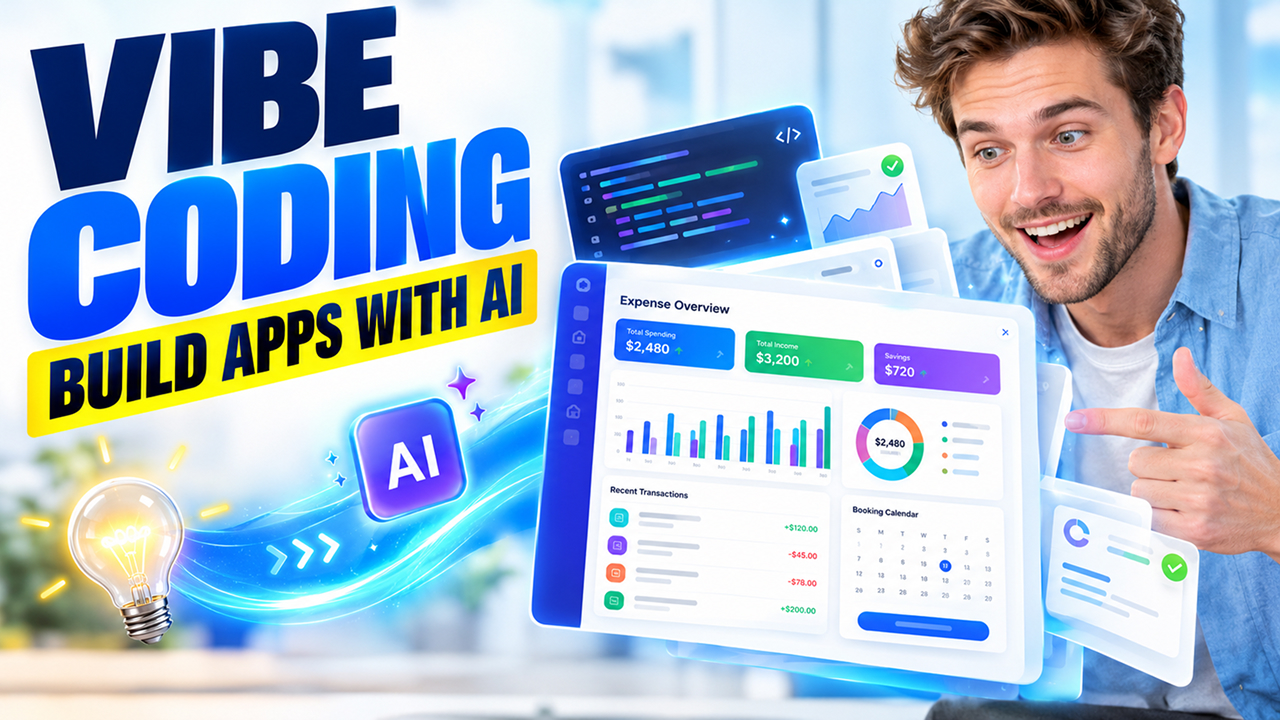


You must have used a GPS at least once in your life or more. You tell it where you want to go, and it shows you the route to get there. You don’t study the map yourself because you trust GPS with directions, but not enough to leave everything to it. Sometimes, you still watch the road because the GPS points you down a street that’s closed.
With the help of AI, building any app is just a piece of cake. All you have to do is describe what kind of app you want in simple, jargon-free language, and AI generates the working code in minutes. That’s the core idea behind vibe coding. So, now it raises a question: what is vibe coding and is it reliable? No worries. This guide walks you through what it is, how it works, which tools people use, and its advantages and disadvantages to give you the whole picture.
What Is Vibe Coding?
Vibe coding refers to a method of building software using AI. You tell AI what you want instead of writing the code yourself. For instance, you might type, “make a simple page where I can track my monthly spending.” Then, AI writes the code for you. Run that code to check whether you get what you asked for. If it’s not working the way you wanted it to be, make changes and give clear instructions in plain words.
You can see how far this approach can go in an AI-Generated Premium Website, where AI helped create a high-end site that looks like it took a big budget.
Now, you must wonder how it is any different from ordinary AI-assisted coding. AI-assisted coding is used by professional developers to finish a line of code or ask for a fix, but they still read and check the code. However, in vibe coding, most people never even bother to read the code at all. They just run it to check whether the app works.
How Does Vibe Coding Work? A Step-by-Step Guide
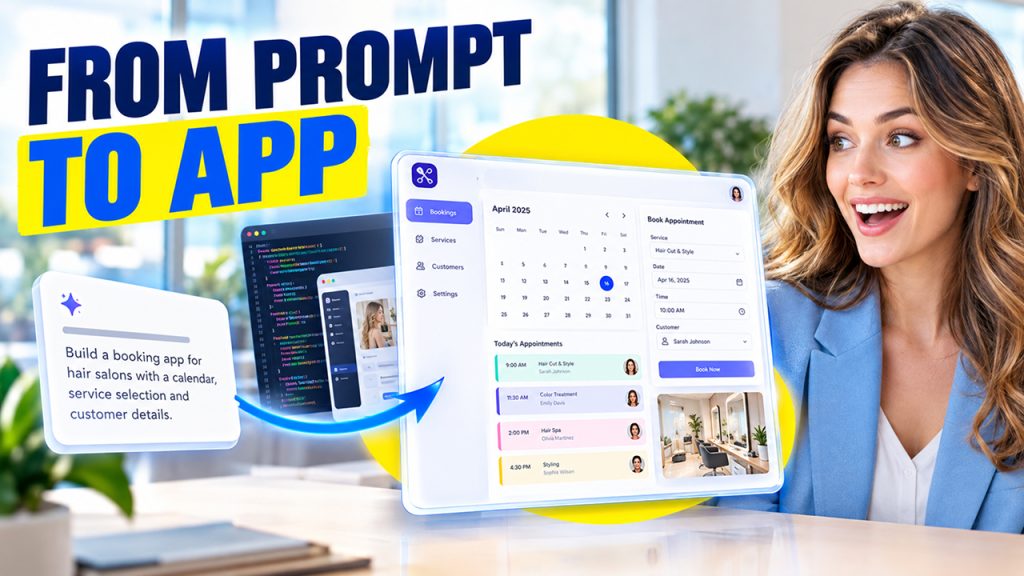
The process of vibe coding feels more like a conversation than a technical task. Here’s the simple way to do it:
- Describe Your App Idea: Explain what you want clearly in everyday language. For example, type “I want a booking page for my salon with a calendar and a contact form.” Do not use complex or jargon words.
- Let AI Generate the Code: The AI tool uses AI-powered coding to turn your words into a first version of the app you described.
- Run and Test the AI-Generated App: Next, run the code to check what is working in the app and what isn’t.
- Give AI Feedback and Request Changes: If you’re not satisfied with the way the app works, you can ask the AI tool to make changes. Use simple, plain English to describe what needs to be changed. For instance, say things like, “Make the buttons bigger,” or “The form doesn’t save names.”
- Refine the App Until It Meets Your Needs: Check the app continuously and ask AI to make changes until you’re satisfied with the results. Each round gets you closer to what you pictured.
6 Popular Vibe Coding Tools to Try in 2026
There are several tools that now support this style of building software. You can run some in your browser while others work inside a code editor. Here are a few well-known ones.
| Tool | What it does | Best for |
| Cursor | An AI-powered code editor that writes and edits code from your prompts | People who want more control over the code |
| Replit | A browser-based workspace where AI builds and runs apps for you | Beginners and quick prototypes |
| Lovable | Turns plain descriptions into complete web apps | Non-coders building simple products |
| Bolt | Generates and previews full web apps in the browser | Fast experiments and landing pages |
| GitHub Copilot | Suggests and writes code inside popular editors | Developers who want AI help while coding |
| Claude Code | An AI assistant that works on code from the command line | Developers handling bigger projects |
Advantages and Disadvantages of Vibe Coding
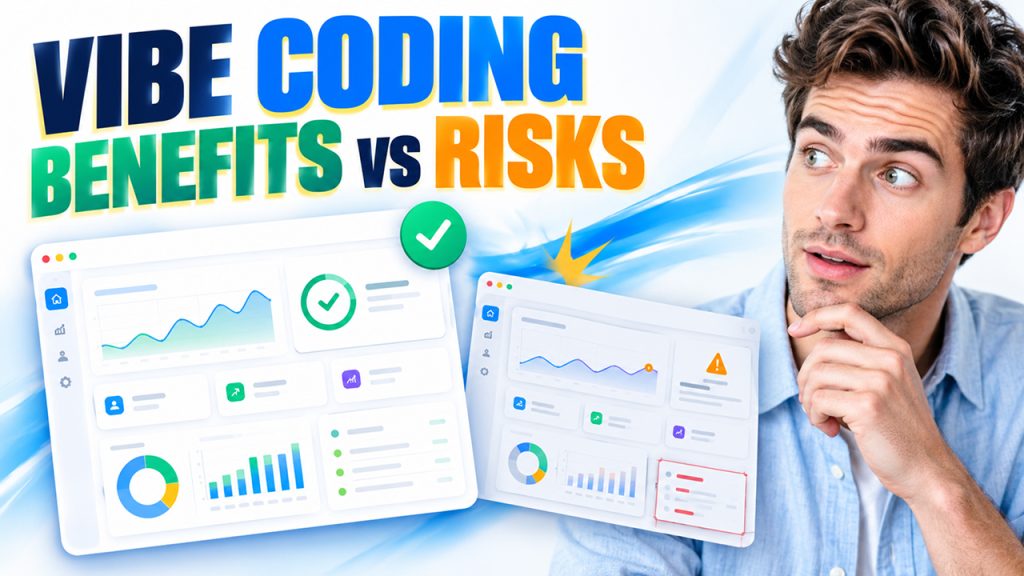
Like any other thing, vibe coding has its own advantages and disadvantages. Let’s see the ways vibe coding helps you and costs you.
Key Benefits of Vibe Coding
- It’s fast. Ideas that once took days can turn into a working draft in an afternoon.
- It’s easy to start. You don’t need to learn a programming language first.
- It works great for testing ideas. You can build a rough version, show it to people, and learn before spending real money.
- It frees up experienced developers, so that they can hand off routine tasks and focus on harder problems that need human judgment.
Limitations and Risks of Vibe Coding
- The code can be messy. It may work today and be hard to fix or grow later.
- You may not understand what you built. When something breaks, it’s tough to repair what you can’t read.
- The AI can sound confident even when it’s wrong. It can produce code that looks right but behaves badly.
- It can hide skill gaps. Beginners may build something that works without learning why it works. Following some of the top programming tutorials is a simple way to close that gap and understand the code behind your app.
- In summary, vibe coding is an ideal option for initial drafts and small projects that take up too much time. However, it’s not very reliable when it comes to anything big, long-lasting, or important.
Conclusion
Now that you know what is vibe coding, it’s easy to see why it’s changing the game. It’s opening the door for more people to build software, not just experienced developers. Now, if you have an idea, you can build something useful without slogging through hours of repetitive work. The rote stuff is handled in minutes, and you get to focus on the trickier, truly interesting challenges.
Still, don’t buy into the hype that AI alone does it all perfectly. The smartest results come when you bring together AI’s speed with your own judgment. If you’re just getting started, build something small and personal first. Pay attention to the code AI generates, read it carefully, and try to figure out how and why it works. In time, you’ll develop a good sense of when to rely on AI and when to take a closer look yourself. These tools will keep getting better, but the real skill is learning how to use them. That’s what makes the difference.