Share on media
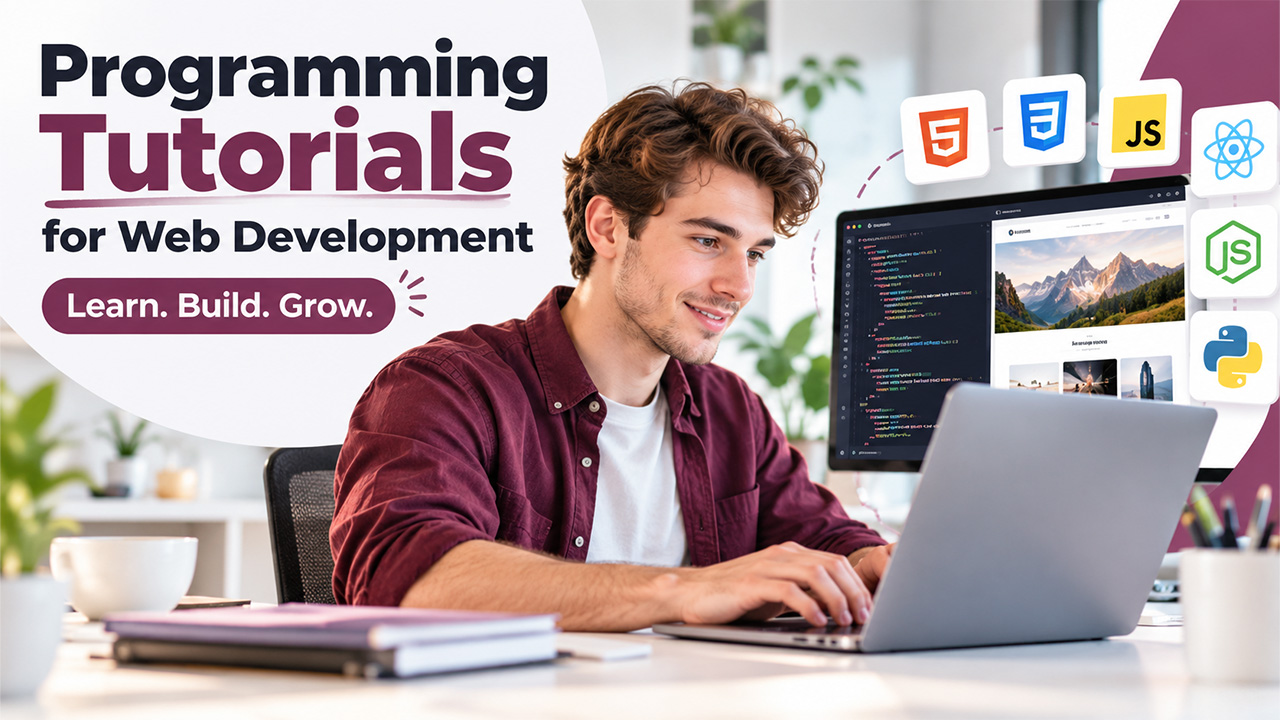


Selecting where to begin (where you can go next) in web development can feel slightly overwhelming given the fact how many videos, courses, and bootcamps compete for attention on the web. Irrespective of whether you are writing your first HTML code or revising concepts on JavaScript frameworks, looking for the best programming tutorials for web development makes whole lot of difference between slow and frustrating progress as well as confident and steady growth. In this guide, let us break down what you need to look for in a high-quality tutorial, where you can get the right resources, and how to develop a learning path that actually proves rewarding in future.
What Do We Mean by Programming Tutorial for Web Development?
A programming tutorial for web development refers to an organized lesson or course that educates students about the skills required to develop web applications and websites, mainly covering CSS, HTML, JavaScript, CSS, and extensively, frameworks and backend languages. Contrary to a random blog post or a textbook, a top-level tutorial is created around:
- Detailed instructions that develop on each other.
- Hands-on coding challenges or exercises.
- Real projects you can include in a portfolio.
- Detailed and beginner-friendly explanations on why something works, not just how it works.
The best programming tutorials for web development combine theoretical knowledge with practice, so learners are not just memorizing syntax but actually getting familiar with how the web works. This is important since web development is not just a single skill. It refers to a layered discipline that covers styling, markup, scripting, and server-side and framework logic.
Best Platforms Providing Dependable Web Development Tutorials
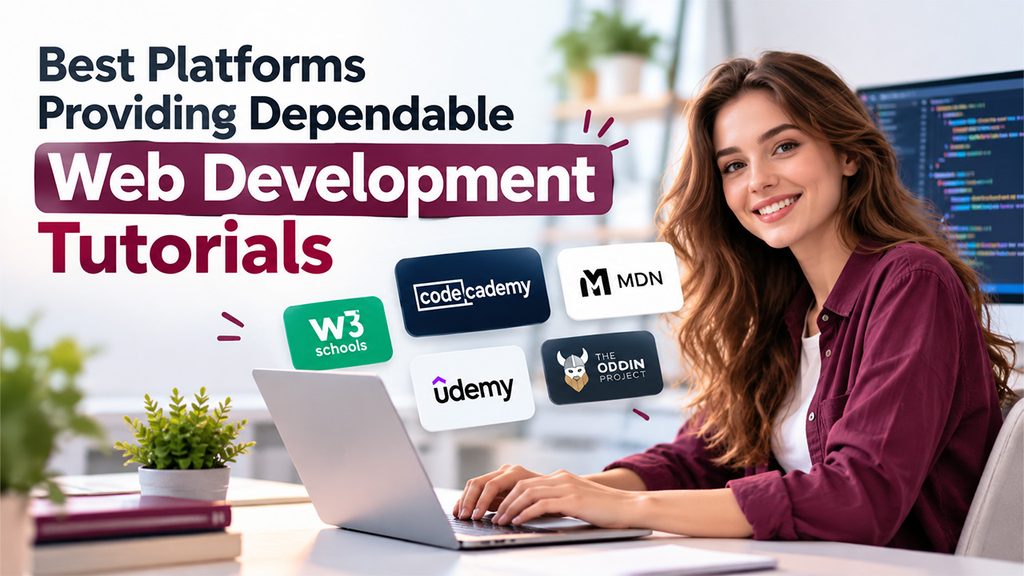
Numerous established tools have made a reputation for beginner-friendly, structured, and professional-level content. Here are a few platforms that are worth exploring:
W3Schools
It is an old reference site that provides example-based and short lessons across CSS, HTML, SQL, JavaScript, and dozens of other languages. It is specifically valuable for fast lookups and novices who need bite-sized explanations along with live code editors.
Codecademy
Reputed for its browser-based and interactive coding environment, Codecademy provides paid and free courses that cover concepts such as CSS, HTML, React, JavaScript, and full career paths like Full-Stack Engineer and Front-End Engineer. Its project-driven structure helps learners who prefer practicals over theoretical knowledge.
MDN Web Docs (Learn Web Development)
It is Mozilla-maintained and one of the most reliable references for web standards. Its section “Learn web development” takes learners from absolute beginners to skilled web developers. It covers concepts such as CSS styling, HTML structure, layout, JavaScript scripting, and even version control and accessibility.
Udemy
It is a marketplace of courses with thousands of instructor-based courses on almost each web development topic imaginable, from absolute basics to specialized frameworks. Pricing depends on the course. However, frequent discounts make video-based and in-depth courses accessible.
The Odin Project
A community-supported and free curriculum that chooses the best available resources into a structured and logical learning path. It focuses on developing real and portfolio-worth projects across full-stack JavaScript and Ruby on Rails tracks, along with an active and supportive learner community.
If you require a deeper round out of top-level resources across different languages, check out our guide on 15 Top Programming Tutorials to Learn Coding Faster encompasses additional tools that are worth bookmarking.
How to Select the Best Tutorial for Your Objectives?
Not each tutorial aligns with the goals of every learner. Before you commit time to a specific course, consider:
- Your Present Skill Level — Beginner-friendly courses go slower and explain basics; advanced or intermediate tracks assume you have some basic knowledge.
- Your Style of Learning — Some people like to study through text-based information rather than through video; others prefer watching and practice-based learning.
- Project Relevance — Tutorials that conclude in a deployable project (a small app, a portfolio site) give you something to add to a resume.
- Update Frequency — Web development quickly changes, so go for resources that are actively maintained instead of reading resources that are outdated by years.
- Community Support — Platforms that have active Discord communities or active forums that make it simpler to get unstuck.
Choosing programming tutorials for web development as per these factors, instead of popularity alone, tends to create more sustainable results. A highly rated course that does not align with your goals or pace typically leads to abandoned lessons and wasted time.
Developing a Learning Path That Works Actually
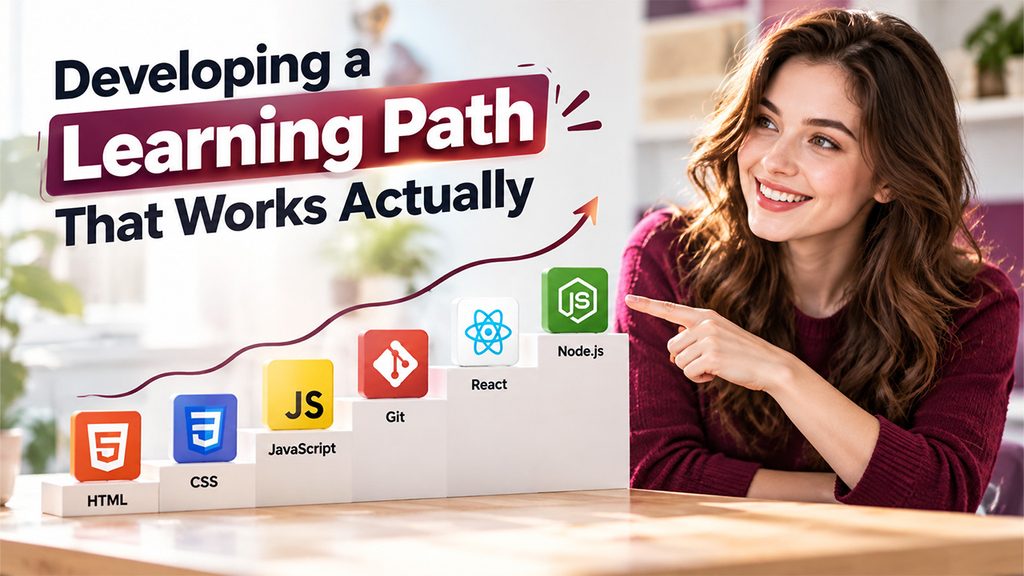
Instead of moving between unrelated tutorials, organize your learning around a logical sequence:
- Begin with CSS fundamentals and HTML to comprehend styling and page structure.
- Understand JavaScript basics — functions, variables, loops, and DOM manipulation.
- Understand version control (Git) early on, since it is utilized across almost every real project.
- Go through a frontend framework like React once you have understood the fundamentals of JavaScript.
- If you are interested in full-stack work, shift toward backend basics such as Python or Node.js.
This level of progression mirrors what chosen resources such as the MDN’s Core modules and the Odin Project recommend already, and it avoids the prevalent mistake of understanding sophisticated concepts before your fundamentals are solid. Combining structured courses with small personal projects, i.e., a landing page, a to-do app, or a simple portfolio can strengthen your knowledge more than just watching passive video.
You do not need to learn advanced programming to develop a website. A reliable WordPress builder can help you build the basic infrastructure of your website. You can use this foundation to apply your new skills to a live project without being stuck on configuration and setup.
Conclusion
There is no “perfect” single tutorial that suits all students. However, the best programming tutorials for web development share a few common traits: clear structure, quality content, and hands-on practice that keeps pace with how the web really works nowadays. Platforms such as Codecademy, MDN, The Odin Project, and Udemy each bring something very unique to the table, so the intelligent approach is combining references with project-driven courses that align with your objectives. For developers exploring AI-assisted programming, Best Agentic AI Coding Tools can also complement traditional tutorials by helping with coding workflows, experimentation, and productivity.
Irrespective of whether you are creating your first webpage or growing into frameworks and full-stack development, practicing consistently combined with the best programming tutorials for web development will help you get there faster than chasing every new resource that gets released. To learn more about WordPress, WordPress maintenance, and WordPress security, check out our website.
Frequently Asked Questions :
What are the most preferable programming tutorials for web development for new students?
MDN’s section “Learn web development” and free CSS and HTML courses of Codecademy are top starting points. Both sections explain concepts in simple language with an in-built hands-on practice.
Should you go for free programming tutorials for web development or paid courses?
Free resources such as MDN, W3Schools, and The Odin Project are mostly as thorough as the paid options. However, you can provide reliable paid courses on platforms such as Udemy that provides you with more organized pacing as well as instructor assistance.
How much time does it take to learn web development via online tutorials?
It depends on your learning pace as well as prior experience. However, most beginners can understand CSS, HTML, and JavaScript fundamentals with a few months of part-time or consistent study.
What is most preferrable: following a single tutorial or combining different tutorials?
Using a combination of a structured curriculum (such as The Odin Project) along with a reference website such as W3Schools or MDN often works best, since it creates a balance between guided learning with fast lookups.
Do I have to learn a framework such as React right away?
No. It is more effective to master core CSS, HTML, and JavaScript first. Frameworks are simpler to choose once the basics are solid.