Share on media
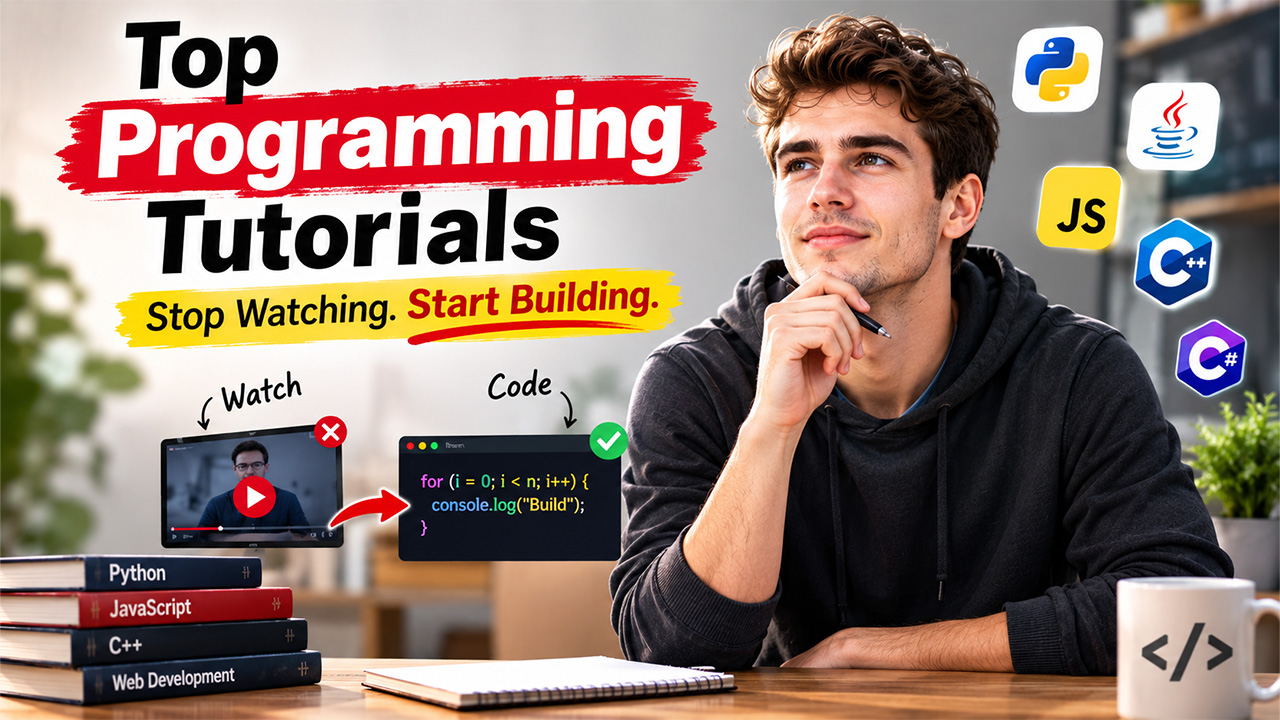


When you search for “top programming tutorials,” you will get hundreds of lists, but almost all of them rank the same dozen websites in a different order. That is not helpful especially if you are not clear on which tutorial aligns with how you learn, what coding language you are choosing, and what you are looking to develop. In this detailed guide, we will take a slightly different approach: instead of just providing you names of the platforms, we will give you tips that can help you figure out which tutorial is right for you, where the top resources differ from one another, and how you can avoid the common trap of being lost in tutorials without even creating anything meaningful.
What “Top” Really Means for a Programming Tutorial?
Before we rank anything for you, it is important to be clear about what you are looking for. Your definition of “best” might be different from others. Thus, it is advisable to ask yourself the following questions before you evaluate any “top programming tutorials”:
- Are you learning a particular language for a project or job or want to add coding as a skillset in your CV?
These goals are not the same and confusing them is one of the key reasons people often juggle between different resources without making any considerable progress. Before you choose any learning path, understand whether you need a narrow or practical skill or broader understanding. Furthermore, leave no doubts that coding is very different from programming. To learn more, check out our detailed guide: Coding vs Programming: What’s the Difference?.
- How do you prefer to learn? Reading, watching, or applying concepts practically? Text-driven tutorials enable you to move at your own speed and ignore re-learning the concepts that you already know well. Video tutorials are much simpler to follow when you are learning a new concept but are difficult to sit through if you are revising a concept. On the other hand, interactive platforms allow you to instantly test your understanding by writing a code. This improves muscle memory but for some students, it can feel less structured.
- Do you want to know why something works, or do you want to know how to build it? A traditional and structured course teaches you why something works. A project-based tutorial explains how you can go from point A to point B. Most people require both, but they do not have to trust the same resource for them.
Now, let us check out a few platforms you can explore, categorized by the learning choice. None of them can be considered wrong or correct. The right choice depends on your preferred mode of learning, your budget, and desired course outcome.
Text-Based Tutorial Websites
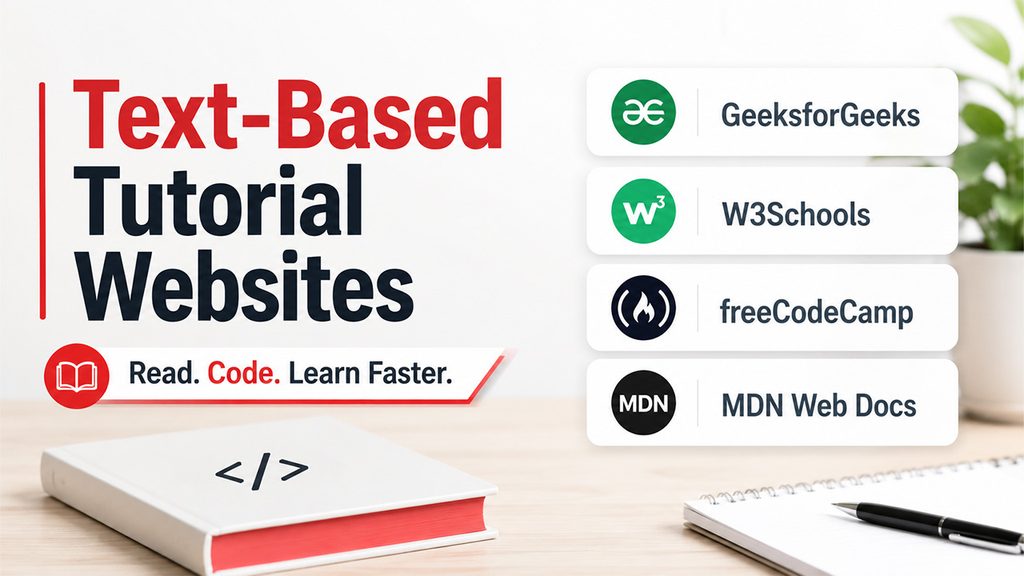
Text-based tutorials are one of the quickest ways you can search for something between your course or a project. The good news is that most of the text-based courses are free:
GeeksforGeeks offers detailed text-based courses for different languages, with in-depth tutorial pages for languages like C, C++, Python, Java, JavaScript, TypeScript, Ruby, R, and CUDA, along with individual pages for web technology, data structures, and machine learning. It is a reasonable web-resource if you are a beginner and need a starting point to learn coding from scratch and in a structured way section-by-section.
W3Schools is much more compact in scope but is well-suited for web development fundamentals such as CSS, HTML, and JavaScript particularly with a “Try it Yourself” editor that enables you to test snippets yourself without setting up your own local environment.
freeCodeCamp combines text-based curriculum with certifications and is created around the idea that you learn concepts by building real projects instead of just going through explanations. It is a non-profit and free resource, which is important if you have budget constraints.
MDN Web Docs cannot be considered as a tutorial website in the conventional sense. However, for students who are learning CSS, HTML, or JavaScript, you can treat it as a primary source because it is literally maintained by people who have documented the web platform themselves. Once you get comfortable with the fundamentals, MDN becomes the main reference that you often return back to.
Course Platforms (Structured, Often Paid)
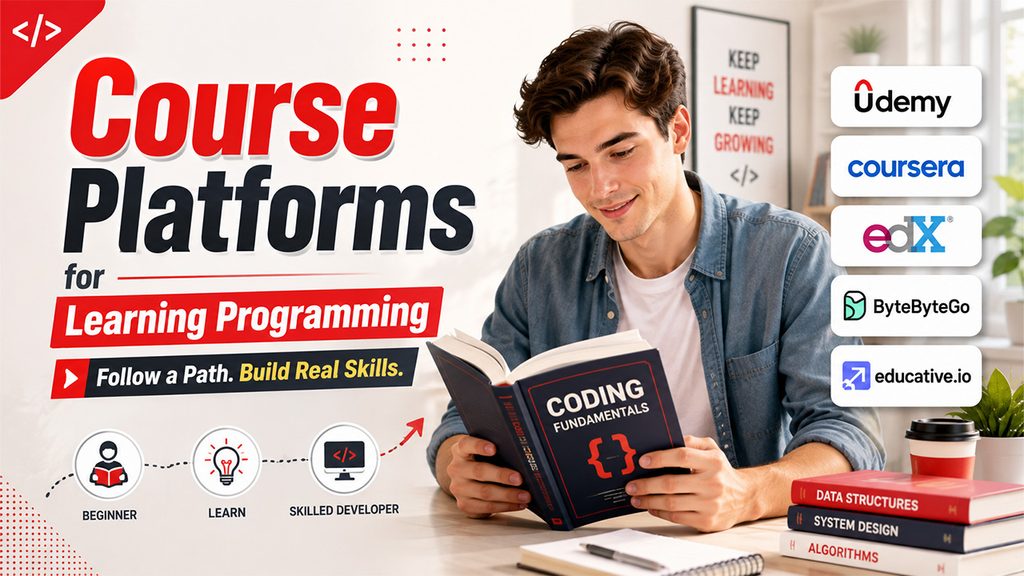
Students, especially the ones with shorter attention spans, do not prefer to read through a pile of articles to learn a concept. For them, guided curriculum is a solution, but they are often paid and need a monthly or annual subscription or a one-time purchase:
Udemy is a big marketplace for various skill upgradation courses. There are various coding-related courses as well. However, the quality varies considerably as per the instructor. Go through reviews and ratings before purchasing any course and know that most courses are individually purchased instead of a single subscription. Coursera and edX both have direct partnership with universities, so their coding courses have a more focused and academically structured curriculum, complete with various assignments, and in a few cases, accredited certificates. If your objective is interview preparation or system design, platforms such as ByteByteGo and Educative.io can help you with illustration-intensive and text-based courses rather than a video-based tutorial.
None of the above courses are strictly important to learn programming. However, most core concepts are available for free elsewhere. But you get branded certificates on paid platforms, and you do not have to spend time creating your own curriculum. You also do not have to guess which topics or concepts are important for you.
YouTube Channels Worth Following
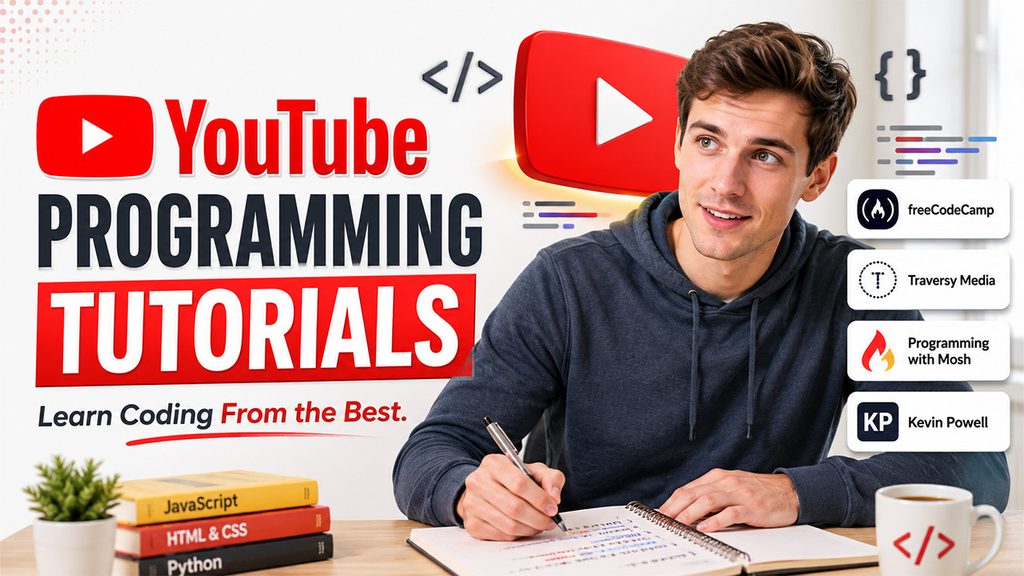
YouTube is a great resource that offers you the best programming tutorials. Go for them if you want to learn coding in a free, stress-free, and low-commitment mode. You will come across different channels in various recommendation lists: freeCodeCamp has its own channel for full-course or long-form videos, Programming with Traversy Media and Mosh for beginner-friendly and structured tutorials for distinct programming languages, and especially Kevin Powell for CSS. If you are focused on a one language, it is often more efficient to search for a playlist that is language-specific instead of a generic “learn to code” channel, since typical channels do not spend much time on tutorials and move through basic concepts quickly.
One caveat, which is worth flagging here: Students tend to binge-watch YouTube tutorials without retaining much knowledge, since they do not have to go through any forced interaction. Thus, take a moment to pause between the videos and type the code instead of just seeing someone else type it. This single habit can make a huge difference in terms of your knowledge and retention.
Practice-based and Interactive Platforms
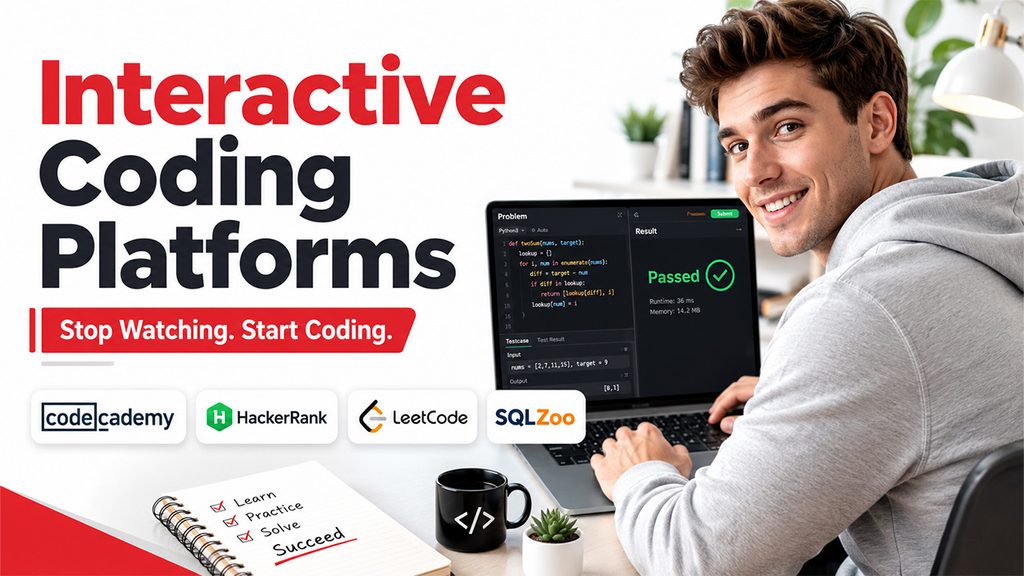
Watching or reading a tutorial helps you become more familiar with a coding structure. However, this is different from actually writing it yourself. You need to learn a skill where you can produce a code yourself without a visible solution in front of you. Hence, you need to supplement your structured tutorials with practice platforms where you can practice problems and reinforce your conceptual understanding.
Codecademy combines short lessons with a browser-based code editor. It helps you test your understanding by writing a code in between your lessons instead of searching for a code editor after the video.
HackerRank and LeetCode move the focus toward solving algorithmic-related problems, which is more important once you are aware of the syntax of the language and need to be more comfortable in applying it under constraints. It is a good solution if you are preparing for your technical interviews. Similarly, SQLZoo is a good option to learn SQL, allowing you to run as well as modify your queries in the browser directly instead of just reading the syntax.
Our 45 Best Coding Challenges for Beginners (With Solutions) is a handy guide for starters who can practice these problems daily and boost their confidence before appearing in any interviews.
Tutorials Based on Focus Area or Language
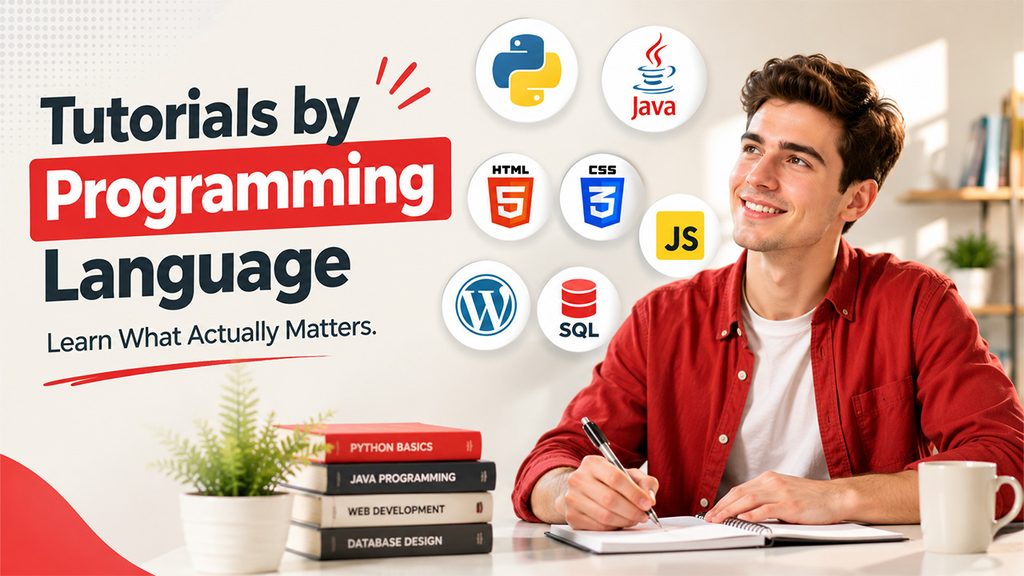
Generic resources on “learn to code” are only helpful initially. Once you have chosen a direction, it is worth switching to tutorials specifically built around that domain or language.
Python will be in the top 3 in almost all recommendation lists for best programming languages to learn in 2026. You will find countless top programming tutorials on Python because it is used in a variety of use cases including data analysis, scripting, and web development. There are dedicated web resources that help you learn the programming language for either of the above use cases. If your interest is more tilted toward data analysis, you can refer to our guide on Python Data Analysis: Beginner’s Guide to Data Analysis, which covers all the basics well from what is Python Data Analysis, core libraries, and a general workflow with all the steps from data import to drawing insights.
Java tutorials can be segmented into two categories: one that teaches syntax and the one that helps you learn object-oriented design. Since Java runs on the OOPs concepts, you need to know what OOPs concept is, what classes and objects are, and the four core OOPs concepts. Refer to our guide on OOPs Concepts in Java: Classes, Objects & 4 Pillars. Since Java is a popular language, you will find countless free YouTube lectures and also paid courses.
Web development tutorials often begin with a blank file, i.e., a blank file that you write line-by-line. That can be a practical approach to learning syntax. However, it does not match a lot of real-world web development use-cases, which includes modifying a website instead of creating one from nothing.
WordPress is one of the most practical examples of this gap, since it powers most of the web and most of the daily work on it is not actually “Write HTML from scratch.” It is about editing what a theme already generates. This involves distinct set of skills than a general HTML tutorial encompasses: knowing where to add custom code safely (theme’s “Additional CSS” panel or the child theme instead of directly editing files, which gets modified on updates), being familiar with how page builders such as Gutenberg or Elementor wrap your markup in their own container structure, and understanding how to leverage browser dev tools to recognize which class and element you are really trying to target before you write any code.
Some things that a general HTML tutorial will not prepare you in this space:
- Specificity Conflicts: Plugin CSS and theme generally carry greater specificity than what you include yourself, so a code that was effective in a from-scratch project may get overridden here silently.
- Editing Risk: There is no “undo” option on a live website the same way there is in a sandbox tutorial environment. Making a mistake in a template file can make the page inaccessible for visitors until it is fixed, so the core necessity is making a backup or at least working in a staging copy.
- Where code belongs. HTML tutorials allow you to write markup; they do not teach you where that code should in the WordPress, i.e., whether they should be in a template file, inline in a post/page editor, or injected through functions.php. Every choice functions differently after an update on the theme.
Particularly, if your objective is to change a present WordPress website instead of creating a new page from basics, it is worth combining HTMLS-course with WordPress-related material that covers the editor, theme structure, and safe customization practices. This is a combination that allows you to go further than HTML knowledge alone.
Databases are among the most skipped topics in “learn to code” tutorials, even though almost every real application requires one. Once you have got the fundamental syntax of SQL down through something such as SQLZoo, understanding how to structure a database actually becomes the next gap. Our guide on Database Design Patterns Every Developer Should Know covers that layer specifically.
Programming Skills for WordPress Website Maintenance
Programming knowledge is not only useful when building a website from scratch. It can also help when maintaining, troubleshooting, and improving an existing WordPress website. Website owners do not necessarily need advanced programming skills, but understanding a few core technologies can make technical problems easier to identify and resolve.
HTML and CSS for Frontend Issues
HTML helps you understand how page elements are structured, while CSS controls how those elements appear. These skills are useful when investigating layout problems, spacing issues, responsive design problems, or unexpected styling changes.
JavaScript for Interactive Features
JavaScript can help you understand problems involving menus, buttons, forms, sliders, and other interactive elements. Basic JavaScript knowledge can also make it easier to identify frontend errors using browser developer tools.
PHP for WordPress Functionality
Because WordPress relies heavily on PHP, understanding basic PHP concepts can help when working with themes, plugins, templates, and custom functionality. It is particularly useful when a website requires customization beyond standard WordPress settings.
SQL for Database Problems
WordPress stores website content and configuration data in a database. Basic SQL knowledge can help developers understand how information is organized and investigate certain database-related problems.
APIs and Integrations
Many modern WordPress websites connect with external services through APIs. Understanding how APIs work can help when integrating forms, analytics platforms, payment services, marketing tools, or other third-party applications.
Debugging and Developer Tools
Knowing how to inspect HTML, CSS, JavaScript errors, network requests, and other browser information can make troubleshooting much easier. These skills allow you to investigate a problem before deciding whether you need to modify code, change a plugin, or seek technical assistance.
Learning these technologies does not mean becoming an expert programmer. For many WordPress users, a practical understanding of HTML, CSS, JavaScript, PHP, SQL, and APIs is enough to communicate technical requirements, troubleshoot common issues, and make safer website decisions.
How to Choose the Right Programming Language
Before committing to a programming tutorial, it helps to decide which language actually fits your goal. Beginners often make the mistake of choosing a language simply because it is popular. Popularity matters, but your intended projects and career direction matter more.
If you want to build websites, JavaScript is a natural starting point because it works directly in the browser and connects well with modern web technologies. Python is a strong choice for beginners interested in automation, data analysis, artificial intelligence, or backend development. Java remains useful for enterprise applications and Android development, while C and C++ are valuable for understanding programming fundamentals, systems, performance, and lower-level concepts.
You do not need to learn several languages at once. Pick one that matches what you want to build and spend enough time with it to understand variables, functions, conditions, loops, data structures, debugging, and basic project development.
For learners curious about one of the foundational languages, our guide, What Is C? History, Features & Examples, provides a useful introduction to C and explains why it continues to matter in programming education.
The best programming language is ultimately the one that helps you stay motivated and build something useful. A clear goal makes it much easier to choose a tutorial and stick with it.
Free vs. Paid Tutorials: What Really Changes?

Cost is not a signal of quality on its own. A few of the most broadly utilized coding resources (such as MDN, GeeksforGeeks, MDN, etc.) are totally free, while a few low-cost Udemy courses are outdated and thin on depth. What main platforms provide consistently more is a structure: progress tracking, a defined curriculum, and at times, a mentorship or certificate component. What free resources consistently offer more is breadth and the capability to sample numerous explanations of the same concept until one works for you.
One of the effective approaches is to leverage free resources for the concepts that you are still exploring, and reserve premium courses for the time when you have understood roughly what you want to learn and just need an expert to sequence it for you in an organized way.
Key Mistakes When You Are Following the Tutorials?
Some patterns repeatedly show up among people who have sat through numerous tutorials but still feel stuck:
- Hopping Between Tutorials: Switching between different resources every time a concept feels complex, instead of trying to understand the confusion. This can make you stuck in the same beginner topics.
- Copying Without Typing: Copy and pasting the code from a tutorial negatively affects your coding in so many ways. What really builds fluency is typing the syntax, experiencing errors, and resolving them.
- Skipping the “Why”: Exactly following every step without ever understanding why each one is important makes it difficult to adjust the code for a slightly different or twisted problem.
- Always Relying on Tutorial. There comes a point where the tutorial ends, and an unguided project begins. This is typically the point where real learning starts. This can make you less comfortable because there is no one to give you instructions, but this builds you the actual skillsets that will come handy during real-world projects.
- Ignoring Documentation: Tutorials are always just a starting point. Most of them are created to make your basics strong and generate interest in you. They are not alternatives for reading the official docs of whatever framework or language you are utilizing.
Carving a Personalized Learning Path for Yourself
If you are beginning from scratch, starting from zero, a reasonable sequence you can follow appears like this:
Select a Language: Choose an online language as per your objective. This does not have to be the “most popular” language that the internet suggests. Choose a language that actually helps build what you want to build.
Choose a Course: Opt for a structured beginner course or tutorial series specifically for the language. Start from basics and then sequentially go through the entire course topic by topic.
Practice Daily: Choose a platform where you can practice problems on a daily basis. Carefully choose a platform specially built for beginners rather than the ones purpose-built for advanced interviews.
Do a Small Project: Start a small project of your own as soon as you become familiar with basic logic even before you feel that you are “ready” to do the project. These projects not only enable you to apply the knowledge but also learn from your mistakes and reinforce conceptual knowledge.
From there on, you can go through topic-specific resources as gaps start to reveal themselves: object-oriented design once you are past standard syntax, database structure once you store actual data, and framework-specific tutorials once you have chosen a direction such as data analysis and web development.
How to Turn Tutorial Knowledge Into Real Projects
Completing a tutorial can give you a solid foundation, but it does not automatically make you comfortable writing code independently. The next step is to use what you have learned without having someone explain every line.
Start with a small project related to the language you are learning. A calculator, personal portfolio, weather application, expense tracker, quiz, or simple blog can be enough. The goal is not to create something impressive immediately. It is to make decisions yourself, encounter errors, search for solutions, and gradually improve the project.
Once the first version works, add features that were not included in the original tutorial. This could mean adding user input, improving the interface, connecting an API, storing information in a database, or adding basic authentication. Each new feature forces you to think beyond the instructions you have already seen.
It is also worth learning how to find help when you get stuck. Instead of spending hours trying random fixes, learn how to describe the problem clearly, search for relevant documentation, and ask useful questions. Joining developer communities can make this process much easier. Our guide to Best Coding Forums to Join in 2026 can help you find places where programmers discuss problems, share solutions, and exchange practical advice.
Finally, keep your projects organized and document what you built. A small collection of finished projects demonstrates your progress far better than a long list of tutorials you have watched. The real value of a programming tutorial appears when you can take the knowledge from it and create something of your own.
How to Choose Programming Tutorials for Real-World Website Projects
A programming tutorial can teach you syntax and concepts, but the most useful resources also show how those skills are applied to real websites and applications. When choosing a tutorial, look beyond the number of lessons or the popularity of the instructor and consider whether the material helps you solve practical development problems.
Look for Project-Based Learning
A useful tutorial should give you opportunities to build something rather than only watch or read explanations. Projects help you understand how different programming concepts work together and expose you to the errors and decisions that developers encounter in real work.
Check Whether the Tutorial Matches Your Technology Stack
If your goal is web development, prioritize tutorials that cover technologies you are likely to use together. For example, HTML and CSS provide the foundation for page structure and styling, while JavaScript adds interactive functionality. PHP and SQL become more relevant when working with server-side applications and database-driven websites.
Prefer Tutorials That Explain Debugging
Real projects rarely work perfectly on the first attempt. Tutorials that explain how to identify errors, inspect code, use browser developer tools, read documentation, and troubleshoot problems can be more useful than resources that only demonstrate the correct final result.
Look for Safe Development Practices
When programming is applied to an existing website, the tutorial should also explain where and how changes should be made. This is especially important for WordPress, where modifying themes, plugins, templates, or custom code without understanding the consequences can create compatibility or maintenance problems.
Make Sure the Content Is Current
Programming technologies change over time. Before committing to a tutorial, check when it was updated and whether the examples still use current versions, recommended practices, and supported tools. Older tutorials can still be useful for fundamental programming concepts, but technology-specific instructions may need additional verification.
The best programming tutorial is therefore not simply the one with the highest number of lessons or the most views. Choose a resource that matches your goal, gives you practical experience, explains how to solve problems, and helps you apply programming knowledge to projects you actually want to build.
Final Thoughts
Coming across “top programming tutorials” that can make you an expert in programming is a myth. There is not a single best tutorial since the term “best” relies on what you know already, how you learn, and what you are looking to develop. The channels and platforms explained in this blog offer different learning paths and modes. However, you must be clear on your learning objectives and how much time you can dedicate before picking one. What is important is the consistency, regularly working through materials, creating code instead of reading it, and applying knowledge from the tutorials into your own projects as accurately as you can.
Frequently Asked Questions
Q1. What is the best programming tutorial for beginners?
There is no universally a “best programming tutorial.” The right option depends on your goal, language, and learning style.
Q2. Should I go for a paid course or a free tutorial?
Paid course does not always mean quality teaching. There are different free resources such as freeCodeCamp and MDN that are top-rated. However, paid platforms such as Udemy or Coursera give you academically-structured curriculum, industry-recognized certifications, and guided progress.
Q3. How can a student know which programming language to choose?
Choose an area of interest or project you are interested in and then see which programming language can help you complete that project. Do not always go for popularity. Focus on your area of interest, career goals, and learning objectives.
Q4. Are YouTube tutorials sufficient to learn programming?
YouTube is a great resource for low-commitment and free learning. However, passive watching without entering the code limits your retention. Take a break from tutorials and spend some time on hands-on practicing.