Share on media
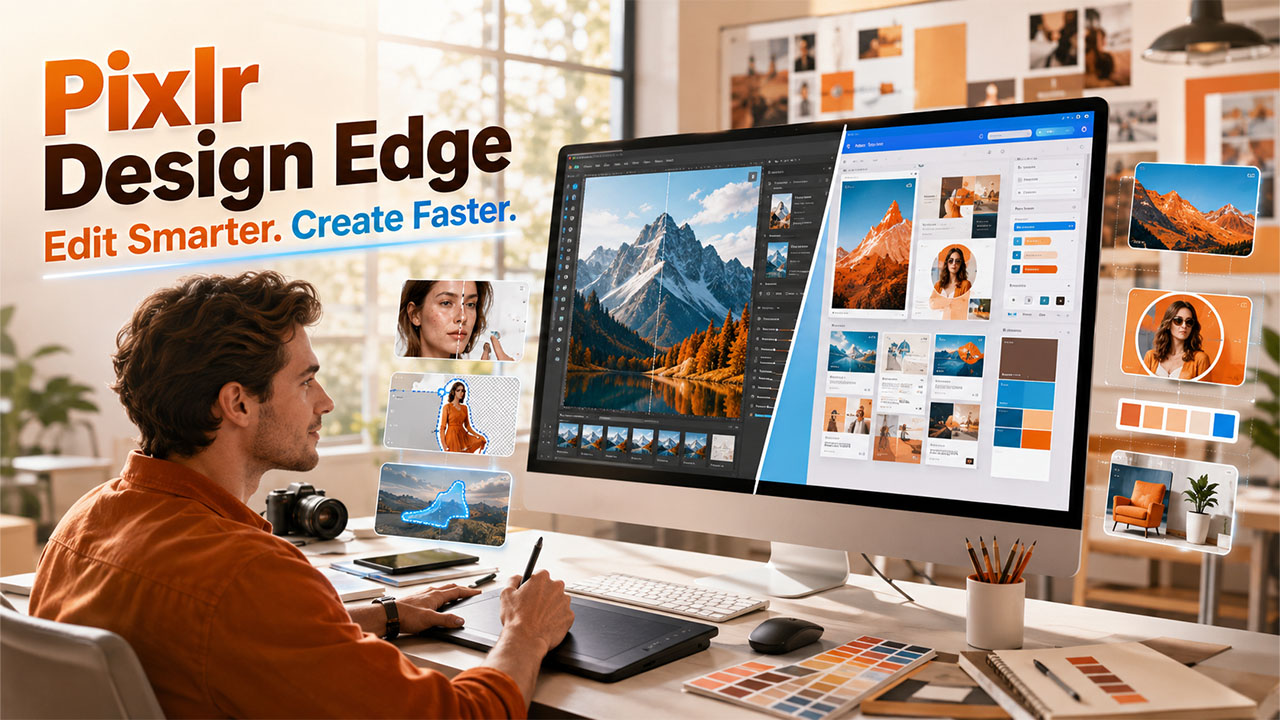


Picking between Pixlr and Canva generally comes down to what you need to create actually. Both platforms have evolved into capable AI design platforms, but they cater to distinct purposes. If you require a fast online photo editor with layer-driven control, Pixlr stands apart. If you require templates for presentations, social media posts, or marketing graphics, Canva emerges as a market-leading option. In this complete guide, let us break down the canva vs pixlr debate across pricing, features, and use cases so you can make a data-driven decision for your workflow in 2026.
What Is Pixlr?
Pixlr is a web-driven platform for editing photos that directly runs in your browser. It provides two different interfaces to align with distinct skill levels: provides two different interfaces to align with distinct skill levels:
- Pixlr X – A simplified editor for fast and routine edits. simplified editor for fast and routine edits.
- Pixlr E – A layer-driven editor created for sophisticated manipulation of images, similar to conventional desktop software. software.
You can retouch, crop, and apply filters utilizing the tools panel, while the right-side panel manages history and layers. Pixlr also involves AI-driven background removal and generative fill platform, enabling you to choose an area of an image and then replace it via a text prompt. A batch editor enables you apply the similar adjustment, like resizing, across different images at once.
Understanding Canva
Canva is a web-based design platform which emphasizes graphic design instead of comprehensive editing of photos. You create designs on digital canvas via drag-and-drop elements, pre-set layouts, and templates. Canva involves a standard photo editor with sliders for contrast, brightness, and saturation, along with AI-driven features like Magic Eraser for eliminating unwanted objects and a Background Remover for isolating subjects. It is extensively used for presentations, social media graphics, and marketing materials instead of pixel-level correction of photos.
Pixlr vs Canva: Core Feature Comparison
Editing Style and Control
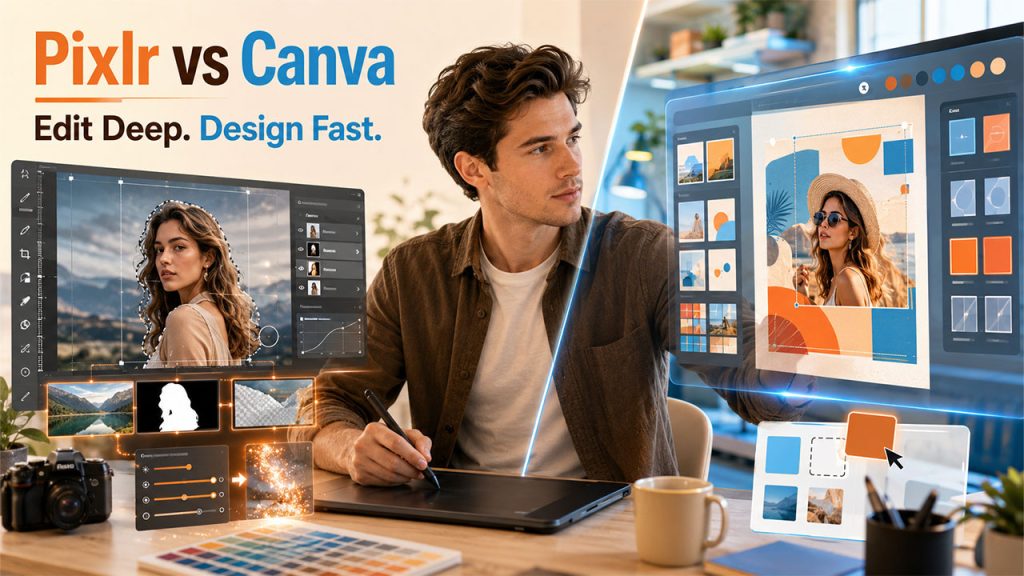
The biggest difference in the canva vs pixlr comparison exists in how every platform approaches editing.
- Pixlr operates on individual images with in-depth manual tools, including cloning, cropping, layer management, and lasso selections.
- Canva emphasizes assembling elements of design onto a canvas, with lighter adjustment of photo sliders layered on top.\
If your main focus is accurate manipulation of images, Pixlr provides greater granular control. If your main priority is developing a finished graphic quickly via templates, Canva becomes a faster route.
AI-driven Tools
Both solutions have utilized AI design tools to automate routine tasks.
- Pixlr provides AI background removal and a feature of generative fill, where you select an area and then describe what must replace it. select an area and then describe what must replace it.
- Canva provides a Magic Eraser to eliminate distractions and a Background Remover for isolating subjects from their background.
Neither platform learns your personal editing style over time. Both require you to apply adjustments manually to each image, though their AI shortcuts reduce the number of manual steps required.
Templates and Design Assets
Canva holds a clear advantage here. It provides an extensive library of templates for presentations, social media posts, posters, and marketing collateral, which makes it an effective choice for teams that require consistent branded content quickly and create innovative marketing campaigns with visually engaging designs. By comparison, Pixlr is not template-based. It is developed around editing available images instead of assembling new designs from ready-made layouts, which makes it more suitable as a digital photo editor than a complete design suite.
Read More: WordPress Booking Plugin . Check out how combining the right booking plugin with your design workflow converts promotional graphics into actual scheduled appointments.
Storage and File Management
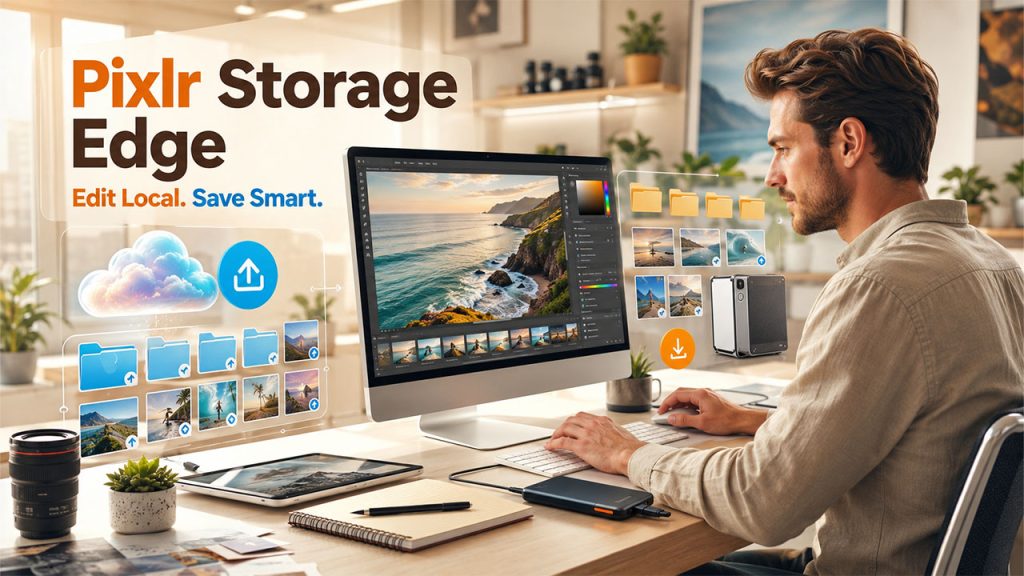
- Canva stores your design projects and uploads images on its own servers, and paid plans including generous allowance of cloud storage.
- Pixlr depends mainly on your local device. You start a file from your hard drive, edit in your browser, and then save the completed file back to your device. It does provide dedicated long-term cloud storage for your image archives.
If cloud-driven project storage is important for your workflow, Canva has an edge. If you directly prefer working with local files without uploading them to a permanent cloud library, Pixlr fits better.
Pricing Structures
- Pixlr provides a free plan that contains advertisements. Premium subscriptions eliminate advertisements and unlock sophisticated Artificial Intelligence features, which includes generative fill and image upscaling. offers a free tier supported by ads. Premium subscriptions remove ads and unlock advanced AI features, including generative fill and image upscaling.
- Canva provides a free plan with standard templates and tools. Canva Pro is a premium subscription that unblocks paid templates, the Magic Eraser, and the Background Remover.
Both platforms need only an internet connection and a browser, so there is no heavy installation of software with either of the options.
Which One Should You Go for?
The best choice relies on the level of you do on a consistent basis-
- Select Pixlr if you require an in-depth online photo editor for retouching, cropping, layer work, or AI-driven object removal on separate images.
- Select Canva if you want to create branded social media presentations, graphics, or marketing materials through ready-made templates.
If Canva does not align with your requirements completely, it is worth exploring other Canva Alternatives that excel in distinct areas, from sophisticated manipulation of photos to enterprise-based design workflows. For service-driven businesses that also depend on client-facing tools, combining it with your design workflow with a dependable WordPress Booking Plugin can assist in converting the graphics you create in precise appointments and bookings on your site.
Conclusion
The decision of canva vs pixlr mainly depends on whether you require detailed editing of photos or quick template-driven design. Pixlr is an effective option for dedicated online photo editor for users who require manual control over layers, cropping, and AI-driven touch-ups. Canva is a better option for teams that have to create branded and polished graphics quickly through ready-made templates. Both platforms qualify as capable AI design tools in 2026, so the better options come down to aligning the tool to your precise workflow instead of choosing a universal or generic tool.