Share on media
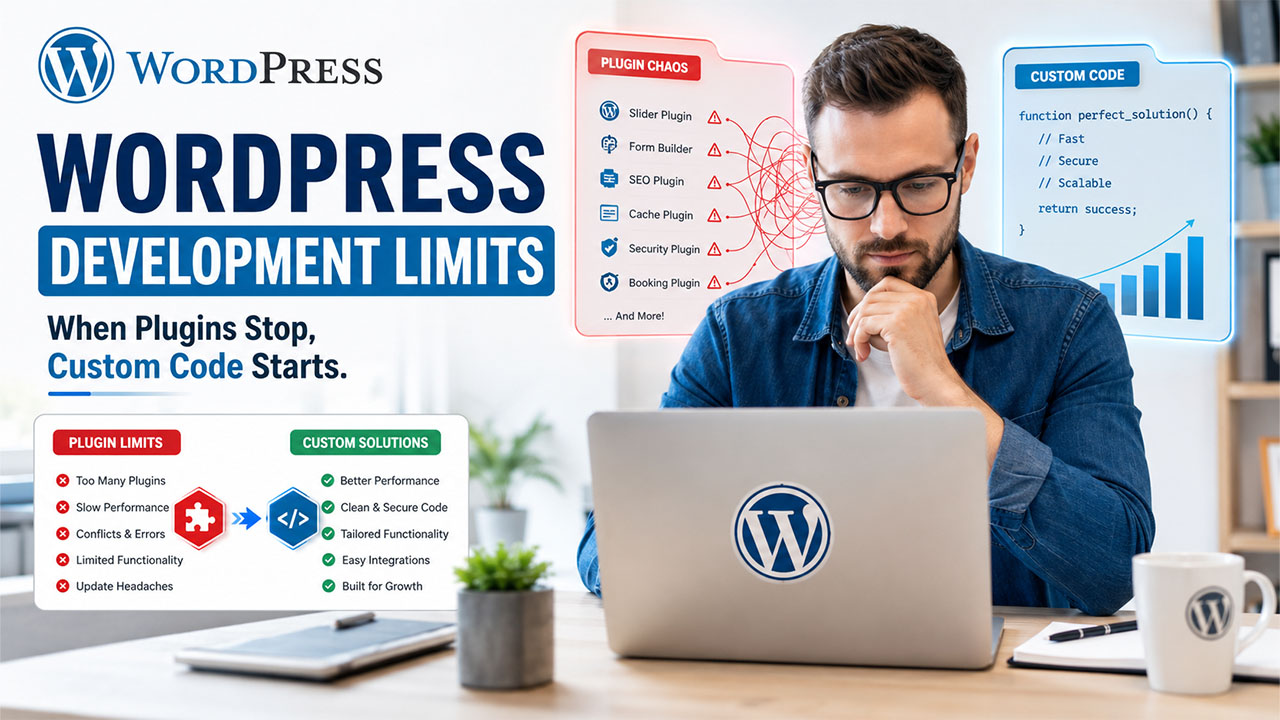


No-code and AI-powered WordPress builders have made it genuinely easy to launch a professional website. However, as businesses grow, many eventually require custom WordPress development to support advanced functionality, better performance, and business-specific workflows that no-code tools simply can’t provide.
Some sites do, though, and the transition point is easy to miss because nothing breaks all at once. Instead, small friction points pile up until building the next feature takes days instead of minutes. Here are the signs that a WordPress site has quietly outgrown what a builder or plugin stack can do, and what actually comes next when that happens.
1. You’re Stacking Plugins to Fake a Feature That Doesn’t Exist
Every plugin added to solve one small problem is fine on its own. The trouble starts when a site is running four or five WordPress plugins that all touch the same functionality, layered on top of each other because no single plugin does exactly what’s needed. Each new plugin adds another dependency, another update to track, and another way for two plugins to quietly conflict with each other.
When the honest answer to “why do we have five plugins doing almost the same thing” is “because none of them quite do what we actually need,” that’s usually a sign the site needs custom WordPress development instead of another plugin.
2. Site Speed Keeps Sliding No Matter What You Optimize
Caching plugins, image compression, and a decent host handle most performance problems on a standard WordPress site. When speed keeps degrading despite all of that, the bottleneck is often not configuration, it’s the underlying plugin stack itself, each one adding its own database queries, scripts, and overhead that a caching plugin can’t fully paper over.
At that point, the fix usually isn’t a better performance plugin. It’s rebuilding the slow functionality through custom WordPress development or WordPress performance optimization.
3. A Plugin Update Broke Something, Again
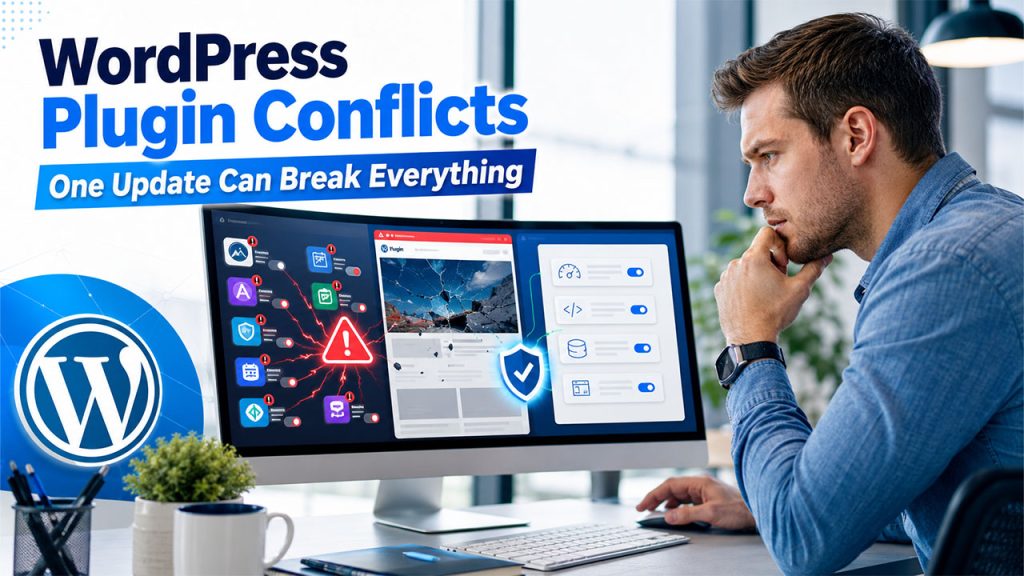
A single plugin conflict after an update is normal WordPress life. A pattern of it, where every update to a theme or a core plugin risks breaking some other part of the site, is a sign the site has accumulated more moving parts than a stack of independently maintained plugins was ever built to support gracefully. Each additional plugin is another vendor’s code that has to keep playing nicely with everyone else’s.
Custom WordPress development doesn’t have that problem in the same way, because it’s built specifically for the site rather than assembled from independently maintained third-party pieces.
4. The Business Needs an Integration No Plugin Handles Well
Connecting WordPress to an internal inventory system, a custom CRM, a proprietary booking engine, or an ERP platform is a common point where off-the-shelf plugins run out of road. Generic integration plugins exist for the popular platforms, but a specific internal system, or a specific way two systems need to talk to each other, usually requires custom WordPress development and an experienced WordPress developer who can build secure API integrations.
This is one of the clearest signals that a site has moved from “configure WordPress” to “build software on top of WordPress,” which is a different kind of work entirely.
5. You Need Custom Logic, Not Just Custom Design
A theme customizer and a page builder can get remarkably far on layout and styling. They run out of road fast on logic: custom pricing rules, membership tiers with different access levels, a booking system with rules specific to the business, or a calculation that depends on several pieces of data at once. That’s application logic, not design, and no amount of drag-and-drop page building produces it.
6. Security or Compliance Requirements Have Gotten Specific
General WordPress security best practices, strong passwords, updated plugins, a security plugin, cover most sites well. A business handling payment data, health information, or anything under a specific compliance framework often needs custom-built safeguards a generic security plugin isn’t designed to provide, along with a developer who understands both WordPress and the specific compliance requirement.
7. The Team Keeps Saying “We’ll Just Work Around It”
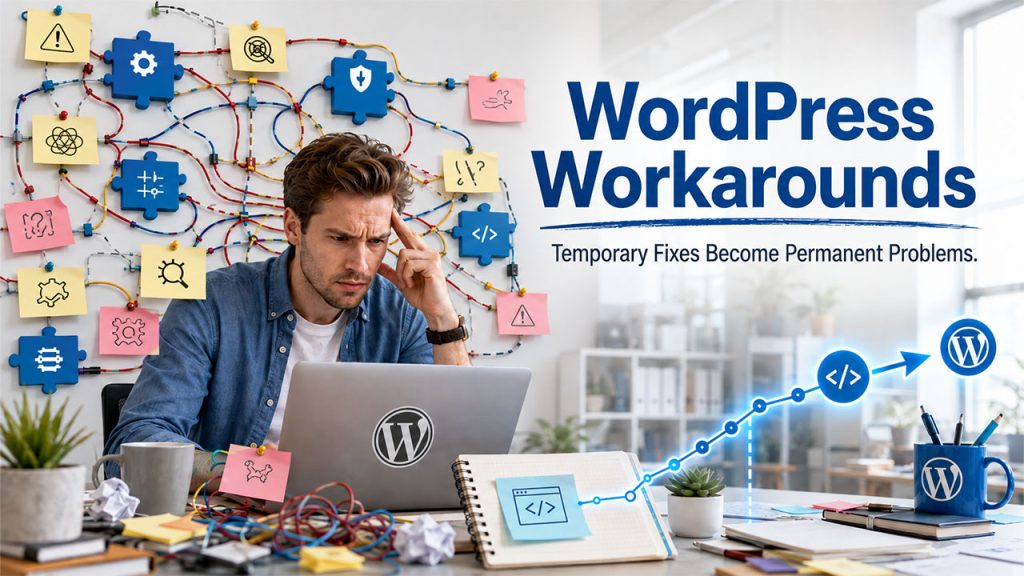
This is the clearest sign of all, and the easiest one to miss because it doesn’t feel like a crisis. It feels like a Tuesday. When “we’ll just work around it” becomes the standard answer to a limitation, the workarounds are quietly becoming the site’s real architecture, and every one of them makes the next change harder than it should be.
What Comes Next
None of this means starting over or abandoning the no-code foundation. The most common and most sensible path is keeping the existing WordPress site and adding custom WordPress development only where it’s needed, rather than rebuilding the entire website.
It also helps to scope the work narrowly before bringing in a developer. Write down the specific limitation, the plugins already tried, and what the ideal outcome looks like, rather than a vague “make it faster” or “make it more flexible” request. A developer working from a clear, specific problem can usually scope and quote the work accurately in a short conversation. A vague request tends to turn into a much bigger project than the site actually needs, because nobody agreed up front on where the custom work stops and the existing WordPress setup stays untouched.
For businesses at this stage, working with WordPress developers who understand both WordPress’s plugin and theme architecture and custom PHP development tends to produce a better outcome than either forcing another plugin to do the job or a from-scratch rebuild that throws away a site that mostly works fine. The no-code foundation got the site to this point. A developer who understands both WordPress and PHP is what gets it past the specific wall it’s hit.
Most WordPress sites will never need this. The ones that grow into a real business, with integrations, custom logic, and specific requirements no plugin quite covers, eventually will, and recognizing the signs early is a lot cheaper than discovering them the hard way.
Conclusion
No-code tools can be an excellent way to launch and grow a WordPress website, but they are not designed to handle every business need forever. If the site is becoming harder to maintain, slower to update, or is limited by workarounds and plugins, the user should invest in custom WordPress development. Working with an experienced WordPress developer can also help the user build the functionality, performance, and scalability that are needed by the business, without starting from scratch.