Share on media
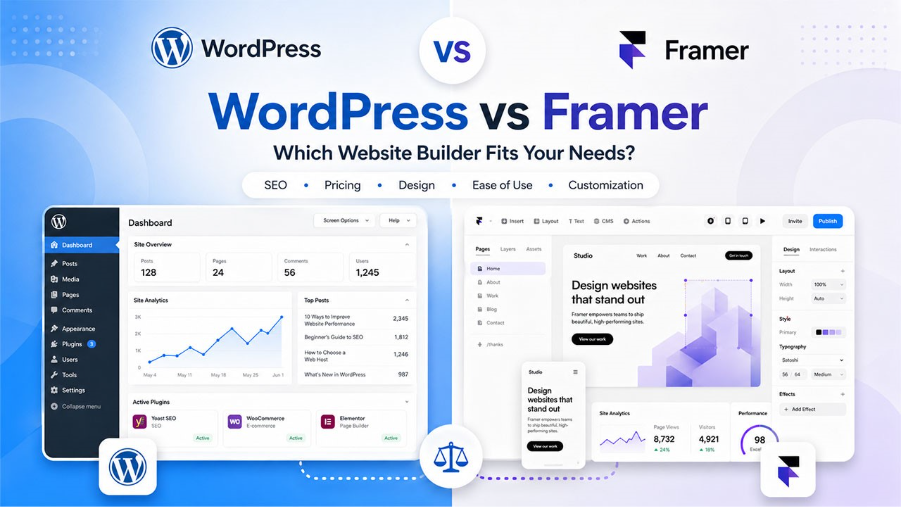
Choosing the right platform when you are thinking about WordPress vs Framer depends on where your priorities lie with the website. WordPress gives you power and control to a great extent with features which help you build blogs and also large-scale eCommerce. Framer’s forte is contemporary design, visual editing, and building websites very quickly without coding. Both the platforms have worthwhile features although they are aimed at different segments and user flows.
Here in this WordPress vs Framer analysis, we are going to cover user-friendliness, flexibility, SEO, costs, and growth potential. After this, one of these will seem the better choice for your website needs.
What is WordPress?
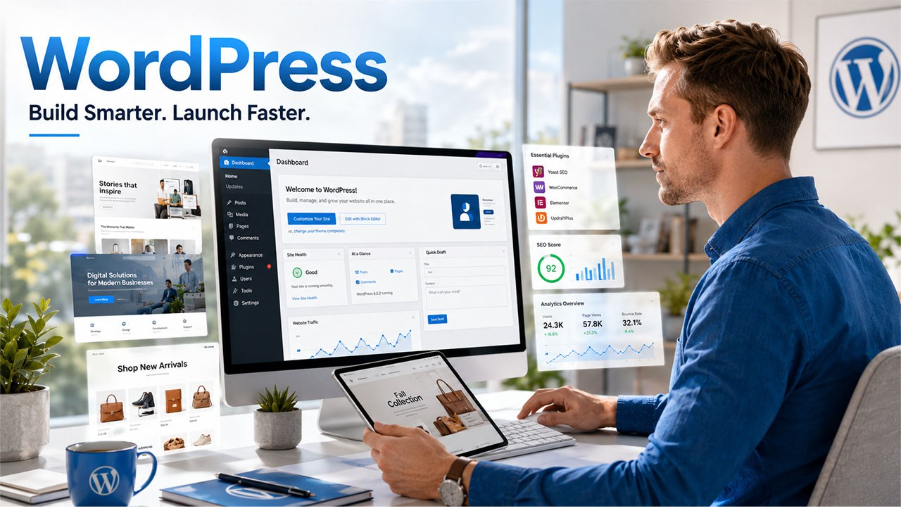
WordPress is one of the most reliable and popular website-building platforms in the world. With its flexibility and versatility, it gets the job done for everyone, from a simple blogging site to a complex company website and eCommerce store. At present, more than 43% of all websites in the world are powered by WordPress, making it by far the most popular website platform in the world. As an open-source CMS, WordPress offers a large variety of themes, plugins, and customization options that are good for both amateurs and developers.
Besides, the one-click WordPress setup feature makes the setup so easy that even beginners can quickly get their website run and going without a hitch. Its vibrant community support, SEO-friendly capabilities, and capacity to meet different kinds of website requirements make WordPress an excellent partner for long-term digital success.
What is Framer?
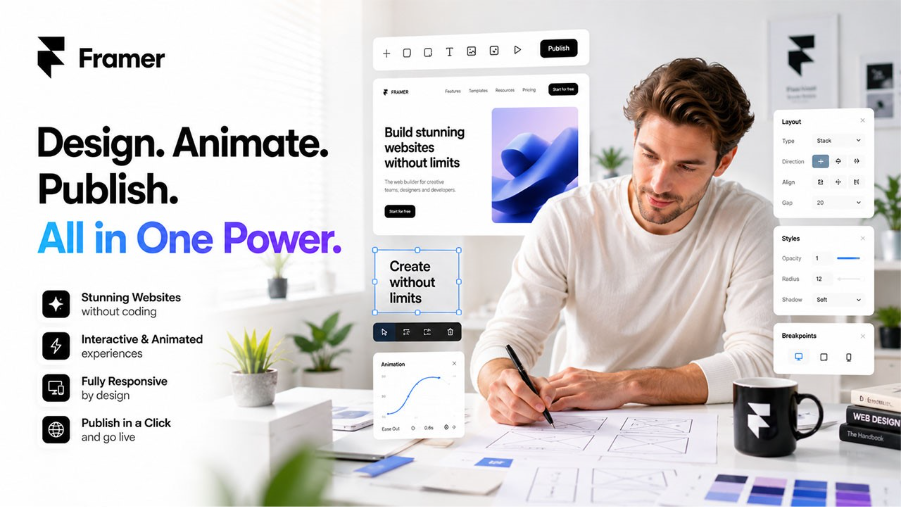
Framer is a site builder for creators that require stunning websites without a ton of coding. It was created for the purpose of prototyping UX and UI and has now advanced to become a website builder with a seamless interface and responsive design. A bit of background info on what Framer is for makes the WordPress vs Framer decision a lot easier. It offers templates, animation and interactive objects that can be conveniently utilized for creating well-designed sites in a matter of moments. Featuring speed, creativity, ease of use, and more, Framer is a popular choice among designers, startups, and people who want to create a modern portfolio or landing page website.
WordPress vs Framer: A Quick Comparison Table
The table below provides a detailed WordPress vs Framer comparison for key features. Whether you’re looking for a website builder that offers more flexibility or is better for SEO, this comparison will help you determine which is the best option for your needs.
| Feature | WordPress | Framer |
| Ease of Use | Slight learning curve, but beginner-friendly with builders like Breakdance | Clean visual editor with no coding required |
| SEO Features | Advanced SEO capabilities with plugins like Yoast SEO | Built-in basic SEO settings |
| Community Support | Massive global open-source community with extensive resources | Smaller but steadily expanding community |
| Customization | Highly customizable through themes, plugins, and page builders | Limited flexibility without custom code |
| Pricing | Core platform is free, hosting from $5/month | Subscription from $15/month |
WordPress vs Framer: Key Features
1. Ease of Use
WordPress has long been considered a platform with a notable learning curve, but by 2025, that message is a bit off the mark. Thanks to the introduction of visual page builders, it is now possible even for an absolute beginner to be able to create a full, professional-looking website without the need of coding at all. The native block editor (Gutenberg) is very neat and quite capable. Adding a visual builder really changes the game with WordPress, transforming it into one of the most user-friendly platforms out there. From the dashboard, you get to manage your content, media, plugins, and design all at the same time. You don’t have to stick to a template and can customize every page just the way you want it without any PHP knowledge.
Originally Framer was a prototyping tool for designers then transformed into a website builder. The canvas-based editor that it uses is simply incredible, enabling you to drag, drop, resize, and animate elements with little effort. For designers or founders without a technical background who are looking for a stylish site in no time, Framer is hard to surpass. Designers who want visual control but need more scalability often find themselves weighing Webflow vs WordPress for the same reasons.
Besides the well-designed templates and smooth interactions, the interface is very fresh. The problems become noticeable when you start to depend on the advanced features. Things like conditional forms, content that is driven by the CMS, and e-commerce aren’t built into the product, so you either have to patch it up through workarounds or write custom code.
2. Customization
WordPress is widely considered the industry leader when it comes to web customization. With its extensive library of more than 60, 000 plugins and a vast collection of themes, almost every feature you could imagine is either readily available or can be created. Without having to change any codes, you can incorporate membership features, booking systems, job boards, and even complex online stores. To take this a step further, visual page builders allow you to have pixel-perfect control over your layouts, styles, and even dynamic content. WordPress is versatile enough to handle anything from a simple personal blog to a full-fledged enterprise platform, and migrations are not necessary this is indeed very beneficial for businesses that are on a growth trajectory. Businesses planning to add an online store later will also want to understand WordPress vs WooCommerce before committing to a platform.
Framer’s approach to customization revolves around design and it performs well within its somewhat strict boundaries. You are provided with an assortment of ready-to-use components, CMS collections to facilitate dynamic content, and a few CSS or code tweaking options for the technically inclined. Nevertheless, its ecosystem does not even come close to that of WordPress. There isn’t a plugin marketplace, and if you are looking for a booking system, sophisticated forms, or product listings, you will probably have to resort to either third-party tools or custom coding. This is quite limiting if the site owner is a business that plans to expand the functionalities of their site gradually.
3. SEO Capabilities
SEO is one of the most decisive factors when it comes to a WordPress vs Framer confrontation, and it happens to be the area where the divide between the two platforms is the widest. If you are comparing WordPress vs Framer from the perspective of search performance, you will notice that the difference in available tools is quite significant. WordPress is the number one choice for SEO practitioners all over the world. Extensions such as Yoast SEO and Rank Math allow you to have detailed control over the major ranking factors.
Automatically setting up XML sitemaps and submitting them to Google is just one of the many handy features. Besides that, you get the ability to edit meta titles and descriptions while seeing instant previews, include schema markup to get rich snippets, and manage canonical URLs as well as redirects from a single interface. In addition, WordPress offers you absolute control over your site’s architecture, including URL slugs, internal linking structures, breadcrumbs, and page hierarchy. Even site speed can be meticulously optimized through image compression and caching, among other techniques.
Framer has a good introduction. You can configure meta titles, descriptions, image alt tags and canonical tags. That’s sufficient for a basic portfolio or brochure website. It does not, however, have the same level of SEO features as WordPress. No schema editor is included, no automated sitemap submission, no real-time on page content analysis, and no redirect manager. These gaps are important problems that grow in significance over time if anyone is serious about the traffic from an organic search.
4. Community and Support
WordPress is one of the largest open-source communities in the world with a development history of more than 20 years and millions of users. Those evaluating simpler platforms alongside WordPress will find the WordPress vs Wix community comparison equally relevant.
This popularity of WordPress is one of the reasons why it is often cited as an advantage in a WordPress vs Framer comparison. There are official documentation, YouTube and blogs offer tons of free tutorials, local or global WordCamp events are organized where users and developers exchange knowledge, and WordPress.org has support forums. Almost every time you come across a problem there is a thread with a solution, a YouTube tutorial or a ready-made plugin. This ecosystem really is immense.
Framer’s user base is growing and it mainly consists of designers. Its official help centre is very well thought out and the community forum seems to be quite active. The Framer team is extremely enthusiastic. They constantly release new versions of the software and they listen to the users’ feedback. However, the community is much smaller and it is harder to get answers for complicated or very specific questions. Generally, Framer’s help documents and resources will be sufficient to handle your questions; however, they do not have the range and depth that WordPress has in comparison.
WordPress vs Framer: Pricing Comparison
WordPress software is free and open-source. To get a live site, you are going to need hosting which is usually between $5 and $50 monthly, depending on how much traffic and the provider, a domain name is approximately $10 to $15 yearly, and, if you want to, premium plugins or themes may be an option (from free to $200 per year for most tools). The main benefit is that you have control over exactly what you spend. A simple personal blog can cost less than $10 per month total, whereas a large business site with premium tools might be $50 to $100 per month. Most importantly, you own every piece of your infrastructure.
Framer operates on a subscription-based pricing model. The free plan offers basic features via a Framer subdomain. The Mini plan costs about $5 per month for one page, the Basic plan is around $15 per month which includes a custom domain and more pages, and the Pro plan is approximately $30 per month for advanced CMS features and higher traffic limits. For a basic site, Framer is affordable. However, as your needs expand, the subscription cost increases, and you continue to depend on Framer’s platform decisions and pricing changes.
WordPress vs Framer: Which Platform to Choose?
The decision to go with either WordPress or Framer really rests upon what you need right now and what you will need two years from now. If building a scalable website with extensive content options or e-commerce functionalities is what you need, then WordPress is the way to go. It gives you control over every aspect of your site, opens up to thousands of plugins, and allows you to take your website from a simple blog to a full-fledged business website without changing tools. Content creators, digital agencies who build websites for their clients, and companies heavily dependent on organic search traffic find WordPress especially useful. For publishing-focused users still deciding on a platform, WordPress vs Blogger draws a useful contrast on the content side.
Framer is mainly targeted at designers, startup founders, and creative professionals who need a stylish website without much technical complexity. Framer certainly leans more toward simplicity and great looks in the WordPress vs Framer comparison. It is most suitable for artistic portfolios, landing pages, and product websites where the design matters more than the content or the level of SEO advancement. If you don’t require blogging, e-commerce, or some of the more advanced integrations, then Framer will be your fastest way to getting a beautiful live site among almost all other platforms.
Frequently Asked Questions: WordPress vs Framer
1. Can Framer replace WordPress for a business website?
Framer is great for small websites, but WordPress is great for SEO, blogging, eCommerce and growing your business.
2. Is WordPress harder to use than Framer?
Framer is easier to learn and design, whereas WordPress has a slightly higher learning curve. Once installed, however, WordPress has a lot more flexibility and customization options.
3. Which platform is better for SEO in the WordPress vs Framer comparison?
There are plugins such as Yoast SEO and Rank Math which make WordPress a more powerful SEO platform. Framer only provides simple SEO settings, and no advanced optimization features.
4. Can I migrate from Framer to WordPress later?
Yes, though migration is largely done by hand. Rebuilding pages may be necessary and content may need to be transferred individually. For long-term scalability, it’s usually easier to start with WordPress.
5. Which platform is good for blogging?
For simple blogs, Framer does the job, but for serious publishing, WordPress is the way to go. It provides categories, tags, plugins, comments and better SEO features to content intensive sites.
%201.png)

%201.png)

%201.png)