Share on media
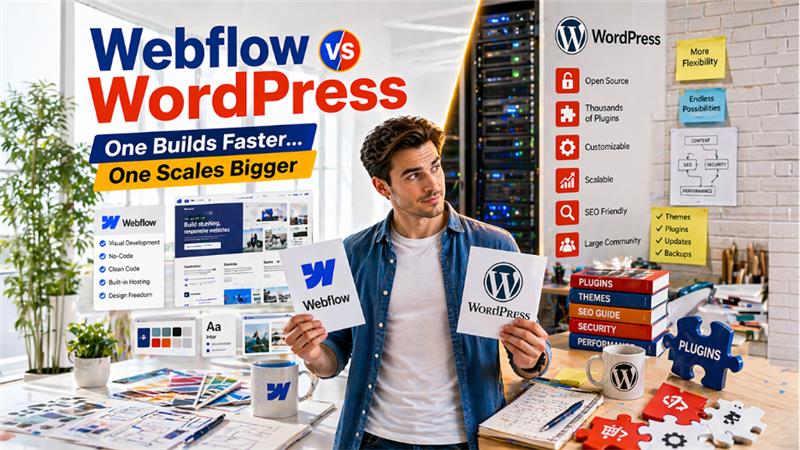


Want to create a custom website that suits your business or profession? Understand the benefits, limitations, and applications of Webflow vs WordPress, and choose the right platform that suits your needs.
WordPress is among the biggest CMS platforms, which offers low-cost projects and features over 60,000 plugins. Whereas Webflow is a modern and all-in-one visual site builder, which features superior design freedom and cleaner code. WordPress is easier for beginners to install and relies on plugins for its features. Webflow features native SEO and security features, reducing the dependency on third-party. WordPress is ideal for content-heavy publications, scalable e-commerce stores, and community sites, whereas Webflow seems ideal for SaaS marketing sites, design-driven brand experience, and high-performance landing pages.
What is Webflow?
Webflow is a cloud-based, no-code platform that enables users to visually build, design, and launch responsive websites. Webflow works by translating the visual design action into clean HTML, CSS, and JavaScript code, allowing users to create a custom, high-performance website without manual coding.
In Webflow, users create sites simply by using a drag-and-drop interface, while the platform generates all the necessary code in the background. Webflow integrates the capabilities of web design, content management systems, hosting, and e-commerce into a single platform. It also includes other key advanced features, like scroll-based animation, SEO tools, and interactions, among others.
Benefits of Webflow
Webflow is a powerful, no-code web design tool that enables users to create custom and responsive websites with high-fidelity design. Webflow merges visual editing with custom development and offers robust SEO tools. Some of the key benefits of Webflow include:
- Design Freedom & Visual Development: Webflow allows users to create fully customized and responsive websites. It also features a visual canvas, which allows users to freely design high-fidelity mockups that can be turned into a pixel-perfect live site.
- Advance Animations: Webflow features advanced animation tools, which can be used to build complex, engaging, and unique interactions and animations.
- Robust Content Management System: The platform creates custom content types, structures, and dynamic data, which allows it to flexibly manage content.
- Reliable and Fast Hosting: The platform includes a built-in hosting platform, which offers high-security standards, like a free SSL certificate and minimal maintenance.
Limitations of Webflow
Although the platform features various unique features, it is also prone to various limitations, like CMS collection constraints and a steep learning curve. Some of the main limitations of Webflow include:
- CMS and Data Constraints: In Webflow, the CMS plans are restricted to 20,000 items. The users can also not perform complex data aggregations natively.
- No Server-Side Code: In the platform, the user cannot run backend languages, like PHP or Python.
- Learning Curve: Webflow requires fundamental knowledge of CSS/HTML, and its costs are also higher compared to similar website-building platforms.
- Platform Dependency: In Webflow, migrating CMS dynamic content is difficult, while exporting code is possible for static sites.
What is WordPress?
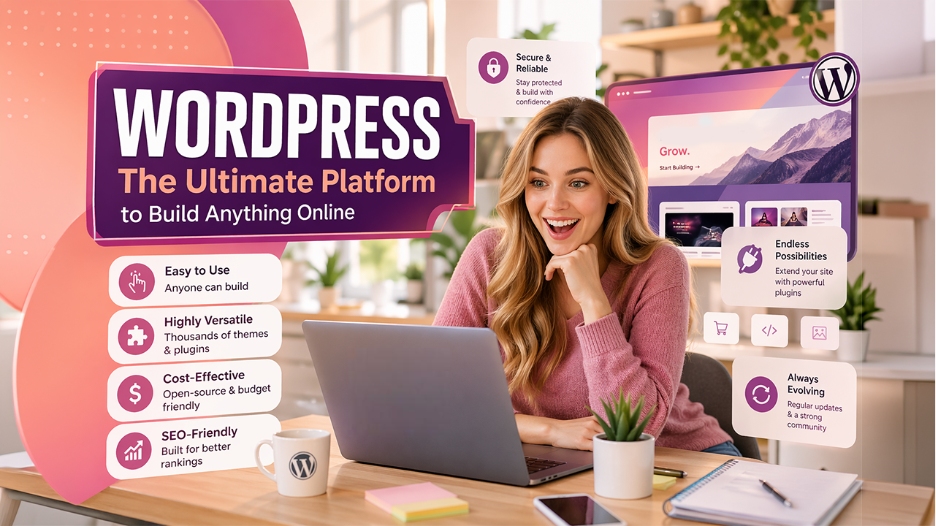
let’s understand what is WordPress? It’s a free and open-source content management system (CMS), which is used to build and manage various types of websites, from blog posts to e-commerce sites. WordPress is among the biggest CMS platforms, which powers about 43% of all websites globally.
There are two versions of WordPress, which include WordPress.org and WordPress.com. WordPress.org is a self-hosted platform, which offers maximum control and customization to the user, whereas WordPress.com is a hosted service, in which the services are hosted by the platform. WordPress provides thousands of tools and plugins to enhance the visibility of the website.
Benefits of WordPress
WordPress is among the largest open-source CMS platforms that powers about 43% of the global websites. WordPress offers various key benefits to users, like unmatched flexibility, ease of use, and a large ecosystem of themes and plugins. Some of the major benefits of WordPress include:
- Ease of Use: WordPress features an intuitive interface, along with a Gutenberg drag-and-drop editor, which allows users to create and manage pages without coding.
- Highly Versatile: WordPress features thousands of themes and plugins that can be used to create and manage any type of website.
- Cost-Effective: The software of WordPress is free, and the cost of the website is limited to web hosting, domain registration, and other premium themes or plugins.
- SEO-Friendly: WordPress is designed to offer enhanced search engine optimization for websites. It also features specialized plugins to make the optimization process easy and efficient.
Limitations of WordPress
Although WordPress is the most popular CMS platform, it has various significant disadvantages, like high maintenance requirements and being prone to security attacks. WordPress also requires frequent updates to its plugins and themes, and involves high long-term costs. Some of the key limitations of WordPress include:
- Security Risks: As WordPress is an open-source platform, it acts as a prime target for hackers. To secure a WordPress Site, it requires diligent security measures, like installing an SSL certificate and disabling XML-RPC to prevent attacks.
- Maintenance & Updates: WordPress also recommends users to regularly update the core software, themes, and plugins, which can lead to increased downtime.
- Plugin Dependency: WordPress relies too much on third-party plugins, which can create a bloated system. Plugin dependency also makes maintenance harder and makes the website prone to bugs.
Webflow vs WordPress: Key Differences
The main difference between Webflow and WordPress is the design philosophy and infrastructure each offers. WordPress is a self-hosted CMS platform, which heavily relies on its vast ecosystem of plugins and themes, whereas Webflow is an all-in-one SaaS platform, which provides a visual interface to build professional websites, without code.
| Features | Webflow | WordPress |
| Platform Type | SaaS and Website Builder | Open-Source and Self-Hosted |
| Design | Pixel-perfect control on Visual Canvas | Theme-based with code-based customizations |
| Maintenance | Automatic platform updates | Manual update for core, themes, and plugins |
| Hosting | Managed hoisting is included in the plans | Users need to purchase hosting separately. |
Webflow vs WordPress: Installation Process
Webflow is a SaaS platform, which does not require traditional installation, whereas WordPress requires web hosting and a setup process. To operate Webflow, users can directly design in the browser and publish using their cloud, while WordPress requires downloading files, setting up a database, and running installation scripts.
How to Install Webflow
Webflow is a desktop application that does not have a native desktop application. However, users can install it as a Progressive Web APP (PWA) on Windows or MacOS.
The process to install Webflow PWA is as follows:
- Step 1: Open any browser and navigate to webflow.com.
- Step 2: Sign in to your Webflow dashboard.
- Step 3: Click on the menu of your browser and navigate to Save and Share.
- Step 4: Select Install or Create Shortcut.
- Step 5: If prompted, name the file Webflow, and select “Open as Window”.
How to Install Webflow
There are two main methods of installing WordPress, which include installing the automatic one-click installation and manual installation. The one-click installation is the easiest and most recommended method of installing WordPress.
The process of installing WordPress using the automatic one-click installation method:
- Step 1: Log in to your hosting account.
- Step 2: Navigate to “WordPress Manager“, “Website Setup“, or “Softaculous Apps Installer“.
- Step 3: Select your domain and set your site title. Create Admin Username and Password.
- Step 4: Click on “Install“.
The process to install WordPress using the Manual Installation is as follows:
- Step 1: Download the latest version of the software from WordPress.org and unzip the file.
- Step 2: Log into the FTP client to upload the unzipped file to your server’s directory.
- Step 3: Rename and edit the wp-config-sample.php to wp-config.php, and change your database name, username, and password.
- Step 4: Visit your domain in a browser to trigger the installation.
Webflow vs WordPress: Key Applications
Webflow is primarily used for creating custom and high-fidelity responsive websites. The platform is best suited for designers and creative professionals, along with marketers, seeing flexibility in design with advanced animations.
On the other hand, WordPress offers users highly customizable and scalable websites. WordPress is best suited for content-heavy sites, which require strong SEO and content management.
Key Application of Webflow
Some of the key applications of Webflow are as follows:
- Custom Website Design & Development: Webflow allows users to create fully responsive and tailored websites, using visuals interface without traditional coding.
- Interactive Animation: The platform enables the creation of complex and interactive animations, which are triggered by scroll, clicks, or mouse movement.
- High-Performance Landing Pages: Webflow allows users to quickly build and publish SEO-friendly and visually rich landing pages for campaigns without developers.
Key Application of WordPress
Some of the key applications of WordPress include:
- Business Websites: WordPress is ideal for corporate, small businesses, and portfolio websites, which require a professional web presence.
- Flexible Functionality: WordPress enables the creation of specialized websites, which include job portals, real estate, and directories, using thousands of plugins.
- Custom Web Development: WordPress can also act as a headless CMS platform, which powers front-end technologies and offers cost-effective development.
Conclusion
To understand which is better, Webflow or WordPress in 2026, we need to properly understand both platforms. Both WordPress and Webflow share various core functionality and features; both platforms are designed for different applications. Webflow features a visual canvas with pixel-perfect control, whereas WordPress offers a theme-based design. The design of each platform depends on the application of the users. If the user requires a website with a high-volume blog capability and complex custom functionality, they can choose WordPress. Whereas if the user prioritizes high-end visual design and requires a low-maintenance website, they can select Webflow.
Also Read