Share on media
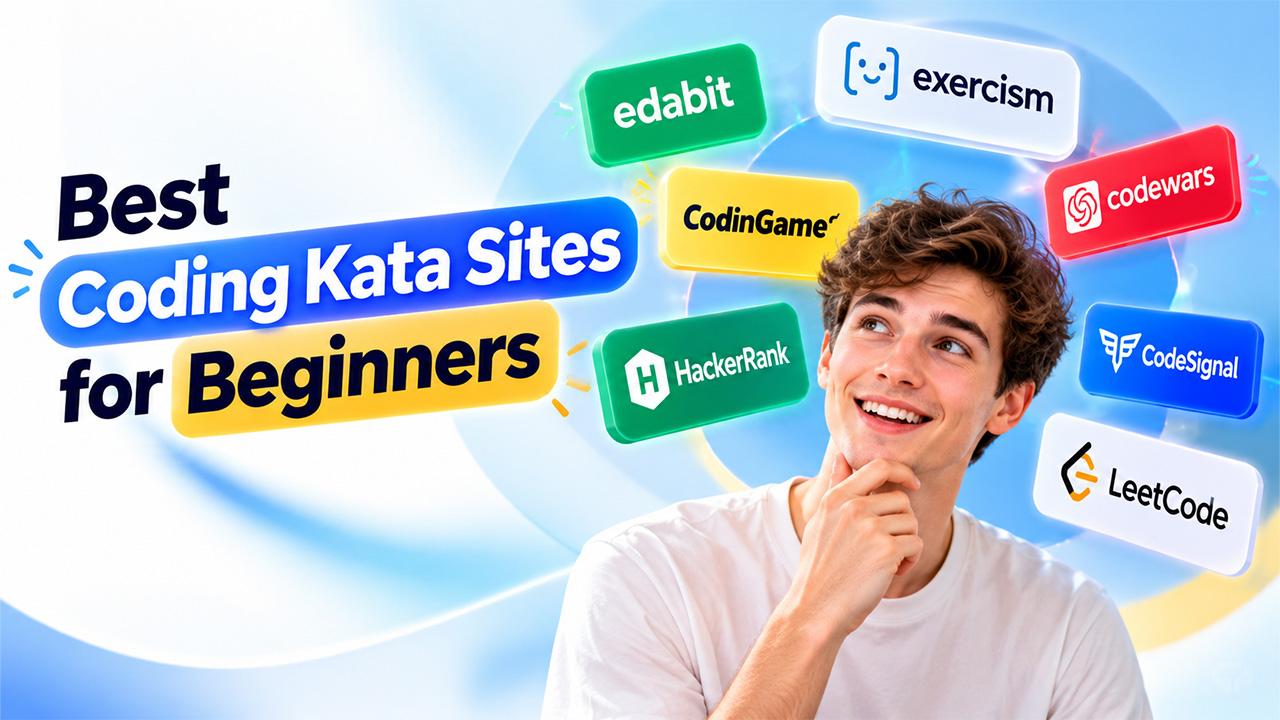


When you watch a coding tutorial, you feel like everything makes sense. The teacher types, you nod, and you think, “I’ve got this.” Then you open a blank editor to try it yourself, and your mind goes empty. Most beginners have been there. Watching isn’t the same as doing, and that’s where coding kata comes in. A kata is a short exercise that you solve, review, and repeat until you learn the skill. However, there are so many coding practice websites to pick from, and each claims to be the best. This guide covers the best coding kata sites for beginners and shows where each one fits. The best one isn’t the most famous. It’s the one that matches your level.
Best Coding Kata Sites for Beginners: Quick Comparison
Compare the top coding kata sites for beginners by difficulty, pricing, and learning goals, then match the coding challenges for beginners to your level.
| Site | Best for | Difficulty | Cost |
| Edabit | Complete beginners | Very easy to easy | Limited free access, paid option |
| Exercism | Learning one language step by step | Easy to medium | Free |
| Codewars | Daily coding practice | Easy to hard | Free core, paid option |
| CodinGame | Learning through games | Easy to hard | Free |
| HackerRank | Wide-ranging practice | Easy to hard | Free practice |
| CodeSignal Learn | Guided learning paths | Easy to medium | Free and paid access varies |
| LeetCode | Job interview practice | Medium to hard | Free core, paid option |
Now, let’s look at each platform in detail, including its key features, strengths, and the type of beginner it suits best.
7 Best Coding Kata Platforms for Beginners
These sites are arranged from the easiest to the most demanding, so you can start at the top and move down as you improve.
Edabit
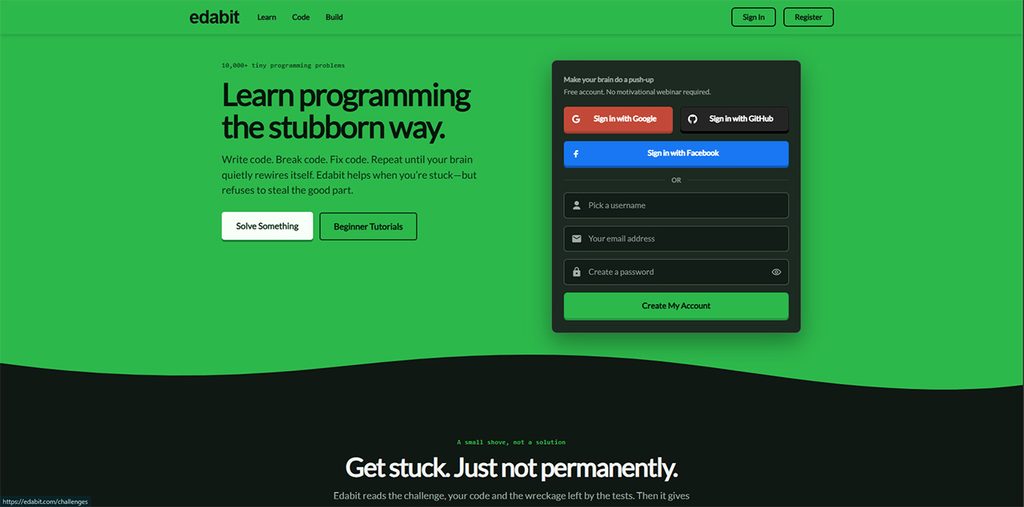
Edabit is built around very short challenges. It increases difficulty slowly and in a friendly way. If even “easy” problems on other sites make you nervous, you can start from here. Here. You get quick wins and quick wins build confidence to try difficult problems.
Key highlights
- Tiny challenges on basics like text, lists, and simple functions
- Fast repetition, so new ideas stick
- Limited free access, with a paid option
Best for: people who are still learning the basic rules of a language. Just remember that tiny exercises are only the first step, so don’t stay here forever.
Exercism
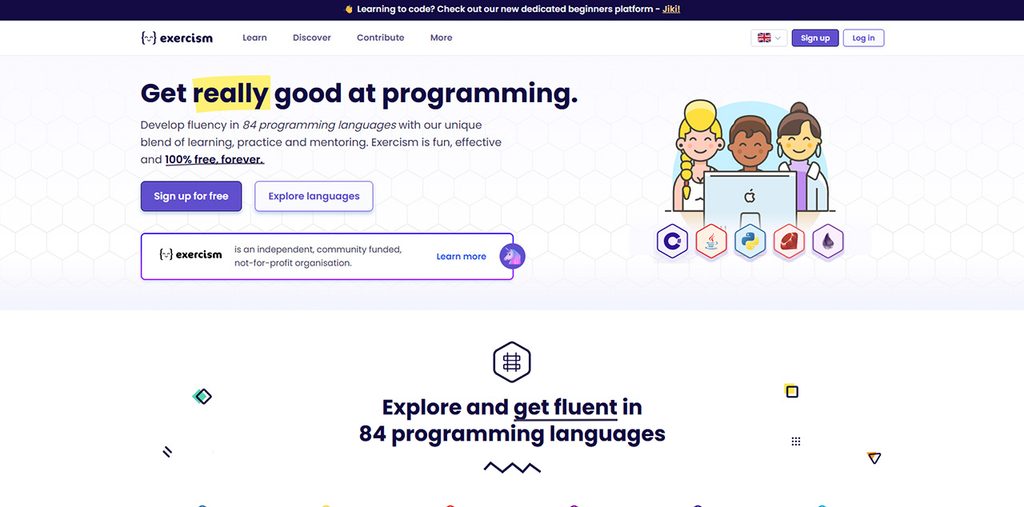
Exercism groups its exercises into language tracks. For instance, you choose a language, say Python or JavaScript, and follow a clear path instead of guessing what to solve next. Moreover, it also supports feedback and discussion, whether you pass or fail the code.
Key highlights
- Completely free to use
- Tracks for many programming languages
- Mentor feedback on your code
Best for: beginners who want to learn one language properly. The feedback can take a while to arrive, so be patient.
Codewars
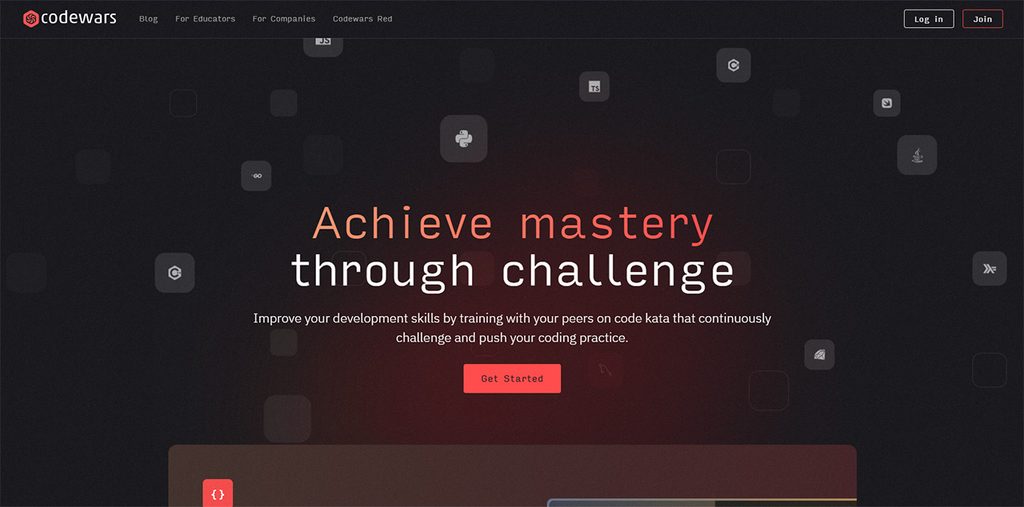
Codewars calls its challenges “kata,” and ranks them from beginner to expert. They’ve added one more interesting thing. After you solve a kata, you can read how other people solved the same problem. This helps you learn from other people and lets you find a neater way than yours.
Key highlights
- Support for more than 55 programming languages
- A ranking system that shows your progress
- Community solutions and discussion forums
Best for: building a daily coding practice habit. One warning: don’t let the rankings turn practice into point collecting. Learning is the goal.
CodinGame
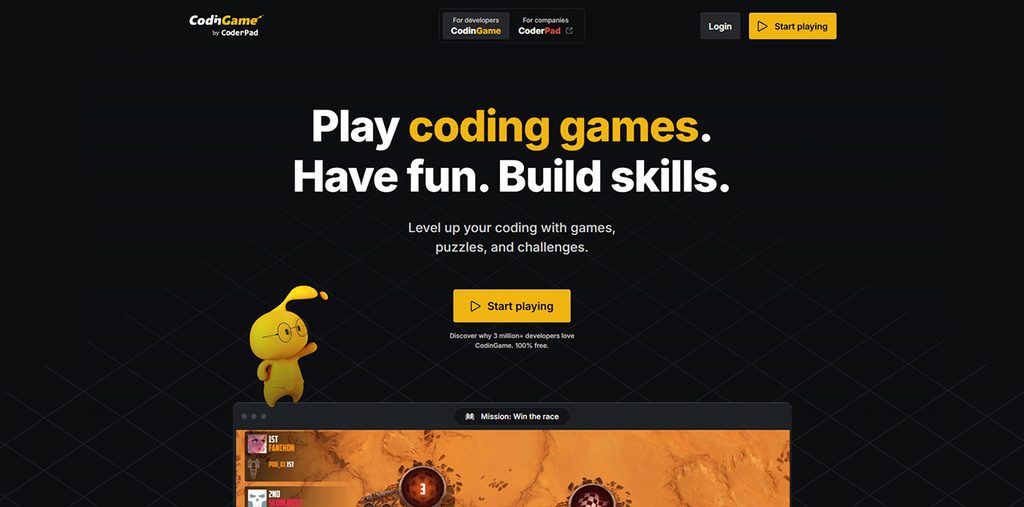
CodinGame turns coding problems into games and puzzles. Your code might steer a character or control a bot on screen, so you see the result right away. For many people, that makes practice more interesting and feel less like homework.
Key highlights
- Game-style puzzles and friendly competitions
- Popular languages like Python, Java, and JavaScript
- Free to use
Best for: visual learners who get bored with plain text problems. If the game part starts distracting you from the idea you’re practicing, switch to a simpler site for a while.
HackerRank
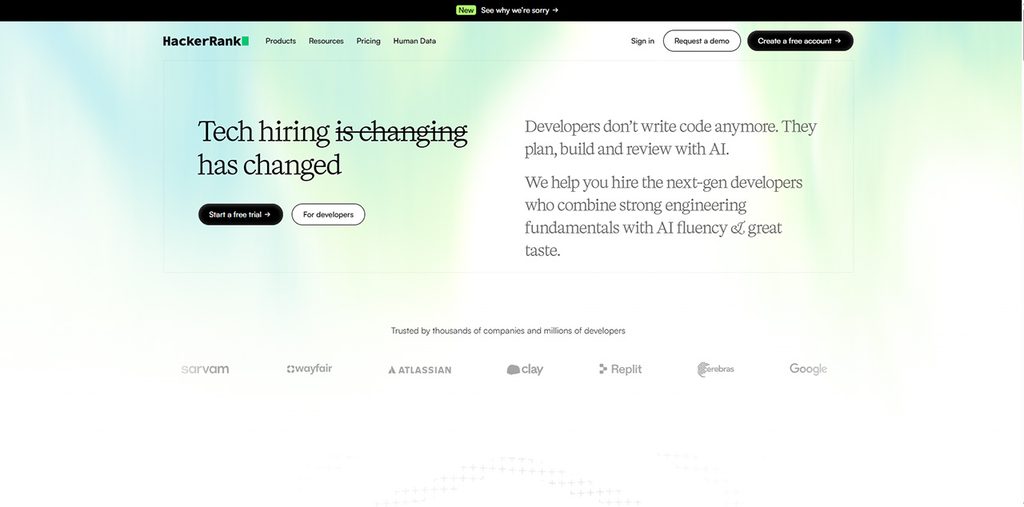
HackerRank offers more than just puzzles. You can practice languages, SQL (a way of working with information stored in tables), and more. Its preparation kits give you a set order, so you don’t have to decide what comes next each day. You already have everything you need to practice efficiently.
Key highlights
- Practice areas across many topics
- Step-by-step preparation kits
- Free practice
Best for: beginners who want variety and structure. Many employers use similar online tests, so getting used to the layout now can ease the nerves later.
CodeSignal Learn
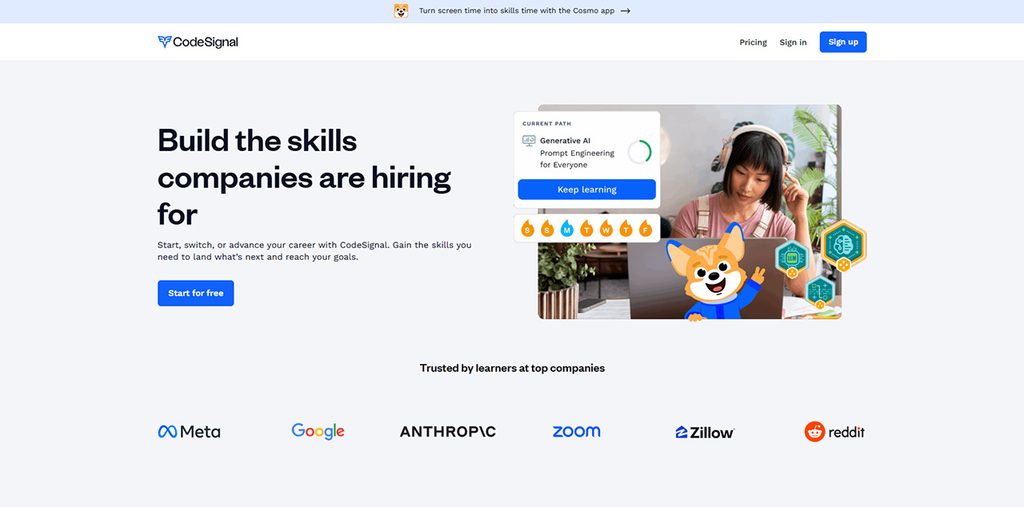
CodeSignal Learn sits in the middle. It offers guided learning paths, practice problems, and skill checks, so you get more direction than an open library gives you. However, you still write real code in your browser.
Key highlights
- Learning paths that guide you step by step
- Coding practice in the browser
- Skill assessments to check your progress
Best for: people who want a clear plan to practice without any hurdles. One thing worth noting is that its access levels change often, so check what is free before you pay for anything.
LeetCode
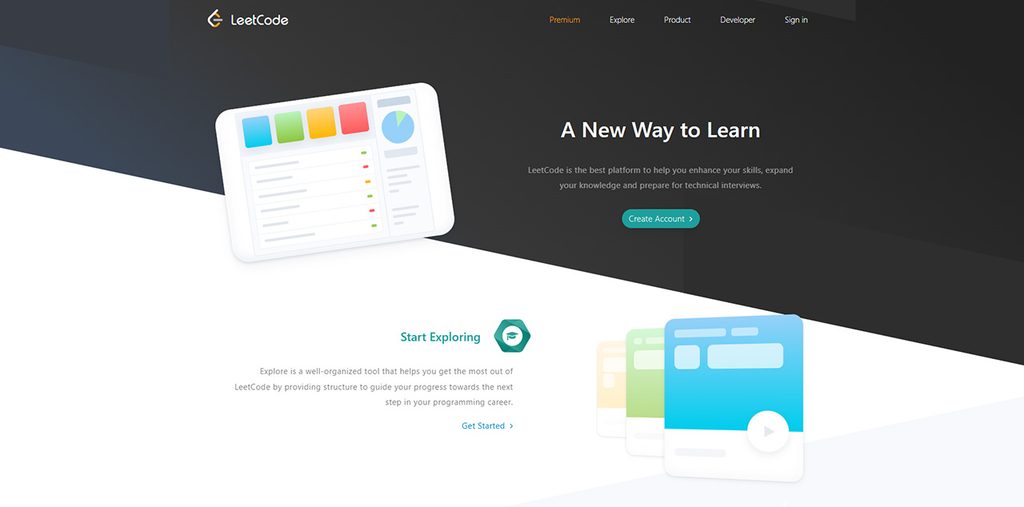
LeetCode is one of the popular platforms for job interview practice. Its problems are designed to focus on how to organize information and solve it efficiently. This is exactly what many hiring tests ask. If you’re just starting to code, it might feel like jumping into the deep end.
Key highlights
- A very large collection of problems
- Practices are sorted by topics
- Offers contests and discussion areas
Best for: beginners who already understand the basics and have interviews coming up. Keep one thing in mind: doing well here doesn’t prove you can build a full application. It proves you can solve this kind of question.
How to Choose the Right Coding Kata Site as a Beginner
First, define your goal clearly. Then look for the website. Ask yourself what you want to be able to do in a month. Then use this list:
- If you’re new to coding, start with Edabit, then move to Exercism.
- If you want to master one language well, try Exercism.
- If you want to build a daily habit of practicing code, pick CodeWars.
- If normal exercises bore you, try CodinGame.
- If you want more structure and variety, go with HackerRank or CodeSignal Learn.
- If you have an interview coming up, try LeetCode once you feel confident with the basics.
Conclusion
Learning JavaScript in 2026 isn’t about finding a single perfect course and sticking with it. It’s about exploring the best ways to learn JavaScript by combining a few learning methods that fit your style and sticking with them long enough to build real skills.
If you don’t know where to start, begin with something structured to learn the basics, then get hands-on practice by solving problems through coding challenges, personal projects, or a coding bootcamp if you want speed and support. The learners who succeed aren’t necessarily the most naturally talented ones; they’re the ones who keep building even when the code doesn’t work the first time. JavaScript rewards persistence more than perfection, and with the right combination of methods, you’ll get there.