Share on media


Creating a web application or website from basics, line-by-line, is not feasible anymore. This is where JavaScript libraries prove to be valuable. They provide developers with reusable or pre-written code for common tasks such as form validation, animation, and data visualization, minimizing development time significantly. Whether a team is developing a straightforward landing page or complex single-page application, JavaScript libraries have become a straightforward aspect of the modern web development toolkit.
In this blog, let us break down what are JavaScript libraries, why they are important, the ones that are widely utilized, and how to choose the right one for a project-
What Is a JavaScript Library?
A JavaScript library refers to a collection of pre-defined methods, functions, and code snippets that developers can directly plug into their projects. Instead of writing a function for something such as data formatting or DOM manipulation from the basics, a developer just calls specific method from the library.
JavaScript libraries are different from frameworks in one important way: control flow. With the help of a library, the developer’s code calls library’s functions whenever required. With the help of a framework, the framework itself shapes the structure and calls the code of the developer at particular points. This distinction is important when choosing which tool aligns with a given project.
A few of the JavaScript libraries used commonly are as follows:
- Event handling and DOM manipulation.
- Data visualization through graphs and charts.
- Input formatting and form verification.
- Visual effects and animations.
- Time and date formatting.
Reference platforms such as W3Schools encompass a lot of such use cases with hands-on examples, which is a great starting point for anyone new to the environment.
Widely-known JavaScript Libraries Used by Developers
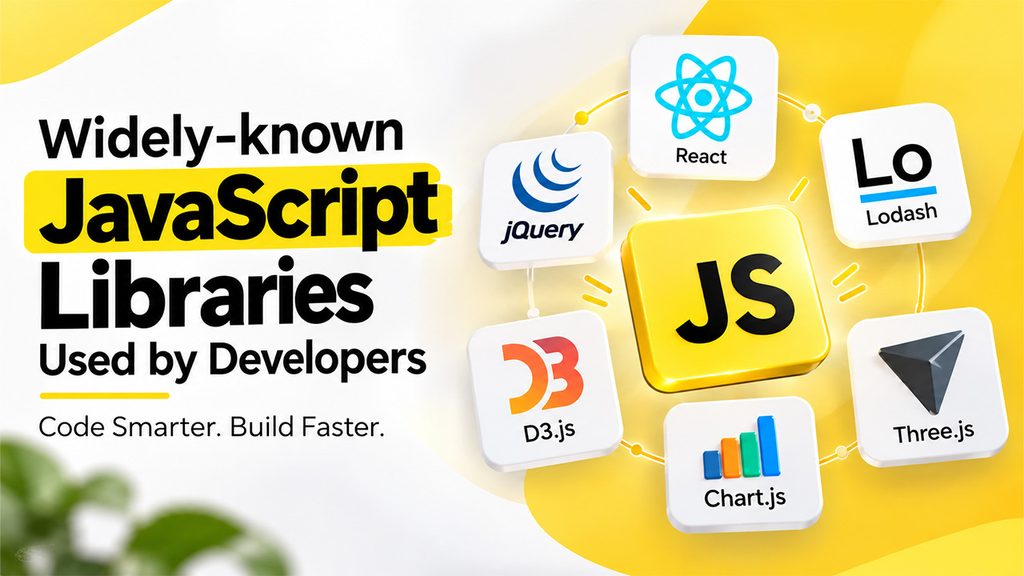
There is a plethora of Java libraries. However, only a handful of JavaScript libraries have got a permanent place in the toolkits of the most developers because of how effectively they solve specific problems:
- jQuery – One of the widely adopted and earliest libraries, jQuery streamlines event handling, DOM manipulation, and cross-browser compatibilities problems that once needed verbose vanilla JavaScript.
- React – Technically speaking, it is a library instead of complete framework, React emphasizes on developing user interfaces through virtual DOM and reusable components for efficient rendering.
- Lodash – A utility library containing functions for working with objects, arrays, and strings, enabling developers to create a more maintainable and cleaner code.
- D3.js – Built specific for data visualization, D3.js attaches data to DOM elements and creates interactive graphs, charts, and maps.
- Chart.js – A compact option for including graphs and responsive charts without a complex learning curve.
- Three.js – Used for providing 3D graphics in the browser through WebGL, prominent in creative web experiences and interactive product showcases.
Each of the above JavaScript libraries was created to solve a fairly particular problem, which is part of why choosing the right one comes down to aligning the tool to the task instead of just chasing popularity. Developers generally turn to community-based spaces to fix problems and compare notes while working with such tools and coding forums are a trustworthy place to check how other developers are applying them in real-world projects.
Why Are JavaScript Libraries Important for Web Development?
The advantage of JavaScript libraries is not just about saving time, though that is one of the major factors. There are numerous practical reasons they have turned out to be standard practice:
- Quicker Cycles of Development – Reutilizing tested code means less time gets spent on debugging and writing repetitive functions.
- Reliability Across Browser- Numerous libraries manage compatibility quirks across distinct browsers internally, so developers do not have to.
- Community Support – Prominent libraries have big communities, which means more tutorials, better documentation, and quicker fixes for common issues.
- Modularity – Most of the JavaScript libraries are built to be selectively utilized, so developers only load what they really need instead of the complete framework.
- Lower Overhead Maintenance – Since libraries are managed by their own companies and communities, security patches and bugs are often addressed without additional effort from the development team.
For teams who are working across different codebases and client sites, this consistency also makes onboarding new developers simpler since a lot of such tools are already known to most of the front-end engineers.
How to Select the Most Relevant JavaScript Library for a Project?
Since so many different JavaScript libraries are available, the decision often comes down to a few practical questions instead of personal preferences alone-
- What Problems Requires Solution? An animation and a charting library cater to completely distinct purposes, so begin with the particular feature needed.
- Is the Community Active? Libraries with active maintainers and frequent updates are often safer choices in the long-term.
- What Is the Size of File? Lightweight and smaller libraries load quickly and are much better suited for performance-sensitive projects.
- Does It Incorporate Well with the Present Stack? A few libraries naturally combine with specific frameworks, while others might need additional configuration.
- Is the Documentation Complete? If the documentation is complete and clear, it minimizes the learning curve and expedites implementation.
Developers creating server-side apps with JavaScript will also want to understand how a runtime environment operates, since libraries work distinctly as per whether they are operating in the browser or on a server such as Node.js. Taking some time to test the library in a small program as a small proof-of-concept before committing to it across an overall project to save considerable rework later.
Conclusion
JavaScript libraries are practical tools that are available to web developers, providing ready-made solutions for everything from DOM manipulation to complex visualization of data. Instead of reinventing common functionality, developers can lean on community-supported and tested code and concentrate their time on developing the part of a project that is actually unique. Choosing the right JavaScript library really comes down to the project you are working on or problem at hand, checking whether there is community support or whether community is active, and confirming that it smoothly fits into the existing tech stack.
Frequently Asked Questions :
What are JavaScript libraries used for?
JavaScript libraries provide pre-written, reusable code that helps developers handle common tasks such as DOM manipulation, event handling, animations, form validation, data visualization, and date formatting.
What is the difference between a JavaScript library and a framework?
With a JavaScript library, developers decide when and where to use its functions. A framework typically controls the overall application structure and determines when the developer’s code is called.
Which JavaScript libraries are commonly used by developers?
Popular JavaScript libraries include jQuery, React, Lodash, D3.js, Chart.js, and Three.js. Each library focuses on different needs, such as user interfaces, utility functions, data visualization, or 3D graphi
What are the benefits of using JavaScript libraries?
JavaScript libraries can speed up development, provide reusable and tested code, improve browser compatibility, offer community support, and reduce the effort required for maintenance.
How do I choose the right JavaScript library for my project?
Consider the library’s purpose, file size, documentation, community activity, compatibility with your existing technology stack, and maintenance frequency. Testing it with a small proof of concept can also help before full implementation.