
 Continue with Google

 Share on media


There are too many good options out there. If you’ve searched for ecommerce plugins for WordPress, you’ve probably landed on ten different “best of” lists, and each one promised to offer you something unique. Technically, they’re not wrong as each one is great, just for different people.
So instead of asking “which plugin is best,” the real question is: best for what? A solo creator who sells three digital courses has wildly different needs than a furniture brand that manages 200 SKUs and shipping logistics. When you pretend that one plugin fits both, that’s where things go wrong.
What Is an Ecommerce Plugin for WordPress?
At their core, ecommerce plugins turn a regular WordPress website into an online store builder. These plugins add the infrastructure that you actually need to sell things such as a shopping cart, product pages, checkout flow, and payment gateway integration without you having to build any of them from scratch.
Most good WordPress plugins have these features to set them apart from the general ones:
- Inventory management tools to track stock levels automatically.
- Tax and shipping calculators that adjust based on customer location.
- Mobile responsive store layouts (because most shoppers are on their phones).
- Built-in SEO for ecommerce to help product pages rank in search.
- Support for digital products, subscriptions, and recurring billing to make user experience smooth.
Some plugins are full ecosystems on their own. Others are just lightweight add-ons that are meant to do one job really well. If you know the category you’re dealing with, it’ll save you a lot of trouble and frustration later.
Best Ecommerce Plugins for WordPress: Quick Comparison
| Plugin | Best For | Starting Price | Standout Feature |
| WooCommerce | All-around store building | Free (paid extensions vary) | Massive customization, huge plugin ecosystem |
| Easy Digital Downloads | Selling digital products | Free, premium add-ons available | Built for downloads & licenses |
| BigCommerce for WordPress | Scaling businesses | Starts around $39/month | Enterprise-grade backend with WP frontend |
| Shopify (WordPress integration) | Hybrid store setups | Starts around $39/month | Robust backend, syncs with WordPress content |
| MemberPress | Subscription & membership sites | Starts around $179/year | Combines content gating with selling |
| Cart66 Cloud | Simple, secure checkouts | Starts around $24/month | PCI-compliant payment handling out of the box |
| WP EasyCart | Small to mid-sized stores | Free, premium tiers available | Drag-and-drop store builder |
| Shopp | Lightweight stores | Free | Minimal footprint, good for basic catalogs |
| Ecwid Ecommerce | Multi-channel selling | Free, paid plans scale up | Sell on website, social media, & marketplaces from one dashboard |
Now let’s see the detailed breakdown of these plugins, so that you can choose the right one for your business.
1. WooCommerce: Best Overall Ecommerce Plugin for WordPress
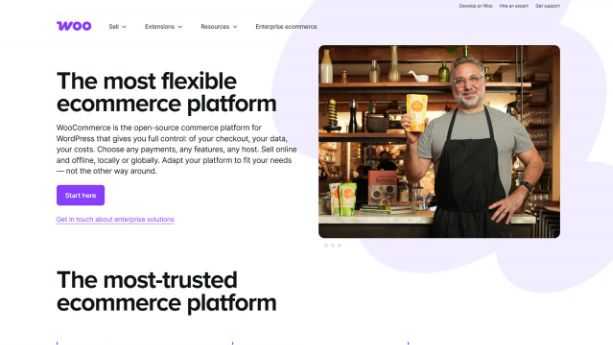
WooCommerce plugin is the most popular ecommerce plugin for WordPress, and you’ll see why. It’s free, open-sourced, and built directly by Automattic (the company behind WordPress.com). That’s why it integrates seamlessly with your site.
Its flexibility is what makes it stand out. You can sell physical products, digital downloads, subscriptions, bookings, or even affiliate products. There’s a massive library of extensions for everything from advanced shipping rules to loyalty programs. However, because it’s so customizable, it can get a little overwhelming if you’re not comfortable tinkering with settings or hiring a developer for more complex setups.
If you’re still unsure how the two relate, WordPress vs WooCommerce breaks down the core differences.
| Pros | Cons |
| Free core plugin, huge community support | Can get overwhelming with so many settings |
| Sells almost any product type | Complex setups may need a developer |
| Endless customization via extensions | Costs add up once you start buying premium extensions |
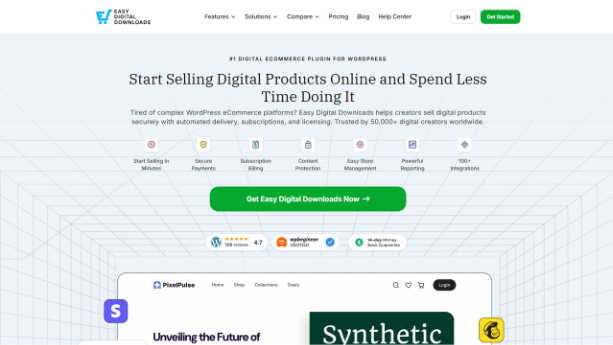
2. Easy Digital Downloads (EDD): Best for Selling Digital Products
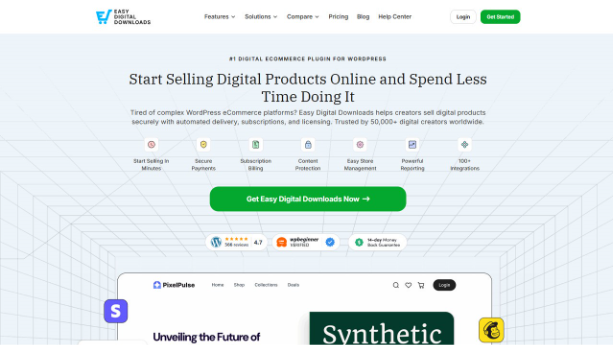
Easy Digital Downloads is designed for businesses that sell eBooks, software, music, templates, or any kind of file-based product. EDD focused entirely on digital goods. It handles licensing, file protection, and automatic delivery really well. It also provides you with detailed reports on what’s selling and to whom. Since it doesn’t need to account for shipping, inventory counts, or warehouse logistics, the interface feels less cluttered and confusing.
| Pros | Cons |
| Clean, uncluttered interface | Not suited for physical products |
| Strong licensing and download protection | Smaller extension ecosystem than WooCommerce |
| Easy to set up for digital sellers | Limited if you ever expand into physical goods |
3. BigCommerce for WordPress: Best for Scaling Online Stores
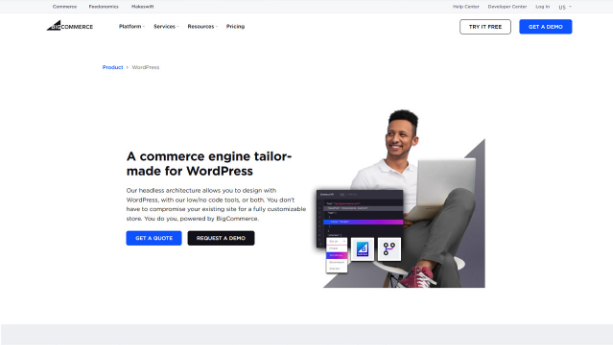
This is not a plugin in the traditional sense. It acts as a bridge between BigCommerce’s powerful backends and your WordPress frontend. It offers content flexibility of WordPress along with the enterprise-level commerce tools of BigCommerce that run behind the scenes.
It offers built-in abandoned cart recovery, multi-currency support, and serious scalability for those stores that have high order volumes. However, it isn’t free. And it works well for growing businesses rather than startups.
| Pros | Cons |
| Powerful backend without rebuilding your site | Not free; paid plans start around $39/month |
| Handles high order volumes well | Overkill for very small stores |
| Strong scalability for growing brands | Two systems to learn (BigCommerce + WordPress) |
4. Shopify (WordPress Integration): Best for Hybrid Stores

Shopify WordPress integration allows you to keep your WordPress site for content, blogging, and SEO while running your actual store through Shopify’s checkout and inventory system.
It is a useful integration for those brands that already have a content-heavy WordPress site but want to integrate Shopify’s reliable payment infrastructure and cart. There’s only one downside that you have to manage two systems, which can feel a little disjointed at first.
| Pros | Cons |
| WordPress content strength + Shopify’s commerce reliability | Managing two platforms can feel disjointed |
| Good for content-heavy brands | Monthly Shopify fees apply on top of hosting |
| Proven, stable checkout experience | Less unified than an all-in-one WordPress plugin |
5. MemberPress: Best for Membership Sites
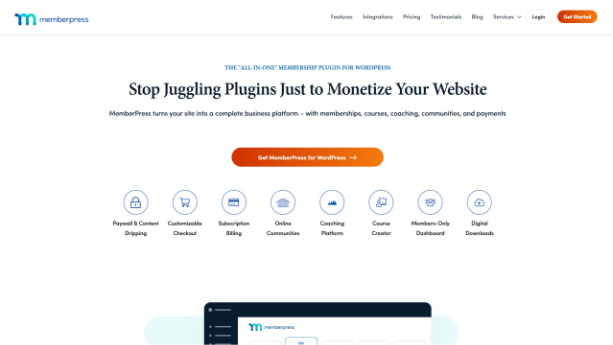
MemberPress is different from a traditional shopping cart plugin. It is especially built for subscription-based selling and gated content such as premium communities, online courses, or paid newsletters.
With this, you can restrict access to content that is based on membership level. Additionally, it also handles recurring payments and even drip-feed content over time. If your “product” works on access, then this is worth a look. For service-based businesses, a WordPress booking plugin can work alongside MemberPress for managing appointments.
| Pros | Cons |
| Great for courses, coaching, and paid communities | Not a traditional shopping cart for physical goods |
| Strong recurring billing tools | Pricing starts around $179/year, higher than some alternatives |
| Flexible access control | Limited use if you’re not selling access-based products |
6. Cart66 Cloud: Best Plugin for Secure Ecommerce Checkouts
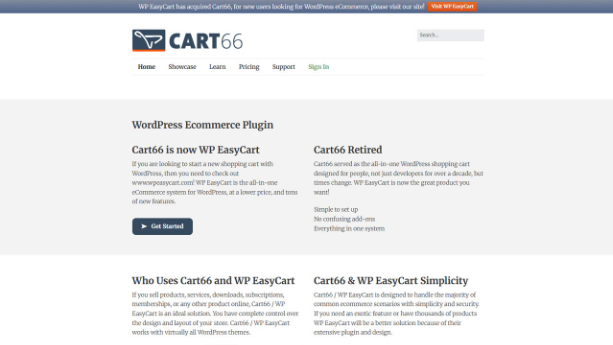
Cart66 Cloud keeps things simple. It is designed for those store owners who are looking for secure and PCI compliant checkouts without having to deal with complicated setup processes. It lightens the security burden because payment processing happens through cloud systems.
It is not the most advanced option, and its product catalog features are fairly basic when compared to WooCommerce. However, for someone who is selling only a handful of products wanting a safe and no-fuss checkout; it does the job well.
| Pros | Cons |
| Strong focus on payment security | Basic catalog features compared to WooCommerce |
| Minimal setup hassle | Not ideal for larger or complex stores |
| Good for small product lines | Fewer customization options overall |
7. WP Easy Cart: Best Beginner-Friendly WordPress Ecommerce Plugin
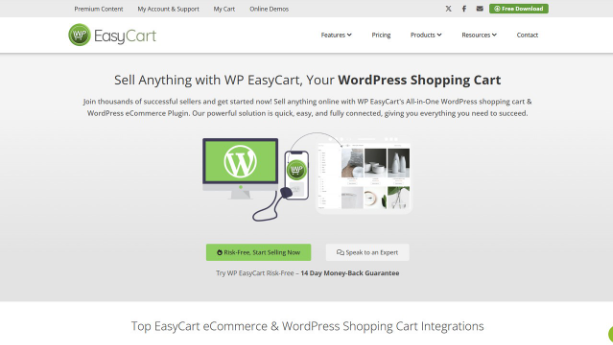
WP EasyCart offers a drag-and-drop approach to building your store. This makes it appealing if you’re not particularly technical. It supports both physical and digital products, multiple payment gateways, and has decent shipping configuration options.
It doesn’t have the extension ecosystem that WooCommerce does. However, for small to mid-sized stores that need core functionality without a steep learning curve, it’s a solid middle-ground choice.
| Pros | Cons |
| Beginner-friendly setup | Smaller extension ecosystem than WooCommerce |
| Handles both product types well | Less flexible for advanced customization |
| Decent shipping tools included | May feel limiting as your store grows |
8. Shopp: Best Lightweight Ecommerce Plugin for WordPress

Shopp is one of the most lightweight options on this list. It’s free, has a smaller footprint than WooCommerce, and works well for stores with relatively simple catalogs such as a few dozen products.
Remember to check its compatibility with your current WordPress version before committing as it doesn’t get updated as frequently other ecommerce plugins for WordPress. But if your needs are modest, it won’t slow down your site.
| Pros | Cons |
| Won’t slow down your site | Infrequent updates; check compatibility first |
| Good for small, simple stores | Lacks advanced features for scaling |
| Free to use | Smaller community and support base |
9. Ecwid Ecommerce: Best Plugin for Multi-Channel Selling
Ecwid is built for multi-channel selling. This allows you to manage your inventory in one place and sell across your WordPress site, Facebook, Instagram, and even various marketplaces like Amazon, all from a single dashboard.
Its free plan is genuinely useful for small stores. As you scale, you can subscribe to paid plans which unlock more products and advanced features. If you’re already selling on social platforms and want everything synced, Ecwid removes a lot of manual work.
| Pros | Cons |
| Great for sellers already on social media/marketplaces | Free plan has product limits |
| Genuinely functional free tier | Advanced features require paid upgrades |
| Saves time syncing inventory across platforms | Less WordPress-native feel than WooCommerce |
How to Choose the Best Ecommerce Plugin for WordPress
Ask these important questions rather than picking based on popularity.
- What are you selling?
Physical goods, digital downloads, memberships, or a mix? This alone eliminates half of the list. If ranking matters to you, check whether the plugin works well alongside SEO plugins for WordPress, since product pages need both ecommerce and SEO functionality.
- How technical are you (or your team)?
Some plugins need more hands-on configuration than others.
- What’s your budget; both now and at scale?
Free plugins can get expensive fast once you add premium extensions.
- Do you need multi-channel selling?
If you’re already on social media or marketplaces, that changes your shortlist.
- How important is long-term scalability?
Starting small is fine, but switching platforms later is a headache worth avoiding.
When you answer these questions honestly, the “best ecommerce plugins” usually becomes obvious pretty quickly.
Conclusion
There is no universal winner here, which is actually good news. This means you don’t have to choose between “the best” and “everything else”. You’re choosing what fits your stage of business right now. When it comes to picking the right ecommerce plugins for WordPress, WooCommerce remains the safest general-purpose pick for most people, but if your store has a specific shape such as it sells digital-only, subscription-based, or multi-channel products; one of the other eight options on the list is probably a better fit. Start with what you actually need today and leave room to grow into something bigger later.