Share on media
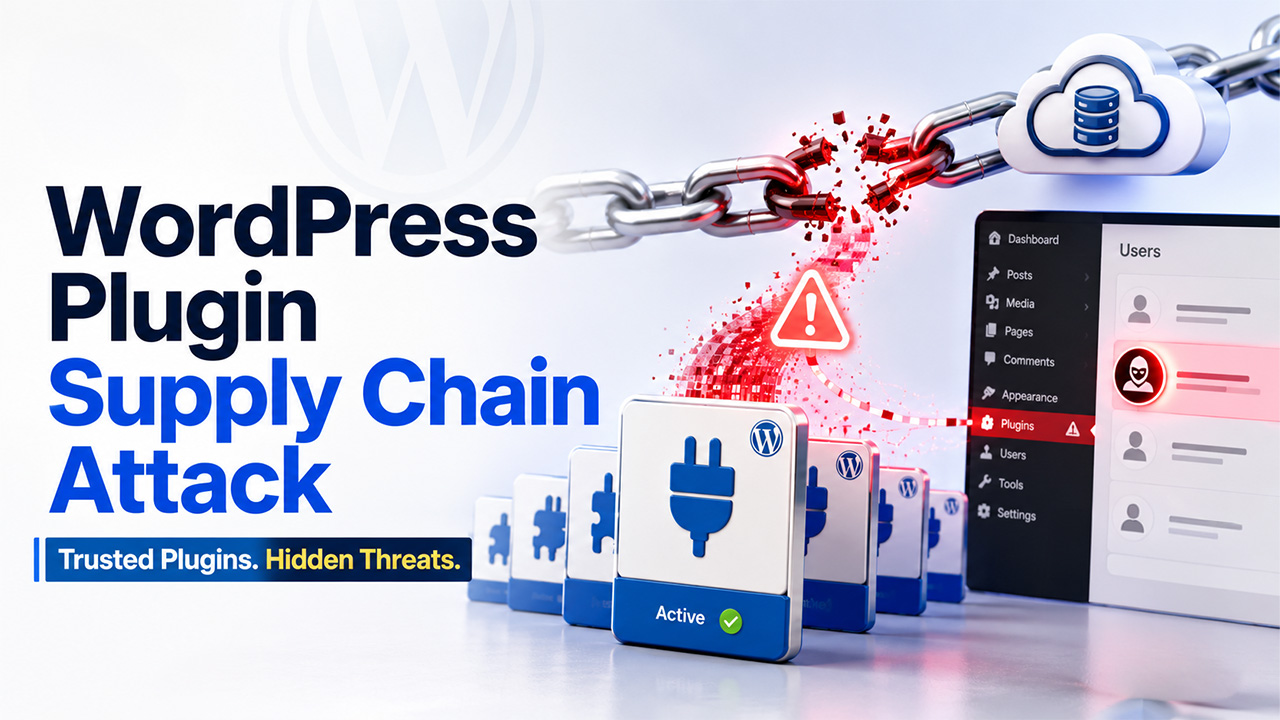
Here’s what makes this WordPress Plugin Supply Chain attack unusual. Most WordPress plugin attacks involve someone sneaking bad code into a file update. This one didn’t touch a single file in the official WordPress.org repository. Instead, attackers went after something that is a lot less obvious: a promotional banner quietly pulling data from the vendor’s own cloud storage. And that’s exactly why it worked for so long without anyone noticing. Let’s break down this attack.
What Happened in the WordPress Plugin Supply Chain Attack?
Cybersecurity researchers recently flagged a supply-chain compromise affecting BdThemes, a well-known WordPress plugin vendor. WordPress.org’s plugins team responded fast, temporarily pulling downloads for the affected plugins while they sort things out.
Wordfence researcher Paolo Tresso explained it in simple terms. According to him, this wasn’t your typical supply chain attack. No source code inside the official repository was modified at all. Instead, someone poisoned a static JSON data stream, one that an administrative promotional banner inside the plugins was quietly fetching in the background.
Incidents like this are exactly why it’s worth learning how to secure a WordPress site before something like this happens to you
Seven BdThemes Plugins Were Affected
Seven BdThemes plugins were caught up in this, some with serious install numbers:
- Element Pack Addons for Elementor with 100,000+ active installs
- Live Copy Paste for Elementor with 6,000+ active installs
- Pixel Gallery Addons for Elementor
- Prime Slider Addons for Elementor
- Smart Admin Assistant
- Ultimate Post Kit Addons for Elementor
- Ultimate Store Kit with 6,000+ active installs
Anyone who visits these listings on the plugin directory right now sees a notice saying they’ve been closed as of August 7 or 8, pending a full review.
The Biggopti Component Behind the Attack
The root of all this traces back to an internal component called Biggopti, which ships with these plugins. Its job sounds harmless enough. It pulls promotional banners from an API and shows them in the WordPress admin dashboard. But the library had a cross-site scripting flaw in how it parsed JSON responses, and that flaw is what opened the door for attackers.
Because the vulnerable script runs on every single wp-admin page load, the injected code fires silently in the browser of any logged-in administrator. Nobody has to click anything shady. They just have to be logged in and browsing their own dashboard, which is about as routine as it gets.
What the Malicious Script Actually Does

Once triggered, the payload, a file named “w2.js” works through a clear sequence:
- It contacts a command-and-control server, sending along the victim site’s origin to get instructions.
- It creates a brand-new rogue administrator account through the WordPress REST API. This is also a good moment to revisit WordPress user roles and who on your site actually needs admin access.
- It downloads a fake plugin ZIP from that same server and installs it through the normal plugin upload process, which quietly plants a PHP web shell.
- It uses that web shell to install two persistence tools; one is a hidden login backdoor triggered by a specific URL parameter, and the other actively hides the rogue accounts from the admin user list.
There’s also a second payload, “x.js,” that does something almost impressively sneaky. It generates admin usernames and passwords mathematically, based on nothing but the victim’s own hostname. Wordfence noted that this means attackers don’t even need to keep a list of compromised sites; anyone investigating can just recalculate the exact credentials to look for.
Is This WordPress Plugin Supply Chain Attack Part of a Larger Campaign?
The command-and-control infrastructure used here has been linked to two other recent WordPress supply chain attacks: one involving Advanced Responsive Video Embedder, and another tied to OptinMonster. In both of those cases, plugins were quietly backdoored to hand attackers full administrative access. Put together, this looks less like a one-off incident and more like an ongoing campaign aimed at building long-term, hidden control over WordPress sites.
Wordfence believes the root cause here points to a serious upstream compromise of BdThemes’ own cloud storage credentials or internal systems, since the malicious files were uploaded directly into the vendor’s bucket. Cases like this show that website security can’t stop at your own WordPress installation.
Conclusion
If you’re running any of these plugins, it’s worth checking your admin user list closely and watching for anything unfamiliar, since the malware’s whole design leans on staying invisible. This case is a good reminder that a WordPress plugin supply chain attack doesn’t stop at the code sitting in your WordPress installation. Sometimes the weak point is somewhere upstream, quietly feeding your site data you never thought to question.
Frequently Asked Questions :
1. What made this WordPress attack different from a typical plugin vulnerability?
No official repository files were changed. Attackers poisoned a JSON feed pulled by a promotional banner from BdThemes’ own storage.
2. Which BdThemes plugins were affected by this attack?
Seven plugins were hit, including Element Pack Addons for Elementor, which alone runs on over 100,000 active sites.
3. How does the malicious script actually take over a site?
It silently creates a rogue admin account via the REST API, then installs a hidden PHP web shell.
4. Do site owners need to click something for this attack to work?
No. The script fires automatically whenever a logged-in administrator simply loads any wp-admin dashboard page.
5. Is this connected to any other recent WordPress security incidents?
Yes. The same command-and-control server ties it to two other recent WordPress plugin supply-chain attacks.
%201.png)

%201.png)

%201.png)