

 Share on media
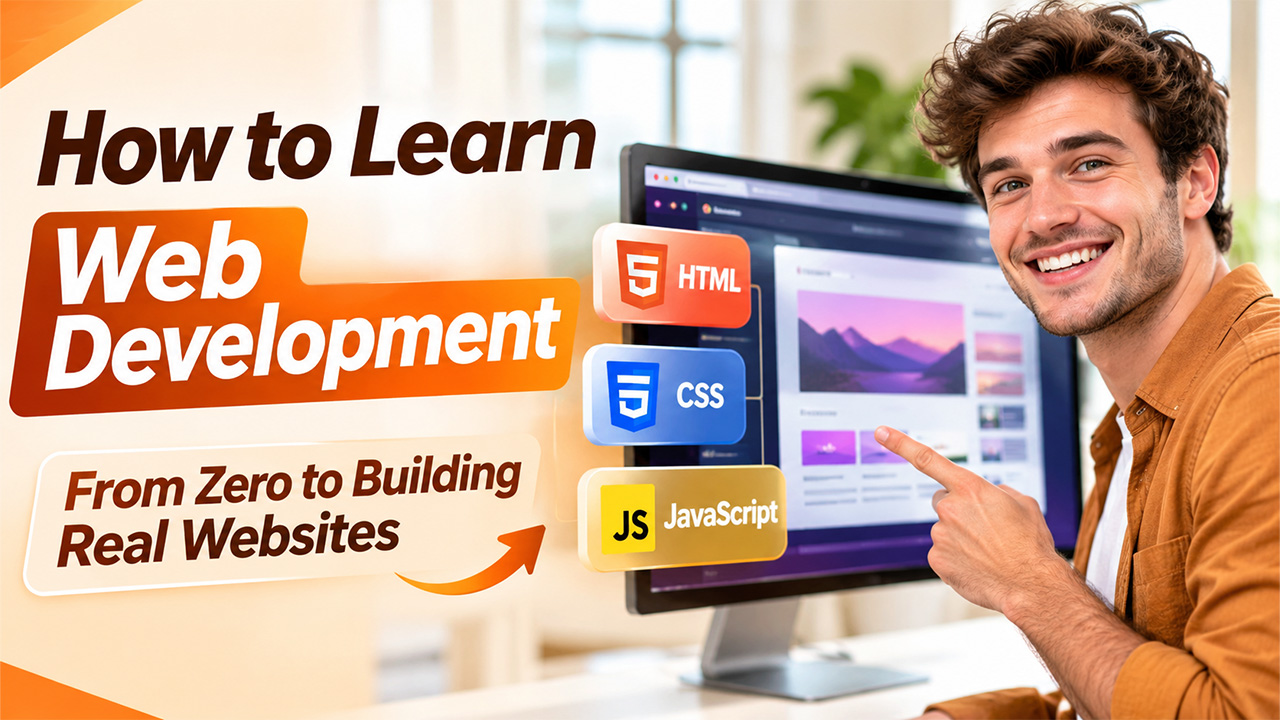


When someone is starting out and wants to know how to learn web development, there are just too many options. There are dozens of different languages, frameworks, and AI tools. All of them say that they are the best place to start. This can put people off.
This guide shows you how to learn web development on day one. You will learn about how the web works, then HTML and CSS. Then move onto JavaScript. After this you will start building projects and decide what direction to take. We will also show you how to use AI without losing your skills.
Start With How the Web Works and Set Up Simple Tools
Before you write code, learn what a browser, a server, and a file are. A browser requests a page, the server holds a copy of that page and sends it back. Each of these files holds one part of the page, this can be text, code or images. This will make it easy to understand all of the lessons going forward.
Install a code editor. Open up the developer tools within your browser. These allow you to see the code behind any page. Open a website. Right click on a heading and click “inspect”. You will be able to see the code. Anything you change will not be saved once you refresh so it is safe to play around with.
Now we need to choose an IDE (a real code editor) where we will write code, a code editor is a very advance version of notepad. In the industry, VS Code is the most popular option. It is the most used editor according to developer surveys year on year.
MDN docs offer some getting started lessons which will take you through installing the software, setting up your workspace and creating your first simple website. If you want guidance on how to learn web development, these top programming tutorials are a great place to start. Don’t worry about learning all of the settings. A simple editor and browser will have everything you need for your first month.
Learn HTML and CSS by Building a Real Page
Don’t get bogged down with studying a long list of tags. Instead, build a small individual page and learn the pieces as you go along. Think of a topic you are interested in, such as a hobby, recipe or mini page about yourself.
As you build your page, you will learn about semantic HTML, links, images, CSS selectors, flexbox and responsive design. Semantic HTML uses meaningful tags for different parts of your page, such as headings and lists. Flexbox allows you to align items in rows and columns. Responsive design allows your page to be responsive to any screen size. Try changing one thing at a time and refreshing the page to see the change. This gives instant feedback which will teach you more than a list of rules.
The first two famous free courses start with these skills. The freeCodeCamp full stack course starts with semantic HTML, accessible pages, CSS fundamentals and flexbox. The Odin Project’s Foundations stage includes setting up, the command line, Git, HTML, CSS, JavaScript and problem solving.
When your site is finished, publish it somewhere public using a free hosting service like GitHub Pages. It will feel more like a real website as it will have a live URL. Anyone can view it and you can share it.
Spend the Most Time on JavaScript
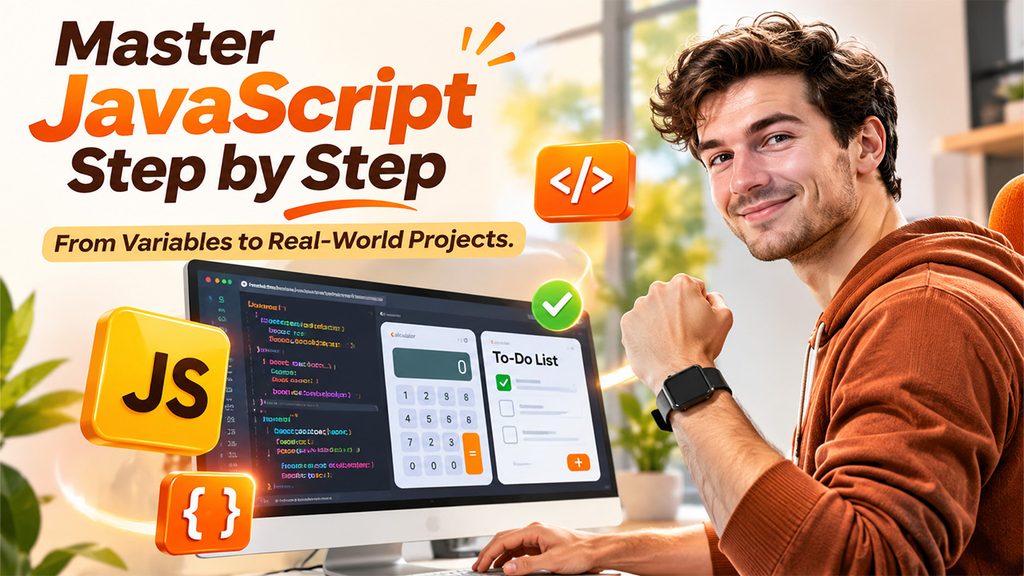
This is the longest part of the process and can be challenging. But JavaScript, HTML and CSS are still some of the most popular languages, so it’s worth putting in the effort.
Stick to JavaScript until you feel comfortable. It’s more important to get a good understanding as opposed to rushing through. If you move to a new language every month you will lose a lot of what you have learned.
It makes sense to learn variables and functions first. These allow you to store values and help with grouping together parts of your code. Then you can move onto the DOM which allows you to manipulate your page with code. After events such as clicks and key presses, you can move onto async code. This waits for something to happen such as data coming in from the server.
You can start your first project by building a calculator and a to-do list. Both of these require variables, events and manipulating the DOM. Try to type your code rather than copy and paste as it will help you remember. Look at other people’s small programs to help you understand how they have solved their problem. Try to do short sessions every day with coding challenges for beginners.
Almost everyone will feel stuck here. This is completely normal. You are actually developing a skill here called debugging. This is when you find and fix errors in your code. Read the error message, test one thing at a time and use the browsers’ developer tools to see what has happened. If you don’t understand a concept, create a small example to show just that concept.
Build Projects Without the Tutorial Open
Tutorial hell is a term used when someone gets stuck in a loop of watching tutorials and copying code. You’ll understand everything whilst watching the tutorial but won’t be able to retain any of the skills.
A quick test you can do to see if you’re getting into tutorial hell is to close the tutorial and create a new blank file. If you can’t write out the first 10 lines of code without referencing anything then you need to practice building more.
To get out of tutorial hell start by rebuilding the completed project from the tutorial. Then add one extra feature to it. Lastly create a project that you would actually want to use, like budget tracker or habit tracker. Whilst building can feel slower than watching tutorials, this will help you turn your lessons into skills. Have a list of quick project ideas to always have something to work on.
The Odin Project teaches you how to learn web development by having you build projects. Use the MDN reference pages to learn how things work. Don’t look up another video. You can look at the reference pages but you mustn’t copy the whole solution. It’s fine to watch YouTube videos to get an idea. Many people learn to code on YouTube. Use the video to understand one concept, then go back to your code. Each mini project will give you something tangible to show people.
Use AI as a Tutor, Not a Ghostwriter
Most developers are using AI tools or plan to. So how can we use AI tools without impacting our learning?
A randomized trial at Anthropic found that a group of mainly junior developers who completed a coding task and then a test showed that those who used AI tools completed the task slightly quicker. However, they scored 17% less on the test. Those who scored higher tended to ask more follow-up questions, why questions, and asked general questions throughout.
The moral of the story is to code it yourself and then ask the AI to explain, give feedback or compare. For example, give your code to the AI and ask what could go wrong and why. Ask it to compare two different methods of solving the problem and then decide which you would use and why. Never include code in your project that you wouldn’t be able to explain line by line. Think of the AI as a patient teacher that will answer your questions. Don’t rely on it to do the thinking for you!
Remember that this study only looked at knowledge straight after the task, not long-term skill. It was also a small study so should be used as a useful indicator. The study was conducted by Anthropic, who also made Claude AI.
Conclusion
Start by learning how the web works, then move on to learning HTML & CSS, and finally JavaScript (this is where you will spend the most time). Use AI as your teacher and create projects along the way. This is an easy answer to how to learn web development. You want to be practicing consistently every week rather than finding the perfect course.
Frequently Asked Questions
You can learn the basics in 2-4 months with consistent daily practice.
Learn how the web works, then HTML and CSS, then JavaScript, then projects.
No, you don't need a degree, just consistent practice and problem-solving skills.
You just need VS Code, a modern browser with dev tools, and GitHub Pages.
Yes, but write the code yourself first and use AI to explain and review it.