
 Share on media
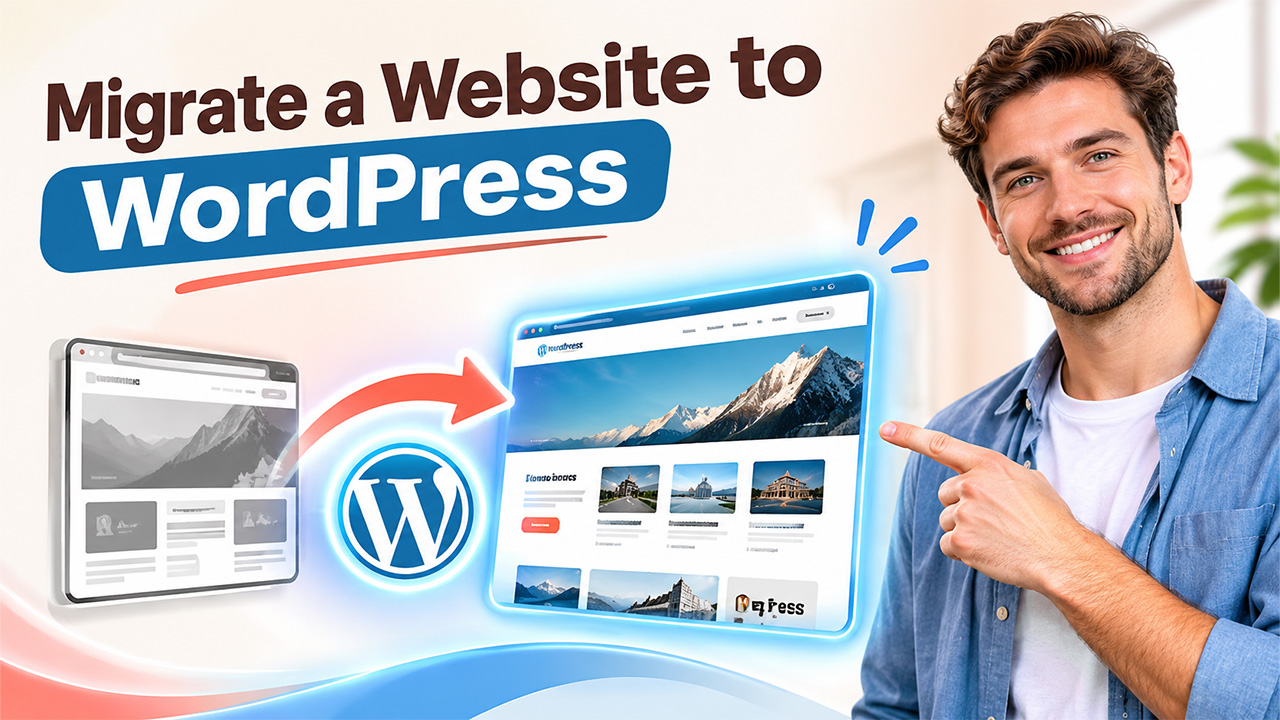


Moving to WordPress can give a website a flexible content management system, easier publishing, and a stronger foundation for growth. However, migration is not simply copying pages. You need to protect valuable content, preserve important URLs, test functionality, and make sure visitors and search engines can still find the site.
This guide explains how to migrate a website to WordPress safely, including planning, content transfer, AI website creation, design, SEO, testing, and launch. If you want professional help, WP-1Click provides WordPress migration services built around structured content transfer and a clean WordPress environment.
Why migrate a website to WordPress?
Businesses often outgrow static sites or older content management systems. WordPress provides an intuitive dashboard, flexible themes, and room for changing business needs.
The goal is not to rebuild everything unnecessarily. A successful move preserves what already works while improving how the website is managed.
WP-1Click supports business websites, corporate portals, blogs, portfolios, and service-based websites through its migration offering.
For another perspective on moving an existing WordPress installation, read WP-1Click’s guide to migrating a WordPress website to another hosting provider.
When Should You convert a website to WordPress?
You may want to convert a website to WordPress when updating content is difficult, your platform limits design options, or routine maintenance requires too much technical effort. WordPress can make publishing and administration more accessible.
Migration can also help when your business needs content marketing, landing pages, blogging, or future functionality. Base the decision on business goals.
website migration steps to Follow
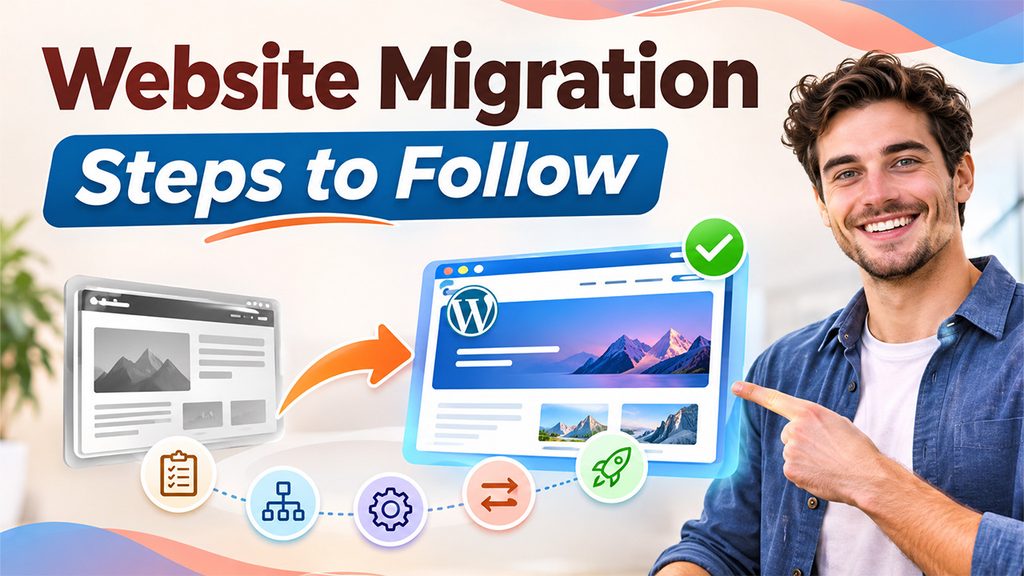
Before launch, migrate a website to WordPress with a documented rollback plan.
1. Audit the Existing Website
Start with an inventory of important URLs, pages, posts, images, documents, forms, and integrations. Record metadata, traffic-driving pages, internal links, and assets that should remain available.
Back up the website before changing anything. Keep the original site accessible until the new WordPress version is fully tested.
2. Plan the New WordPress Structure
Map old URLs to new URLs before rebuilding pages. Decide which content should stay, be merged, rewritten, or removed. Create logical navigation and useful categories.
Many owners migrate a website to WordPress to simplify publishing.
3. Set Up WordPress
Create a clean WordPress environment and configure essential settings. Choose a lightweight theme, establish administrator access, set your preferred permalink structure, and install only necessary plugins.
A WordPress migration plugin can simplify transfers for compatible websites, but plugins are not a substitute for planning and verification. Large, unusual, or highly customized sites may require manual work.
4. Transfer Content and Media
Teams can migrate a website to WordPress while preserving familiar content.
Move pages, posts, images, downloadable files, and relevant database content into WordPress. Rebuild forms, menus, widgets, and integrations where necessary.
Check formatting after import because HTML, media paths, embeds, and custom fields may behave differently.
5. Recreate the Design
AI web design can speed up creation of a modern visual foundation. Instead of building every layout manually, AI can help generate page structures, content sections, and design concepts from business information.
WP-1Click combines AI-powered website generation with ready-made templates, responsive design, SEO-friendly structure, and performance optimization. Its AI WordPress Website Builder can create pages and content sections automatically, after which users can customize branding, layouts, and pages.
AI should assist rather than replace human review. Check generated headlines, claims, images, calls to action, and layouts for accuracy and brand fit.
6. Protect SEO During Migration
SEO preservation is critical when you migrate a website to WordPress. Keep valuable URLs where practical. When URLs change, create relevant 301 redirects from old addresses to corresponding new pages.
Review page titles, headings, meta descriptions, canonical settings, image alt text, internal links, XML sitemaps, and indexation settings. Do not redirect every old URL to the homepage; send users to the closest relevant destination.
For additional guidance, see WP-1Click’s guide on WordPress SEO without a plugin, which covers search visibility, permalinks, and page optimization.
7. Test Before Launch
Careful testing helps migrate a website to WordPress with confidence.
Test the new website on desktop and mobile devices. Check navigation, forms, search, images, downloads, buttons, contact details, analytics, and integrations.
Look for broken links, missing media, duplicate pages, unexpected formatting, slow templates, and accidental noindex settings. Compare key pages with the original before switching domains or DNS.
8. Launch and Monitor
Once testing is complete, schedule the launch when you can monitor the website closely. Update DNS or hosting settings as required, confirm HTTPS, submit the sitemap, and monitor search performance, traffic, errors, and user behavior.
Keep the old website available temporarily as a recovery reference, and continue checking redirects after launch.
How AI Website Creation Helps After Migration
AI website creation is useful when migration is also a redesign project. Instead of transferring an outdated interface unchanged, you can preserve valuable content while creating a cleaner information architecture and modern user experience.
WP-1Click simplifies WordPress setup through automation. Its platform can generate website structure, configure key elements, apply performance and security practices, and provide a ready-to-customize foundation. This can reduce repetitive setup work while leaving editorial and business decisions with the website owner.
For organizations that want to modernize rather than simply relocate, this approach makes the transition more purposeful.
SEO Tips for a Successful WordPress Migration
Focus on relevance and usability first. Preserve important content, improve weak pages where appropriate, and avoid creating thin or duplicated content during redesign.
Create descriptive URLs, useful page titles, clear headings, strong internal linking, optimized images, and mobile-friendly layouts. Make sure important pages remain indexable and redirects point to relevant destinations.
Monitor Google Search Console after launch. Watch for indexing problems, crawl errors, ranking changes, and unexpected traffic drops. Temporary fluctuation can happen after a migration, but persistent issues deserve investigation.
Conclusion
A successful migration is more than moving files between platforms. It is an opportunity to simplify management, improve design, strengthen SEO foundations, and prepare your website for growth.
When you migrate a website to WordPress with a clear plan, careful content transfer, thorough testing, and proper redirects, you can protect existing value while building a more flexible digital foundation.
If you want expert help, explore WP-1Click’s WordPress migration services for a structured approach to content transfer, WordPress setup, and long-term manageability. For businesses also considering a redesign, the WP-1Click AI WordPress Website Builder can help create a modern, performance-focused foundation. Turn migration into a practical step toward a better website successfully.
Frequently Asked Questions
The timeline depends on website size, content volume, custom functionality, integrations, and design requirements. A small site can be straightforward, while complex websites require more planning, testing, and validation.
Yes. A properly planned migration can transfer pages, posts, media, and other important content. Always create backups and verify the new site before launch.
Not always. A plugin can help with compatible site structures, but complex migrations may need manual transfer, custom scripts, or professional assistance.
Migration can affect rankings if URLs, redirects, content, indexation, or technical settings are handled poorly. Careful URL mapping, relevant redirects, testing, and monitoring can reduce avoidable problems.
AI can help generate layouts, content sections, and design foundations, but human review remains essential. WP-1Click combines AI website generation with WordPress automation, allowing businesses to customize the website before publishing.