
 Share on media
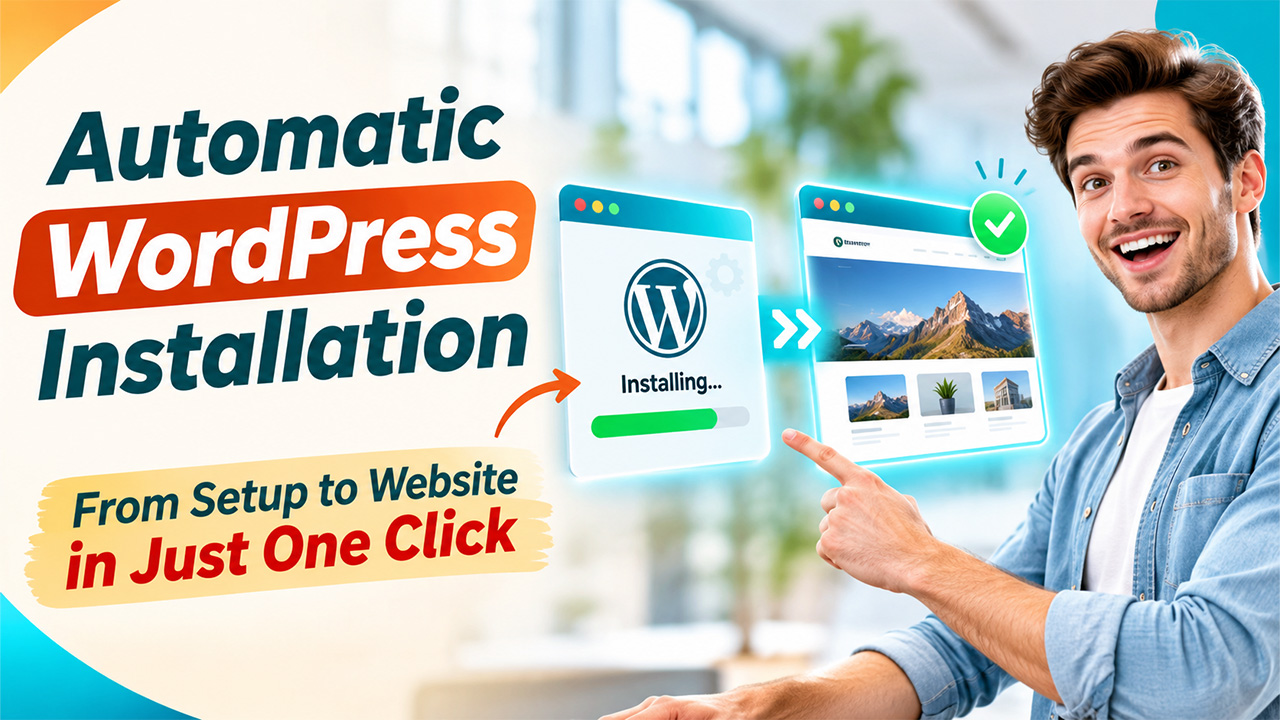


Launching a WordPress website no longer has to mean downloading files, creating databases, configuring themes, and troubleshooting settings one by one. Automatic WordPress installation simplifies that foundation so beginners and busy businesses can move from an idea to a working site faster.
WP-1Click takes this approach further by combining automated setup with AI website creation, ready-made layouts, performance optimization, security configuration, and beginner-friendly customization. In this guide, you’ll learn how automated installation works, where AI fits into the process, how to improve SEO, and why WP-1Click can make website deployment easier.
What Is Automatic WordPress Installation?
Automatic WordPress installation handles core setup tasks for you instead of requiring every technical step manually. Depending on the platform, automation can install WordPress, configure a theme, create essential pages, prepare the database, and apply initial settings.
WP-1Click is designed around this simpler workflow. Its platform automates installation and configuration while helping users create a structured, responsive WordPress website. You can spend more time defining your offer, publishing useful content, and improving customer experience.
For background, WP-1Click’s WordPress installation guide explains quick WordPress install, manual, local, and developer installation approaches.
Why Choose Automatic WordPress Installation?
The advantage is reduced complexity. Manual installation can involve hosting configuration, database credentials, theme selection, page creation, security settings, and performance decisions. Automation brings these tasks into a streamlined process.
WP-1Click emphasizes speed, security, and performance from the beginning. Its platform is designed to apply secure configurations, use lightweight responsive themes, optimize performance settings, and provide SEO-friendly foundations.
How WP-1Click Handles Automatic WordPress Installation
WP-1Click combines installation with website generation rather than treating setup as an isolated technical task.
1. Choose a Website Template
Select a suitable template. Current options include Business Pro for business websites, E-Store for online stores, Creative Portfolio for showcasing work, and Blog Master for blogs or magazines.
2. Add Your Website Details
Enter your website name, URL, business description, and a description of your desired logo. These details establish the initial direction of the website.
3. Create Admin Access
Provide an admin username, email address, and WordPress password. Use a strong, unique password and protect administrative credentials carefully.
4. Click Install Website
The automated workflow takes over. WP-1Click installs WordPress, configures the Astra theme, generates essential pages, applies security configurations, and prepares the blogging environment.
5. Open the WordPress Dashboard
Access your dashboard to manage pages, posts, content, and the website environment. For a closer look, visit WP-1Click’s one-click WordPress setup, which explains how the platform combines installation, configuration, optimization, and launch preparation.
How AI Website Creation Improves the Process
AI can make website creation more efficient after the technical foundation is ready. An AI website builder can generate layouts, content sections, and page structures based on your website type and business needs.
WP-1Click’s AI WordPress Website Builder combines AI-powered website generation with security and performance management. The platform describes automated backups, monitoring, security alerts, performance optimization, and responsive website creation.
Benefits for Different Users
For small businesses, the biggest advantage is getting a starting point without becoming a WordPress administrator overnight. Bloggers can move quickly from setup to publishing, while agencies can standardize website creation across projects.
The workflow is also useful when time matters. Instead of treating installation, design, and optimization as separate jobs, users can begin with a prepared environment and focus on decisions that require human input: positioning, messaging, offers, imagery, and quality.
That balance is important. Automation should remove repetitive work, not remove control. You remain responsible for reviewing content, checking links, testing forms, and making sure every page reflects your business.
AI Web Design: From Blank Page to Better Structure
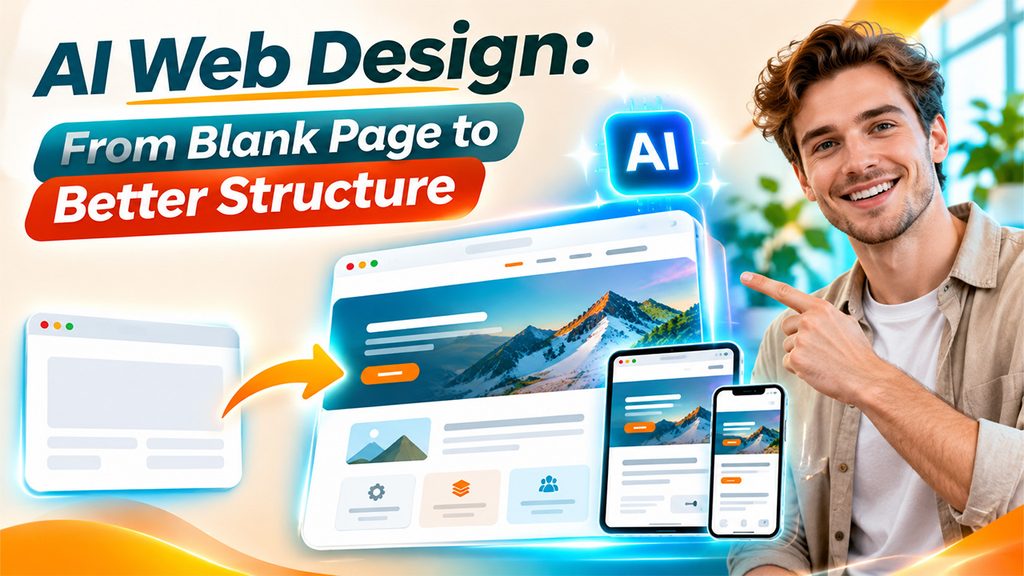
AI web design can help solve a major beginner problem: knowing what a website should contain.
A useful AI-generated structure may include a clear homepage, About section, service pages, contact information, and blog framework. Do not publish generic copy unchanged. Treat generated content as a draft that you edit for accuracy, tone, originality, and customer value.
Good design also means responsive behavior. WP-1Click states that generated websites are optimized for mobile and desktop devices. That matters because visitors increasingly browse from phones, and a layout that works only on a large screen creates friction.
SEO Tips After Installation
Automatic WordPress installation can establish a foundation, but SEO still requires thoughtful content and ongoing work.
Start with search intent. Create pages that answer real questions your customers ask rather than writing pages solely to repeat keywords. Use descriptive titles, useful headings, concise URLs, internal links, and readable copy.
Make every important page serve a purpose. A service page should explain the service and its value. A blog post should solve a specific problem. A contact page should make the next step obvious.
Performance also matters for user experience. Keep images appropriately sized, avoid unnecessary plugins, use a lightweight design, and monitor loading performance as the site grows.
Security supports SEO indirectly. Keep WordPress, themes, and plugins updated, use strong administrator credentials, maintain backups, and monitor suspicious activity. WP-1Click’s WordPress security guide provides additional practical guidance.
Automatic WordPress Installation vs. a cPanel WordPress Installer
A cPanel WordPress installer can be an excellent choice when your hosting account includes it. Typically, you select WordPress, enter basic installation details, and let the hosting environment handle core deployment.
Conclusion: Launch Faster Without Losing Control
Automatic WordPress installation removes repetitive setup work, but the real value comes from what you do next. A strong website still needs useful content, thoughtful design, sound SEO, reliable security, and ongoing maintenance.
WP-1Click brings these needs together in a beginner-friendly workflow. With AI-assisted website creation, ready-made templates, automated configuration, performance optimization, and security-focused setup, it can provide a practical starting point for businesses, creators, bloggers, and agencies.
If you want to move from idea to a professional WordPress website with less technical friction, explore WP-1Click’s one-click setup and start building a site you can confidently customize, publish, and grow.
Frequently Asked Questions
It can be safe when the service uses reputable software, secure configurations, strong credentials, and appropriate backup and monitoring practices. Automation is not a substitute for security, so choose a platform that treats protection as part of setup.
No. WP-1Click is designed for users who want to create and launch WordPress websites without writing code. You can still add custom code later if your project requires it.
AI can automate substantial parts of website creation, including layouts, pages, content sections, and initial optimization. Review generated content, verify business information, refine branding, and make final publishing decisions.
Neither approach is universally better. Manual setup offers more control and suits developers or specialized environments. Automatic WordPress installation is more convenient when speed, consistency, and simplicity are priorities.
Check branding, navigation, page content, forms, domain, SSL, mobile experience, backups, analytics, and SEO settings. Then publish useful content consistently and review performance and security regularly.