Share on media
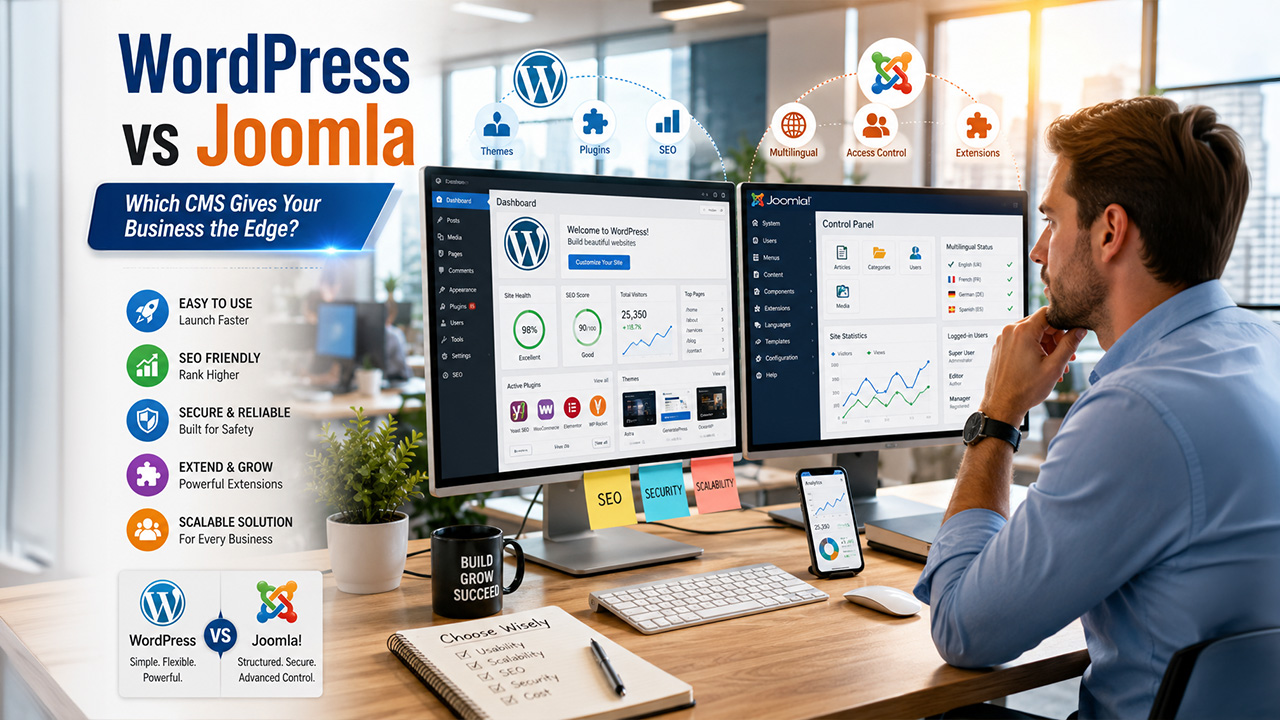


Choosing between WordPress vs Joomla is a major decision for businesses planning a scalable website. They are both open sources, maintained, and can run lots of different types of web projects, but they have different needs of operation. WordPress is the most popular CMS because it is the easiest to use and is quick to deploy, with as many as 605 million websites powered by it. Joomla, on the other hand, provides better management of user permissions and content management, and is ideal for multilingual websites, directories and community-based sites.
In this WordPress vs Joomla usability and customization, SEO and security, scalability and business use case comparison, you’ll find a detailed breakdown for each platform, giving you a clear idea about which is the best CMS to use for your website.
WordPress vs Joomla: Quick Comparison Table
Before going into the comparisons, it will be best to take a quick look at both platforms to see how they compare. This WordPress vs Joomla comparison gives you the key points which define their common usage and their differences.
WordPress vs Joomla: Key highlights
| Category | WordPress | Joomla |
| Security and Compliance | Strong, plugin-dependent | Good built-in defaults, 2FA included |
| Performance and Scalability | High with optimization | Moderate, better with caching |
| Customization and Flexibility | Extensive via plugins/themes | Moderate via extensions/templates |
| Enterprise Readiness | Available, plugin-reliant | Moderate, suits mid-size orgs |
| Access Control and Permissions | Basic to moderate | More granular out of the box |
| Ease of Use / Team Experience | Beginner-friendly | Moderate learning curve |
| Total Cost of Ownership | Lower initial and ongoing cost | Moderate; developer costs increase |
| Ecosystem and Integrations | Extensive plugin ecosystem (60,000+) | Smaller extension library (~8,000) |
| SEO and Localization | Easy with plugins (Yoast, Rank Math) | Good; Yoast for schema markup and XML sitemaps. |
| Migration and Portability | Simple with tools | Possible but less documented |
What Is WordPress?
WordPress is an open source, free content management system (CMS) that, as the name implies, began as a blogging platform in 2003. It has grown into a comprehensive website construction platform over the course of 20 years, and can be used to run from a simple blog to a massive eCommerce website. WordPress is also thought to be easier to use and more approachable than Joomla when it comes to WordPress vs Joomla.
It’s the easiest thing to use, to its credit, and requires no coding skills. WordPress boasts millions of community members, thousands of themes, and 60,000+ free plugins, and has the largest support system of any CMS. The majority of hosting companies provide a one-click WordPress setup so that the user can be on the web in less than five minutes.
What Is Joomla?
Joomla is an open-source and free CMS that is created since 2005. It’s positioned between the enterprise platforms such as Drupal or WordPress. In the WordPress vs Joomla debate, Joomla is often pitched as the more capable system for intermediate users that require more control out-of-the-box than WordPress does and don’t need the complexity of an enterprise system.
Joomla is especially suited for community portals, online directories, membership sites or multilingual websites. No additional plugin required, it has built-in multilingual support and user permission system unlike WordPress which has to use a plugin.
However, Joomla is used by a relatively small percentage of websites, about 1.8% of the websites running a known CMS, and about 1.3% of all websites in the world. For teams that lack technical skills, it can be a significant hurdle to get started.
WordPress vs Joomla: Key Features
Key Features of WordPress
WordPress is a popular content management system that allows users to create, manage and customize websites without extensive technical expertise. It has an easy-to-use interface and a wide range of plugins for use by businesses, bloggers and eCommerce brands alike. The most important characteristics of WordPress are.
- Easy Content Management: WordPress offers a user-friendly block editor for writing and managing posts and pages. Drafts, categories and tags can be used for organizing and saving content for later.
- Advanced Customization Options: Thousands of free and premium themes and plugins mean businesses can create websites that align with their branding, function and user experience needs.
- SEO and Social Media Integration: WordPress’s support for major SEO elements, such as Yoast SEO and Rank Math plugins, and its built-in SEO-friendly code for social media integration make it easy to share content via social media.
- Performance and Security Features: WordPress scales with the help of a caching plugin (WP Super Cache, W3 Total Cache) and CDN integration and two-factor authentication capabilities, as well as security patch updates.
- Easy Website Management: Drag-and-drop media upload, built-in media editing, customisable permalinks, and easy navigation management make it easy for users to manage their websites without complex technical workflows.
Key Features of Joomla
Joomla is a good content management system for organizations that need greater control over how content is organized, who can access it and how it can be translated into multiple languages. The features of Joomla are.
- Built-in Multilingual Support: Joomla has built-in native support for more than 70 languages that can be used to create multilingual websites and localised content management systems, without having to pay for a third-party extension.
- Granular User Permissions: Joomla includes its own Access Control List (ACL) system which enables the administrator to set specific levels of access to specific segments of the content and different groups of users.
- Performance & Scalability: From the start, Joomla uses page caching, GZIP compression and module caching, which means it is very efficient in the use of resources.
- Flexible Content Management: Joomla supports custom content types, fields and categorisation structures, making it ideal for organizations with a variety of content types in various sections or departments.
- Built-in Two-Factor Authentication: Unlike WordPress, Joomla has two-factor authentication built into the core of its system as opposed to being installed as a plugin.
- Extension and Template Ecosystem: Joomla has 8,000+ extensions and a few commercially available templates, so it allows some moderate level of customization to the design and functionality in medium-sized projects.
- Community Portal Capabilities: Joomla offers robust community website, message board, membership portal capabilities, ideal for defined user interaction.
- SEO and URL Management: Joomla has inbuilt metadata options, support for canonical URL and extensions such as sh404SEF for advanced SEO management.
WordPress vs Joomla: Limitations
The number of limitations in WordPress vs Joomla is heavily driven by the technical resources, team capabilities, and scalability goals of the comparison. Both are most vulnerable to issues through the use of outdated third-party extensions and not the main software.
WordPress vs Joomla: Key Limitations
| Feature | WordPress Limitations | Joomla Limitations |
| Learning Curve | Easy to start, but advanced customization can get complex. | More technical interface and steeper learning curve. |
| Security | Frequent target for hackers due to popularity. | Extensions can create security risks if not maintained. |
| Content Structure | Complex content setups often require plugins. | Advanced structures take more setup time. |
| Multilingual Support | Usually depends on paid third-party plugins. | Built-in support exists but can feel less intuitive. |
| Plugins & Extensions | Plugin quality varies; conflicts are common. | Smaller extension marketplace with fewer options. |
| Cost | Premium themes and plugins increase costs over time. | Higher developer costs for setup and maintenance. |
| Customization | Advanced theme edits require coding knowledge. | Fewer templates and design options available. |
Final Verdict: WordPress vs Joomla
To determine which one to choose in the WordPress vs Joomla comparison, you need to consider your website goals, resources, and future growth needs. WordPress is the better platform to utilize for most businesses, it’s easier to maintain, less expensive, has more plugins, and is quicker to install. For organizations which require multilingual support, finer user access control and a community portal without having to purchase a full enterprise platform, Joomla is a more appropriate solution. In the end, the platform that is right for your team will depend on the technical skills of your team, the content management needs of your business, and the anticipated growth of your website.
Also Read
WordPress vs WooCommerce Explained